History Lesson: What Is a .doc File? Not the Same as .docx
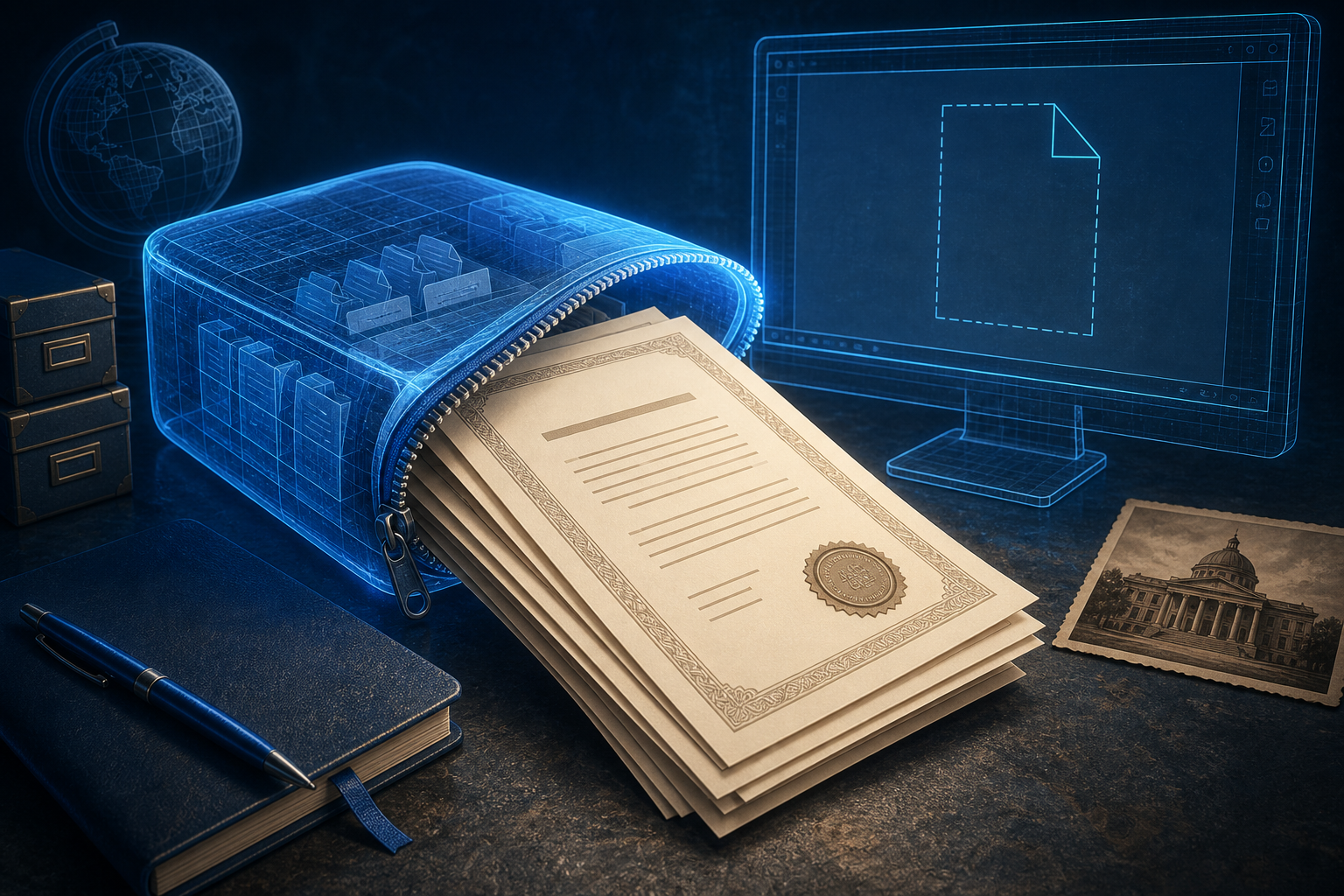
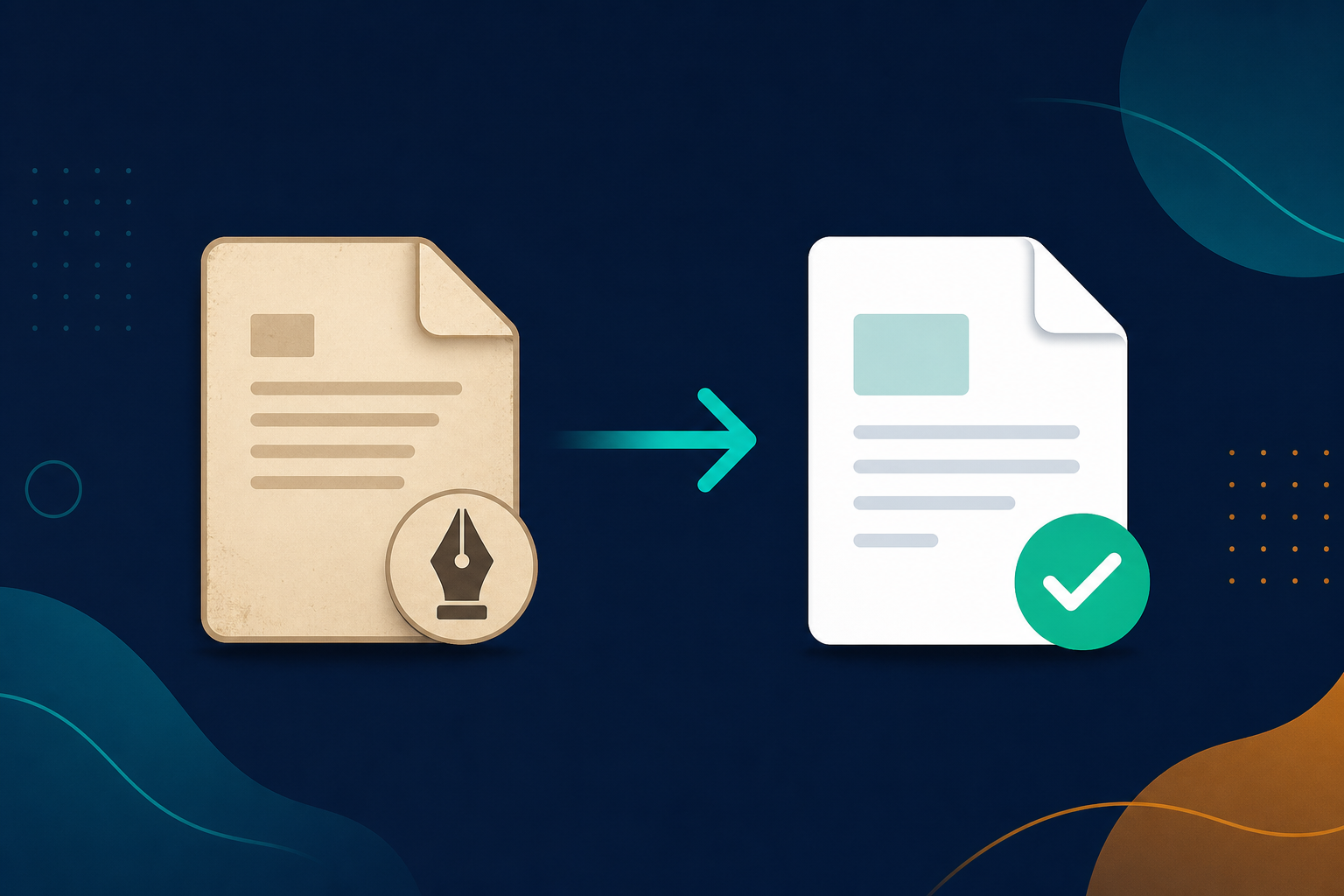
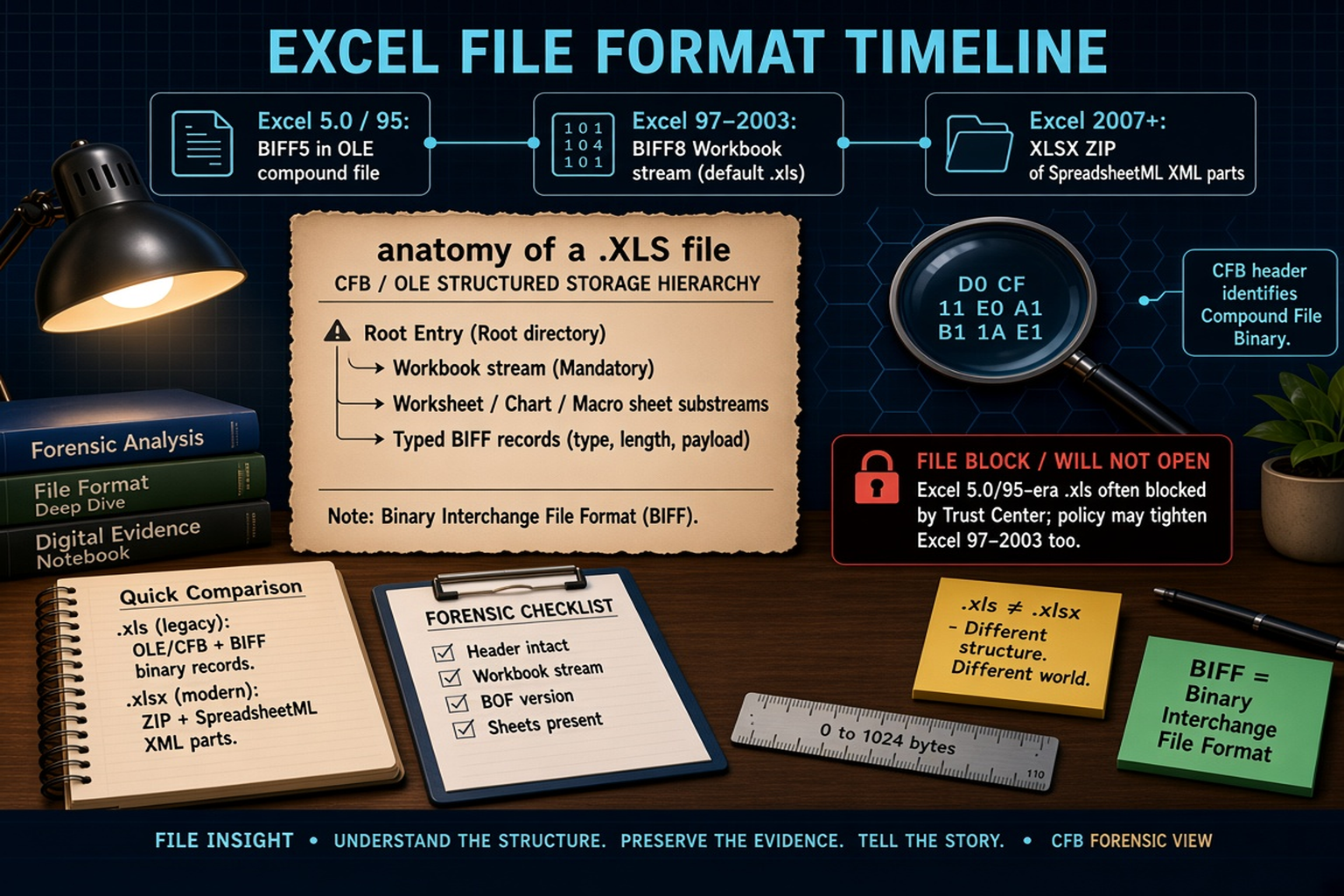
A .doc file is Microsoft Word’s older binary document — often an OLE/CFB compound file from Word 97–2003, not a .docx ZIP of XML.
Read full articlePlain-English fixes for the files Windows won't open — and the stories behind why those old formats stopped working in the first place.

A .doc file is Microsoft Word’s older binary document — often an OLE/CFB compound file from Word 97–2003, not a .docx ZIP of XML.
Read full article
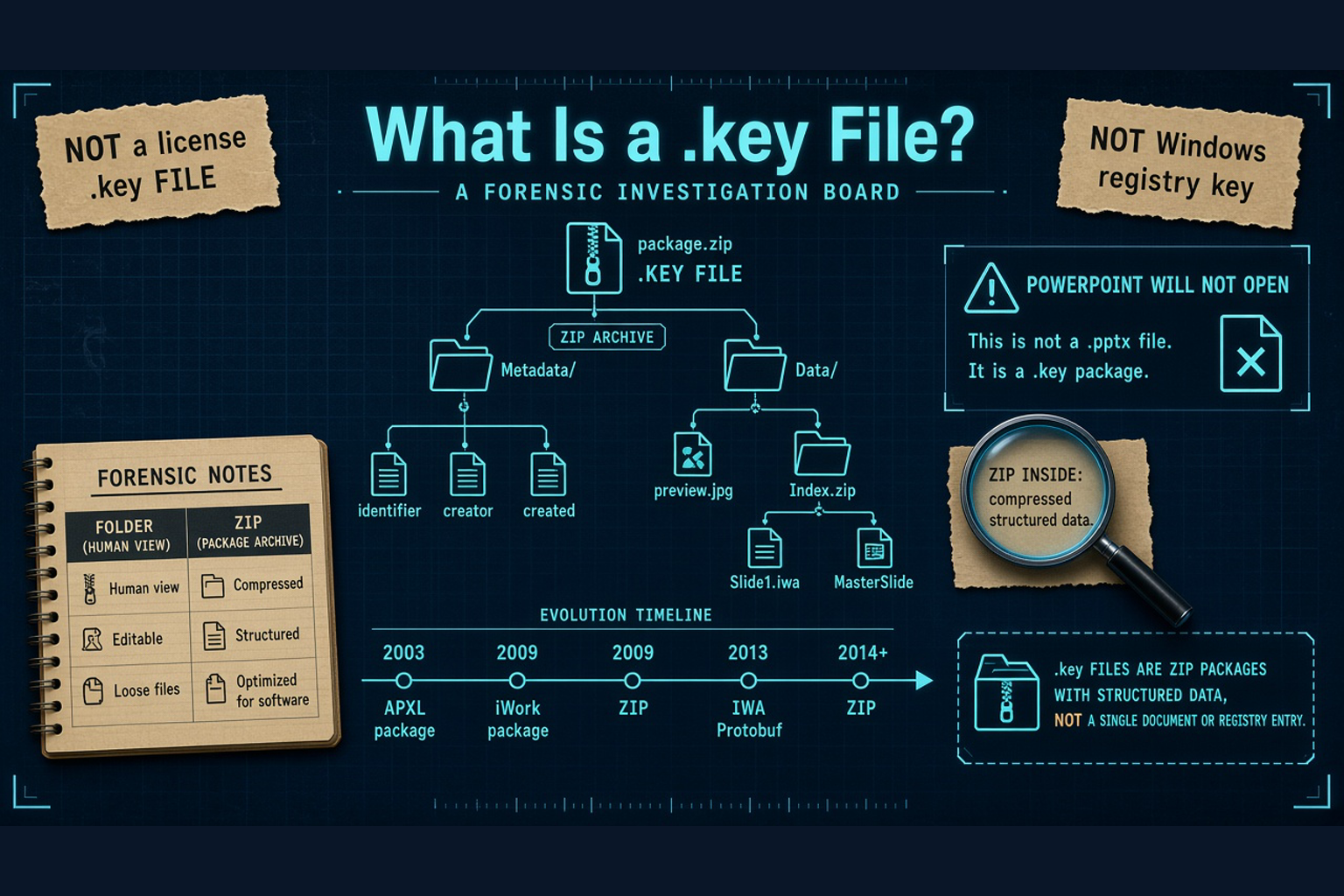
A .key file is often an Apple Keynote presentation — not a license key or Windows registry key. PowerPoint will not open it.
Read full article
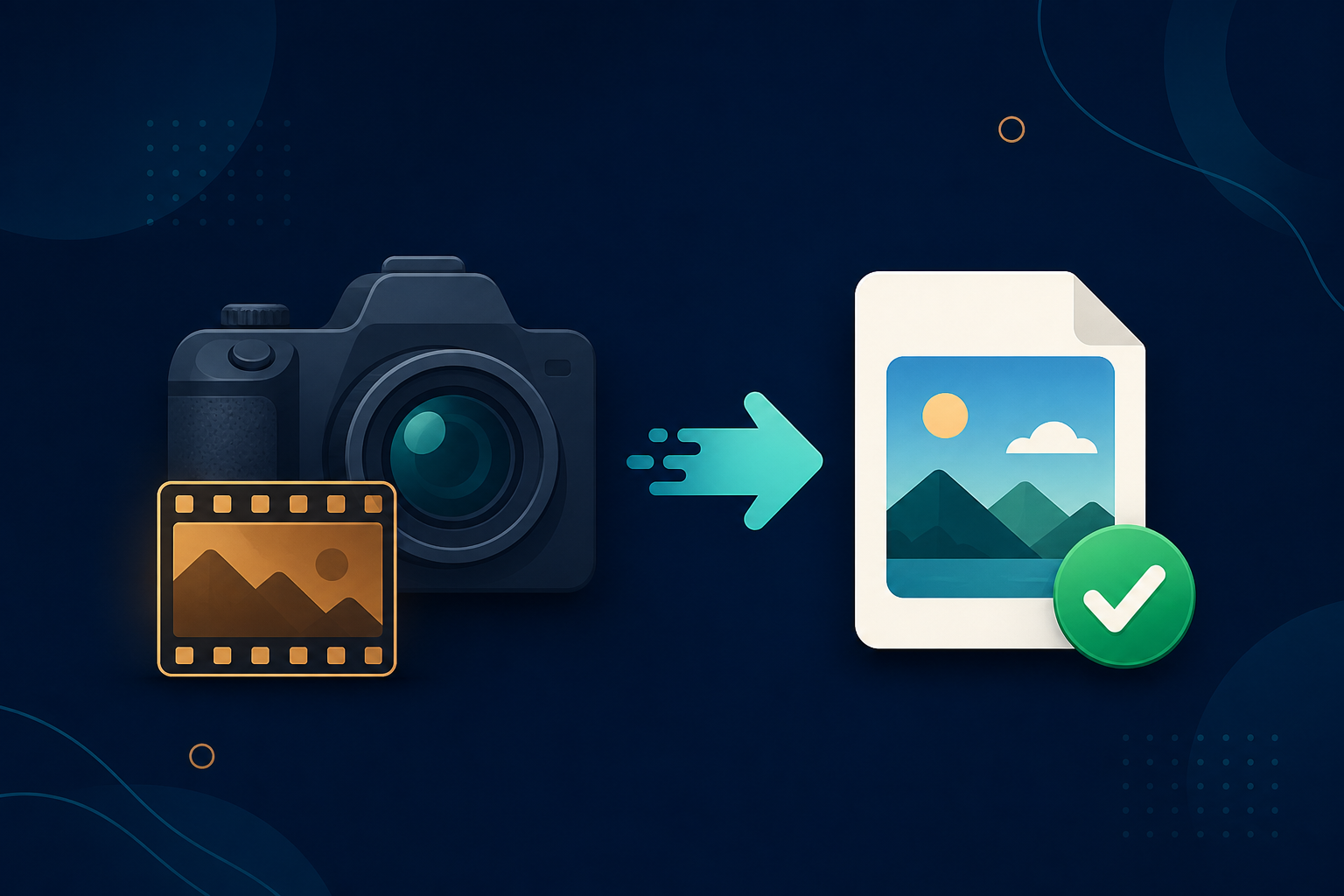
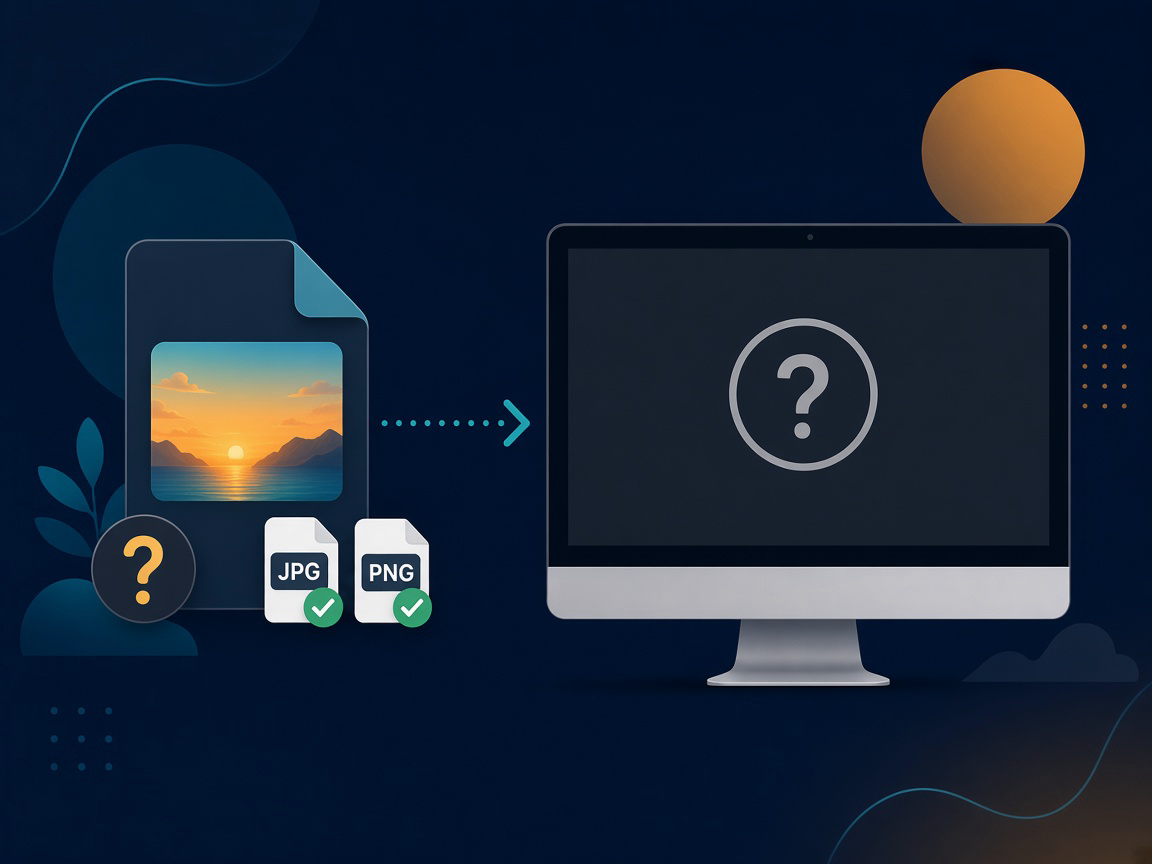
Windows Photos and Explorer often will not open .avif files without the Microsoft Store AV1 Image Extension. Learn how to batch-convert AVIF to JPG or PNG offline with Legacy File Converter.
Read full article
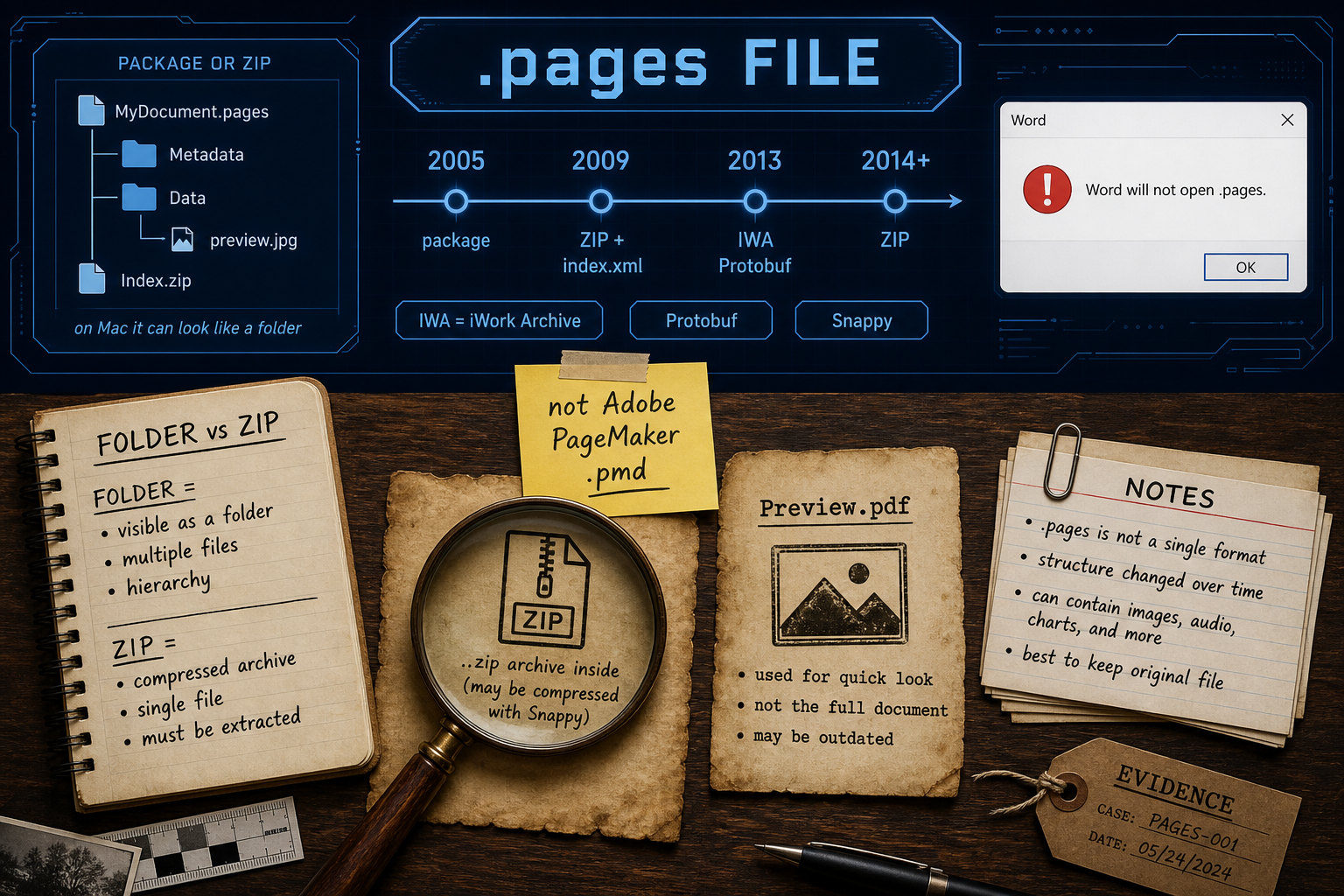
A .pages file is an Apple Pages document from the iWork suite — Word will not open it; on Windows it may look like a folder or a ZIP.
Read full article
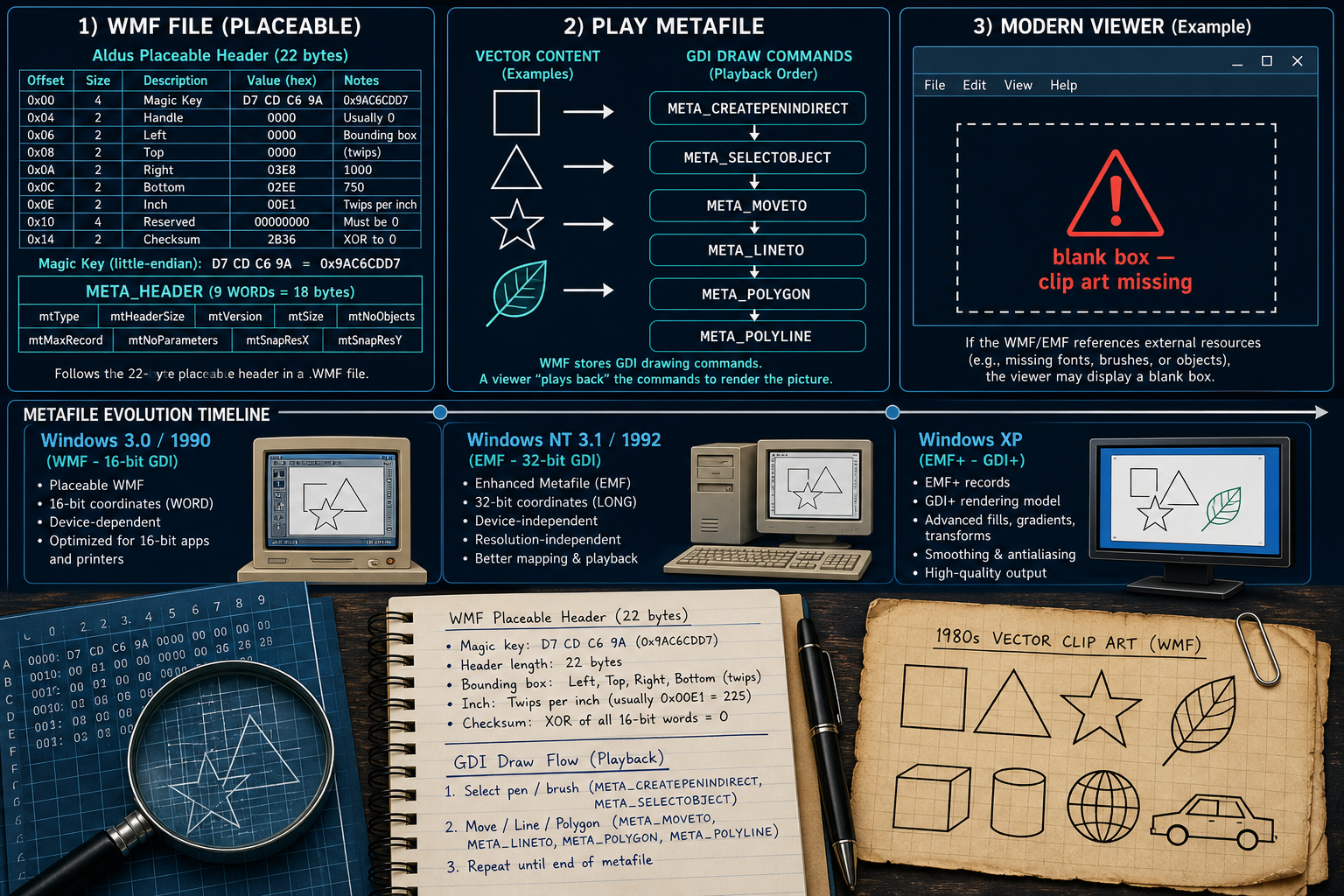
A .wmf is a Windows Metafile — GDI draw commands for vector clip art. Many modern apps show a blank box instead of the artwork.
Read full article
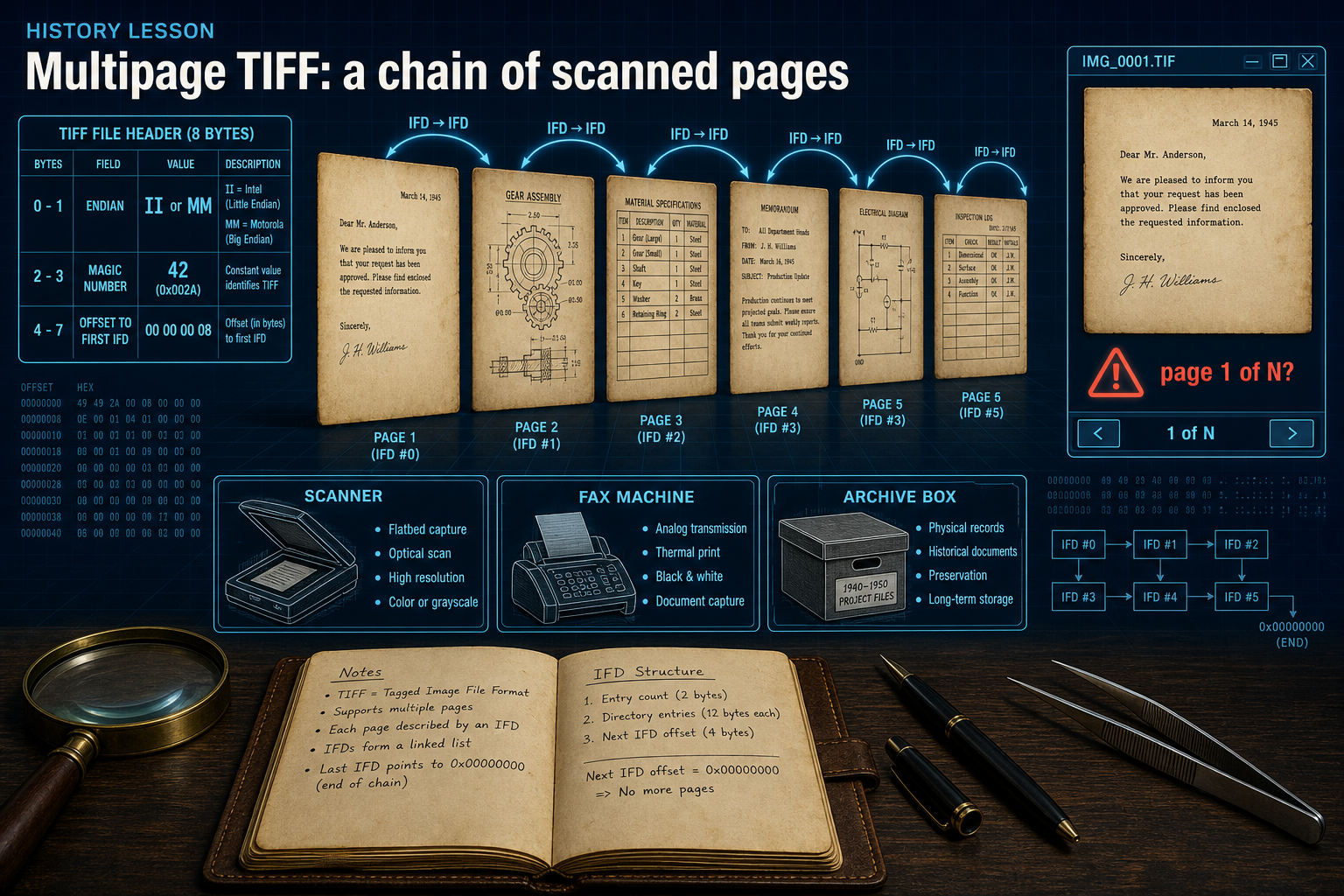
A multipage .tif/.tiff is one TIFF file with several linked Image File Directories (pages). Windows Photos often shows only the first page.
Read full article
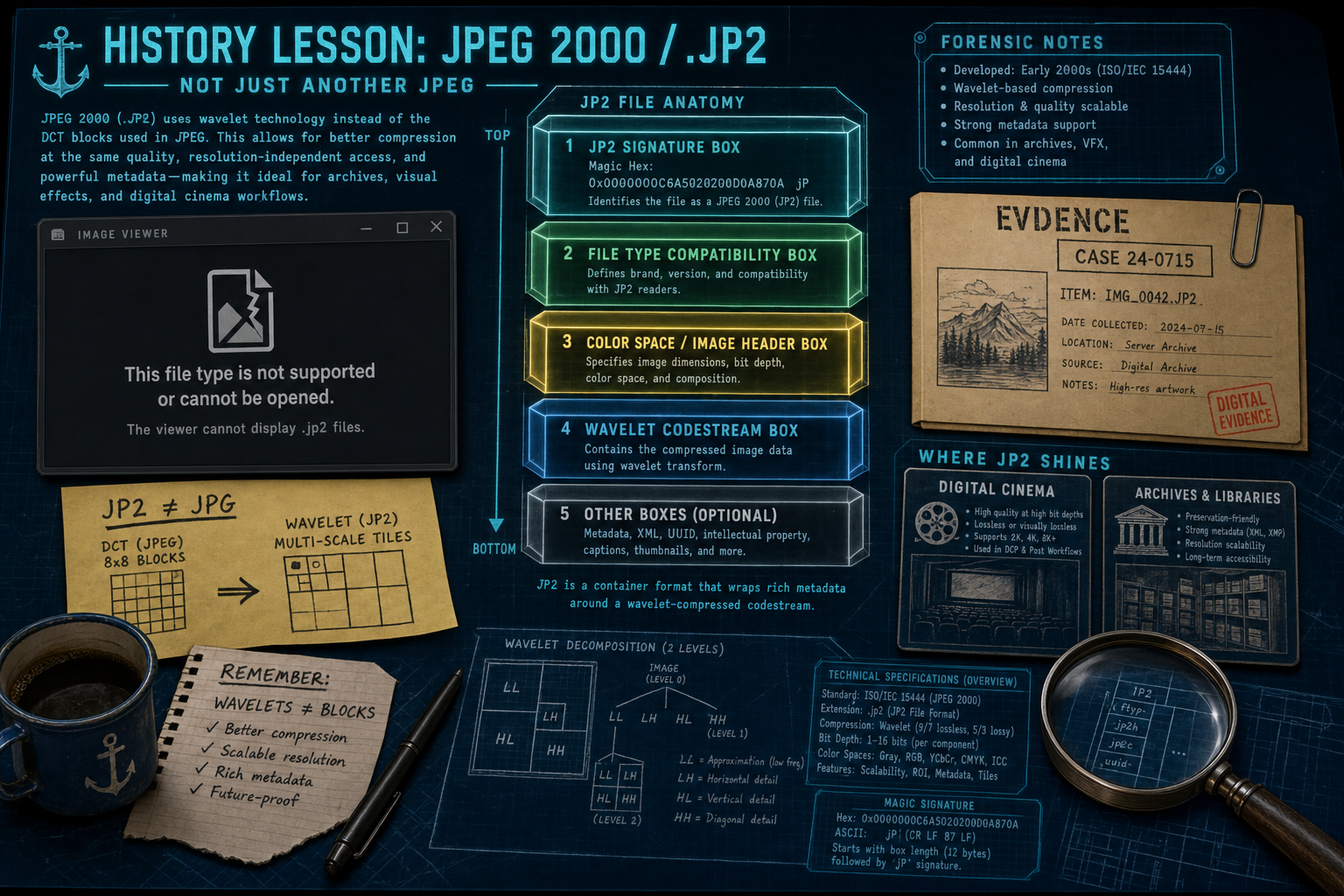
A .jp2 file is JPEG 2000’s Part 1 image container. It uses wavelets, not classic JPG compression, and most browsers still will not open it.
Read full article
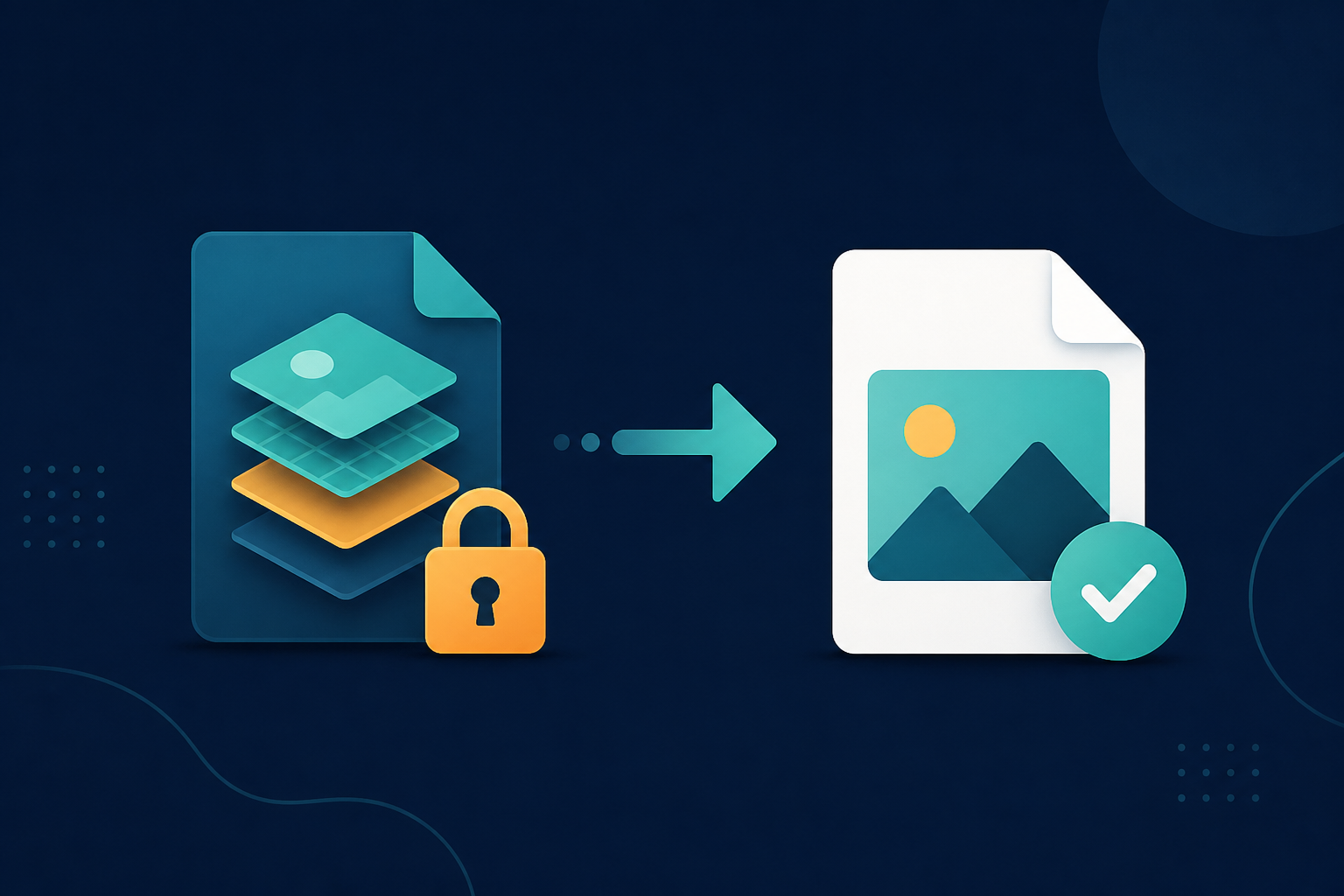
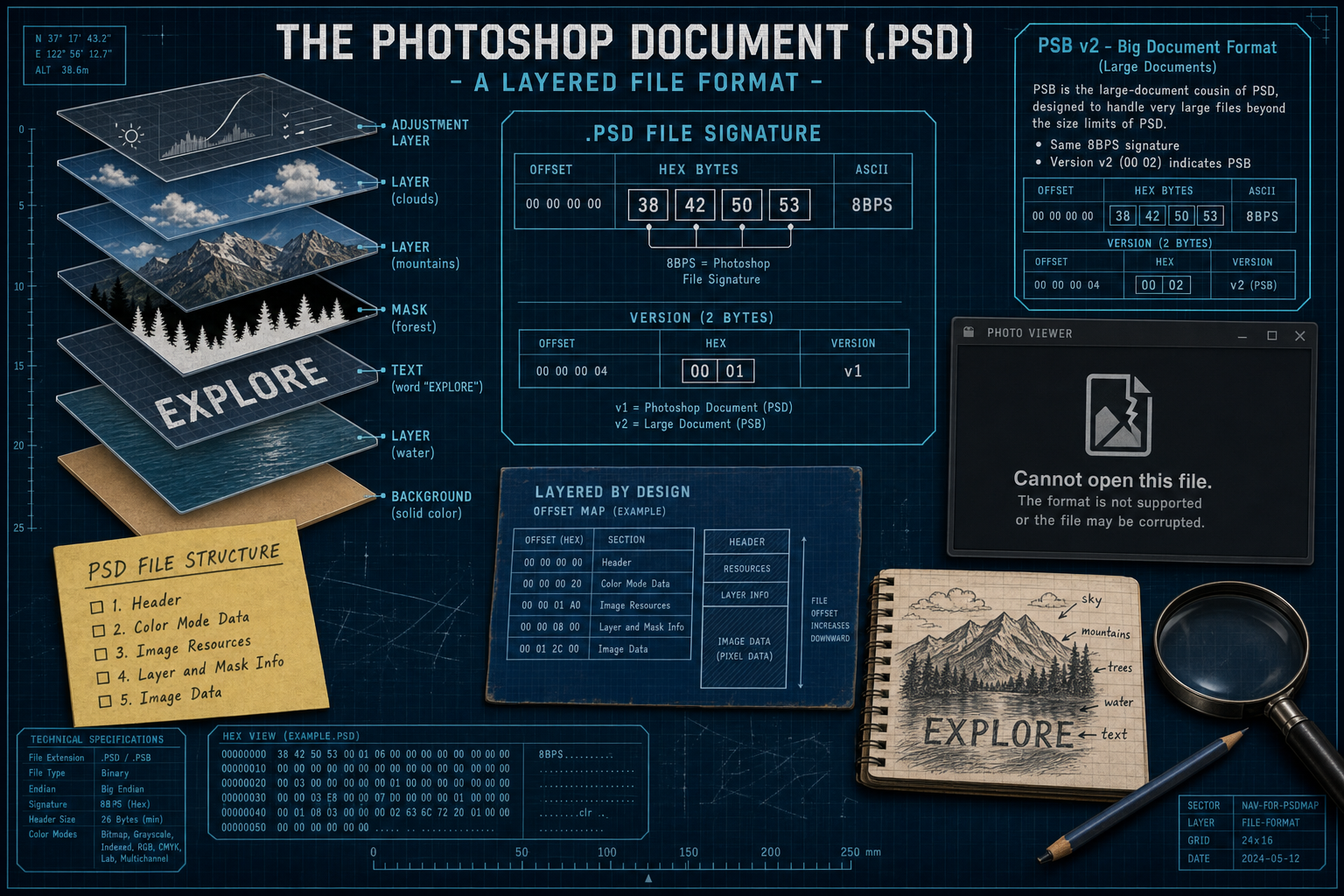
A .psd file is Adobe Photoshop’s layered document format. Windows Photos and most viewers often will not open it.
Read full article
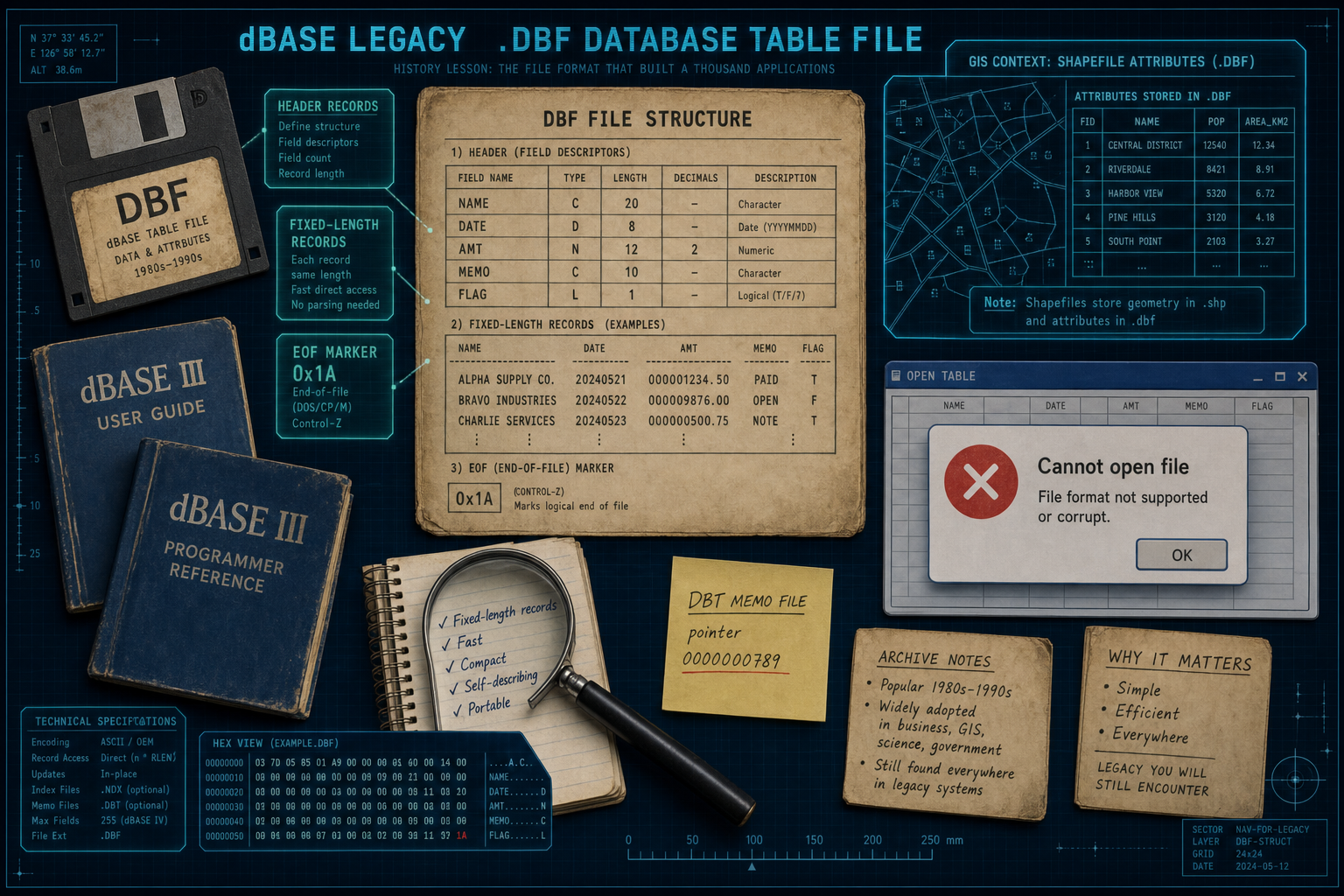
A .dbf file is a dBASE (xBase) table with a self-describing header. Modern Excel often will not open it cleanly.
Read full article
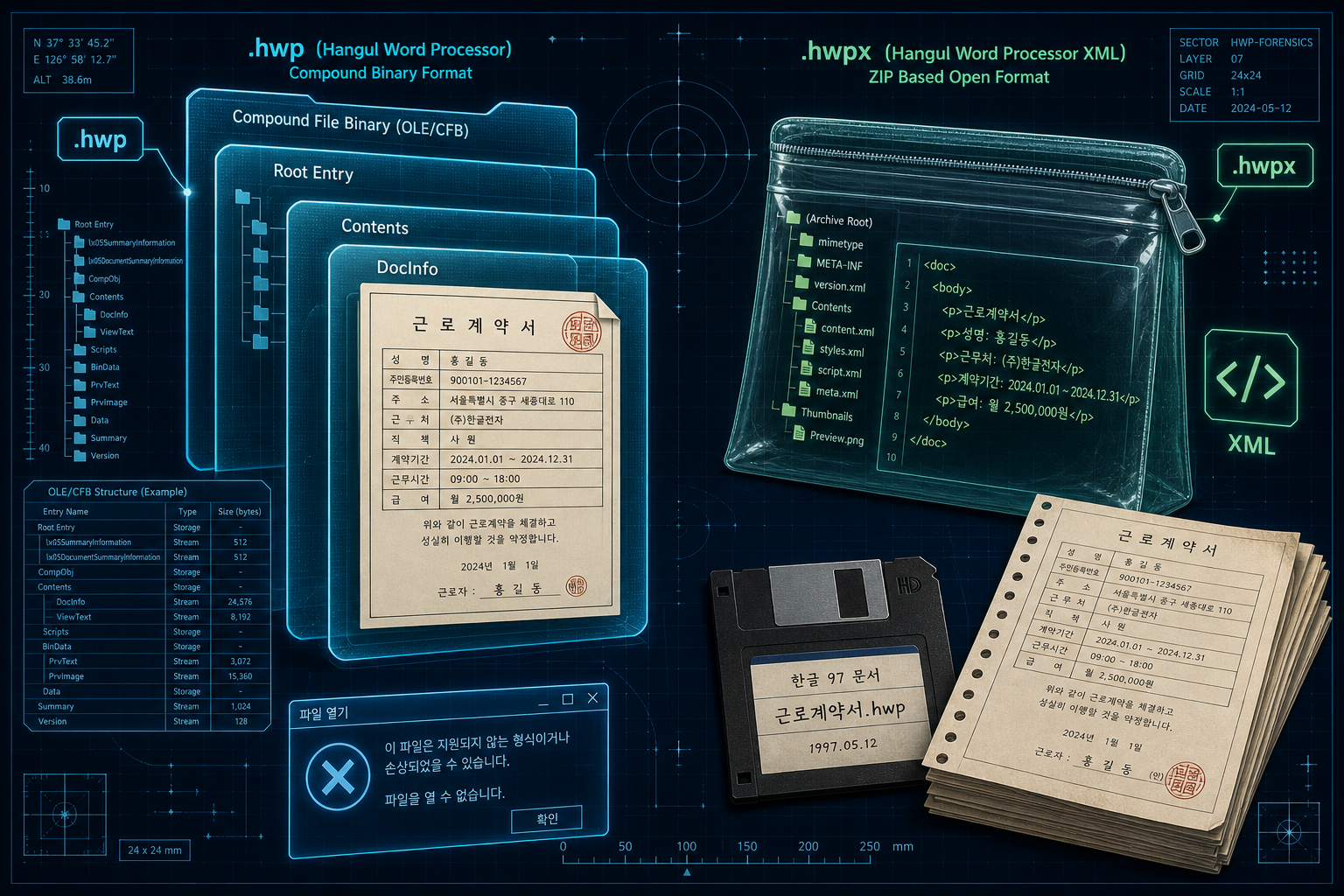
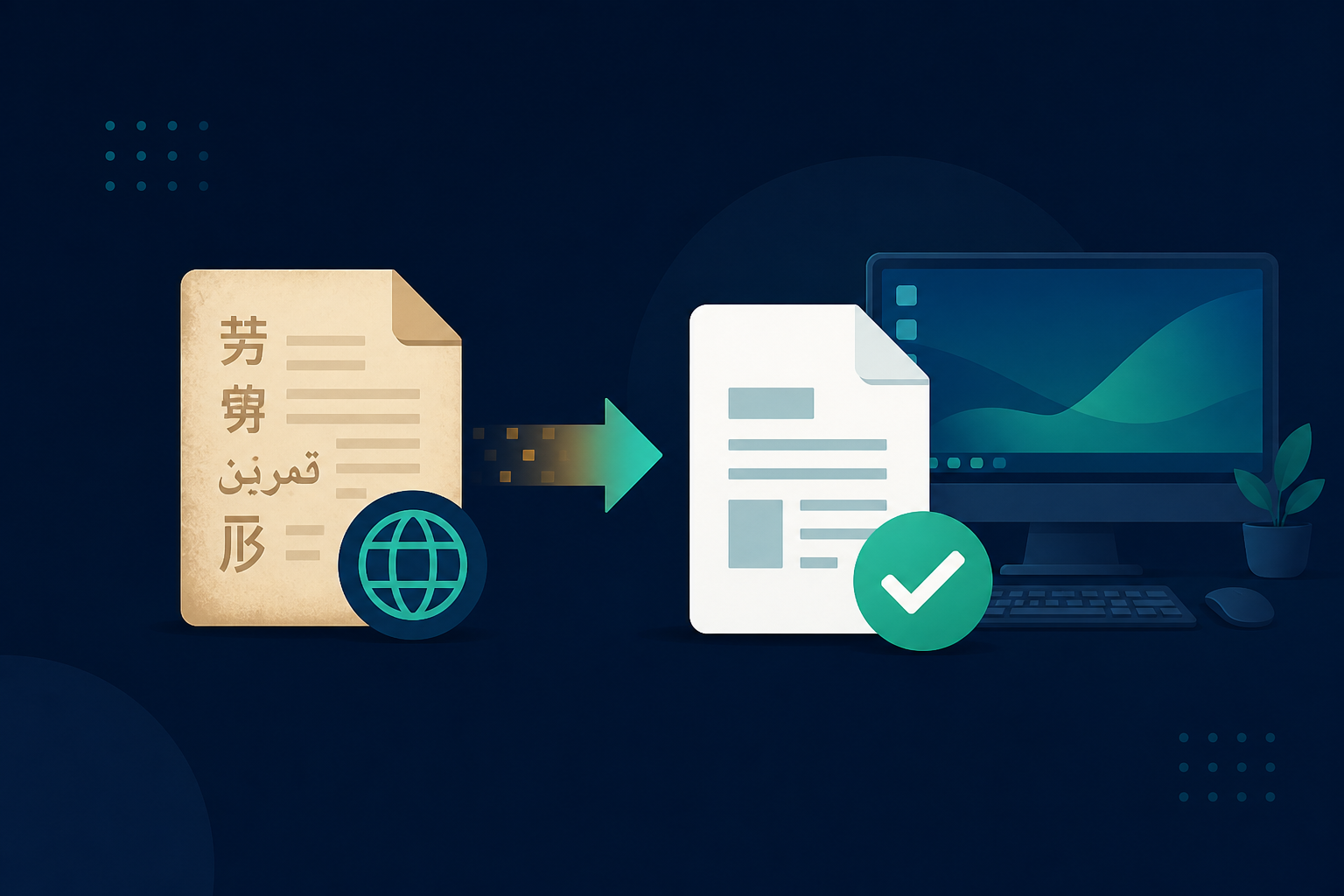
A .hwp file is a Hancom Hangul (한/글) word-processor document from South Korea. Microsoft Word does not open it natively.
Read full article

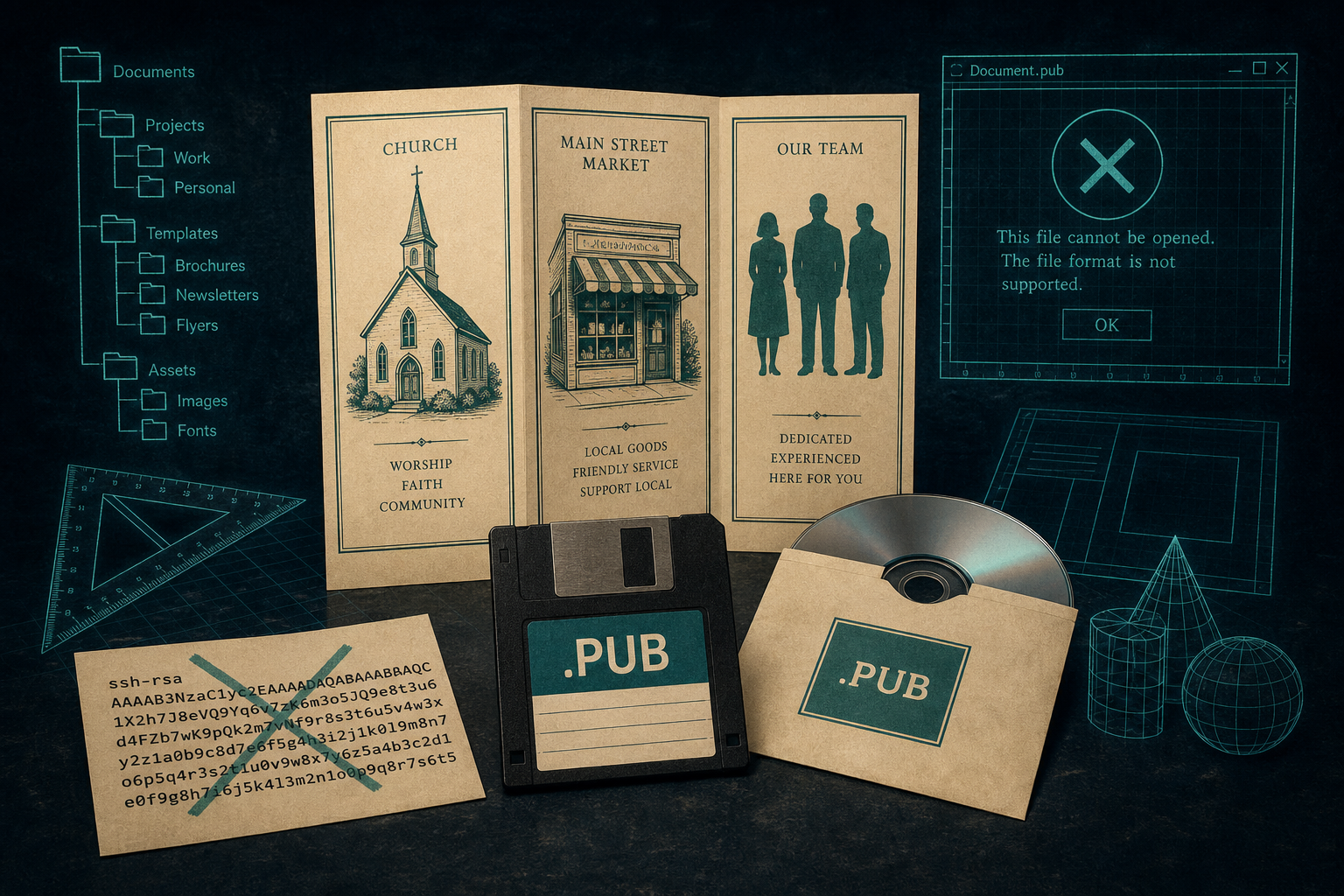
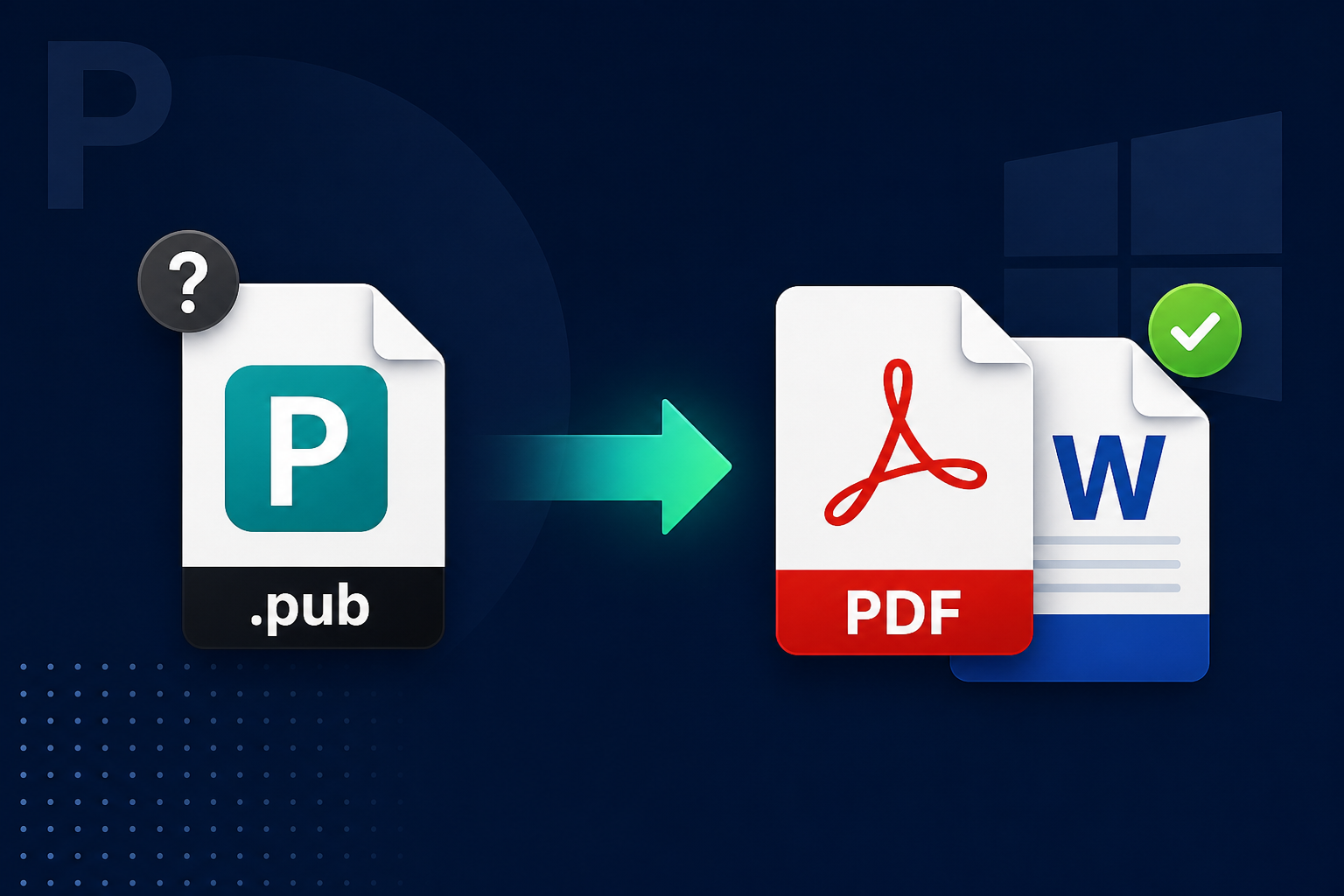
A legacy .pub is usually a Microsoft Publisher layout from 1991 on. It is not an SSH key. Word will not open it.
Read full article
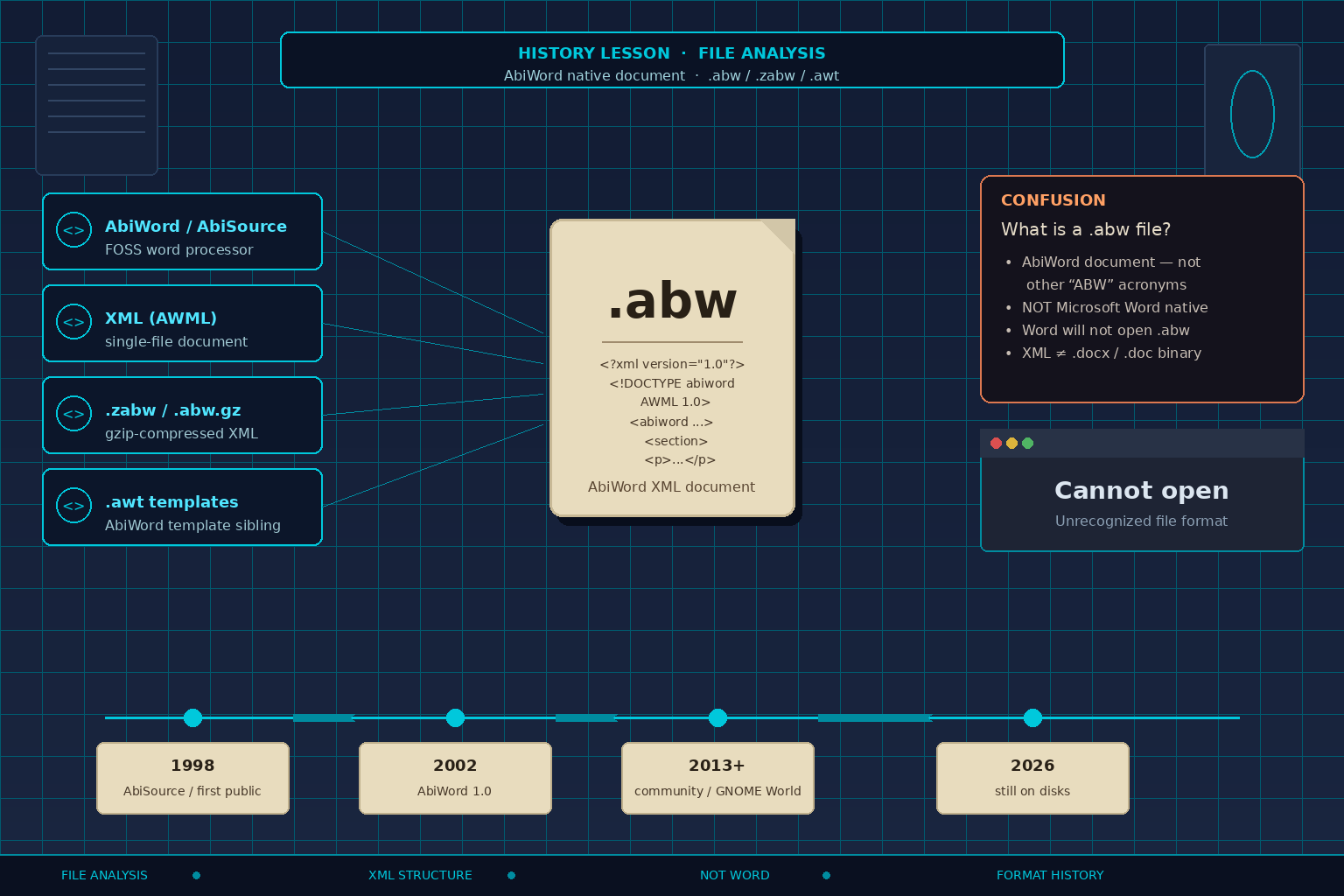
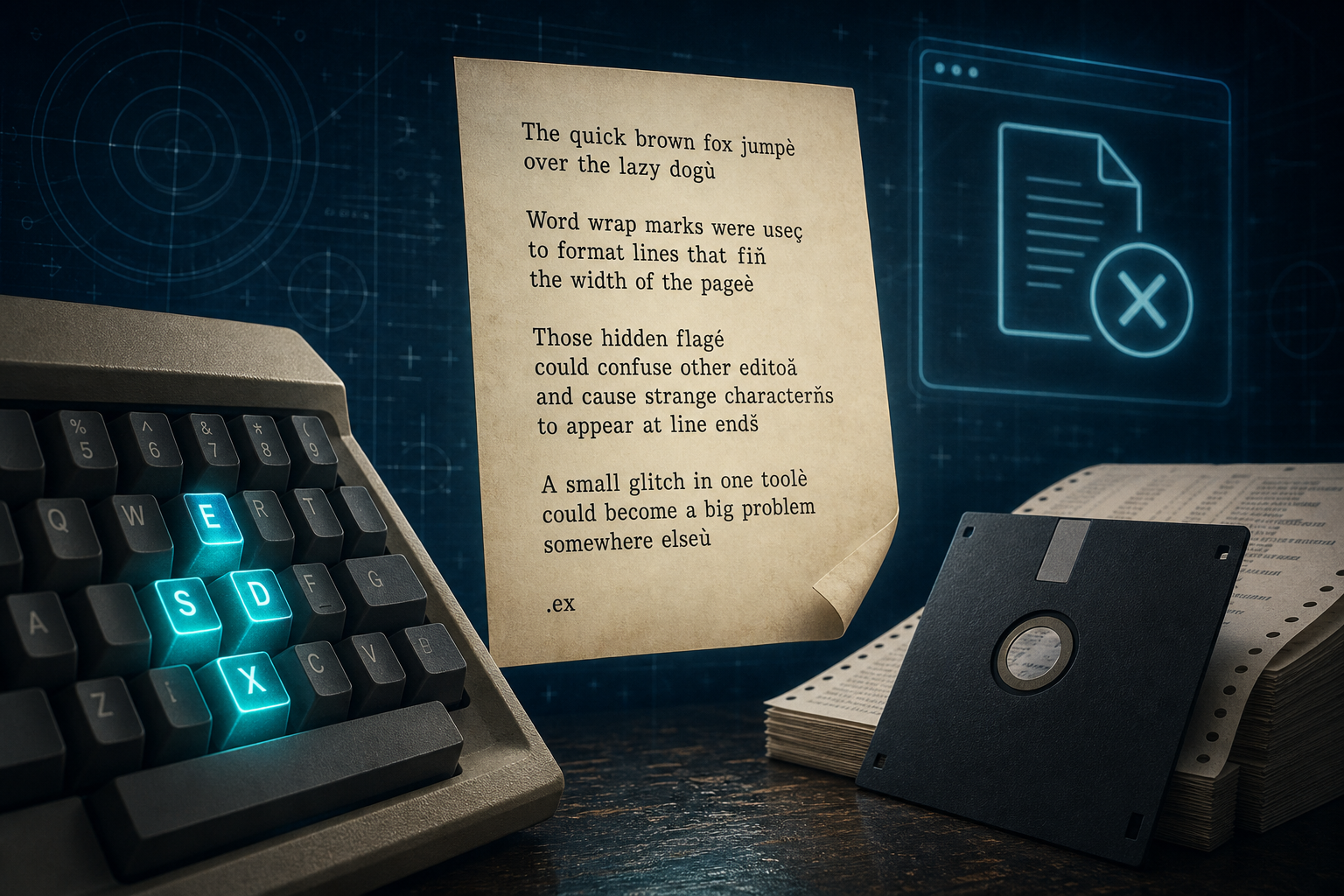
A WordStar file is a legacy MicroPro document from the early PC era. Word will not open it. It is not a Windows script, and not Windows Write.
Read full article
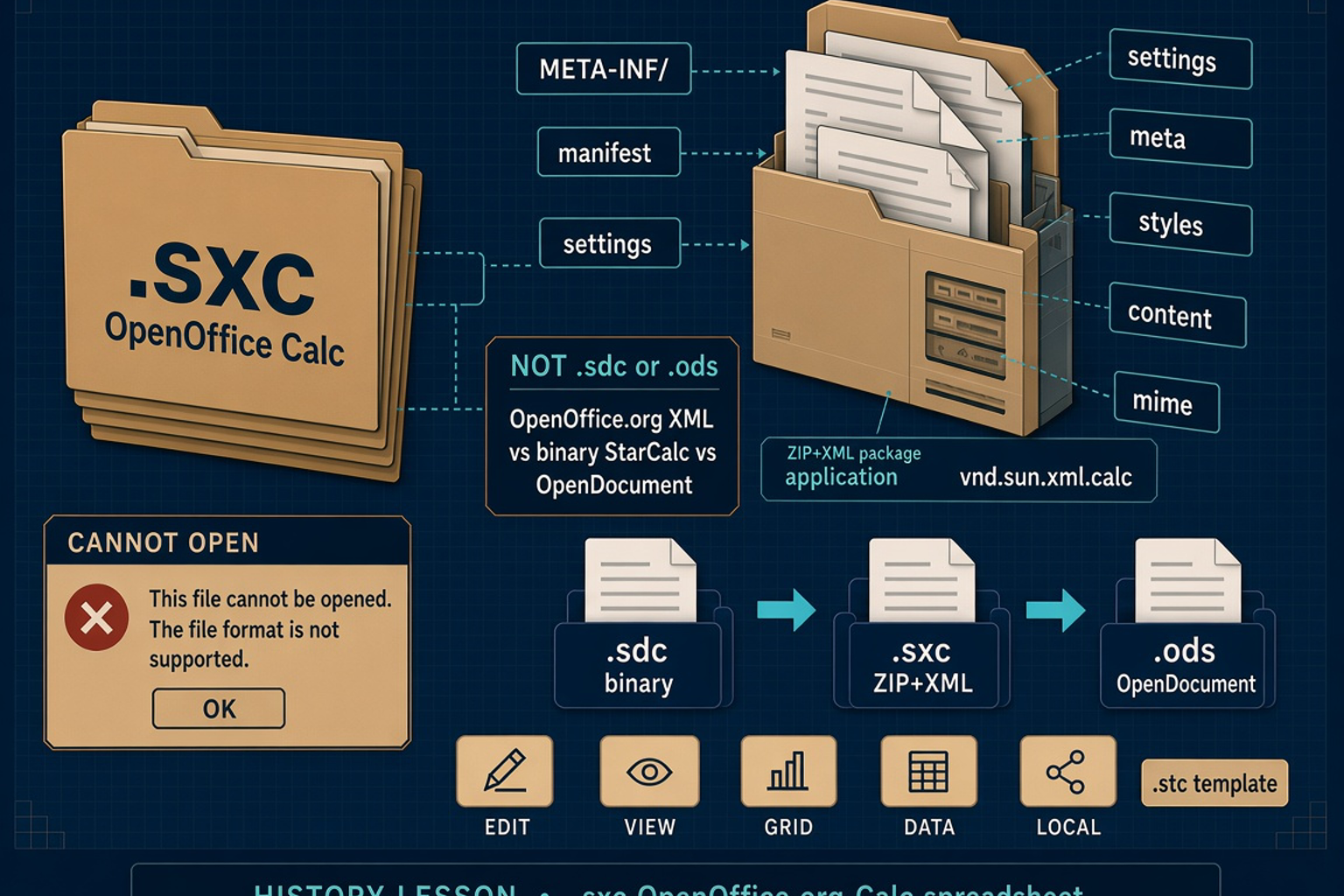
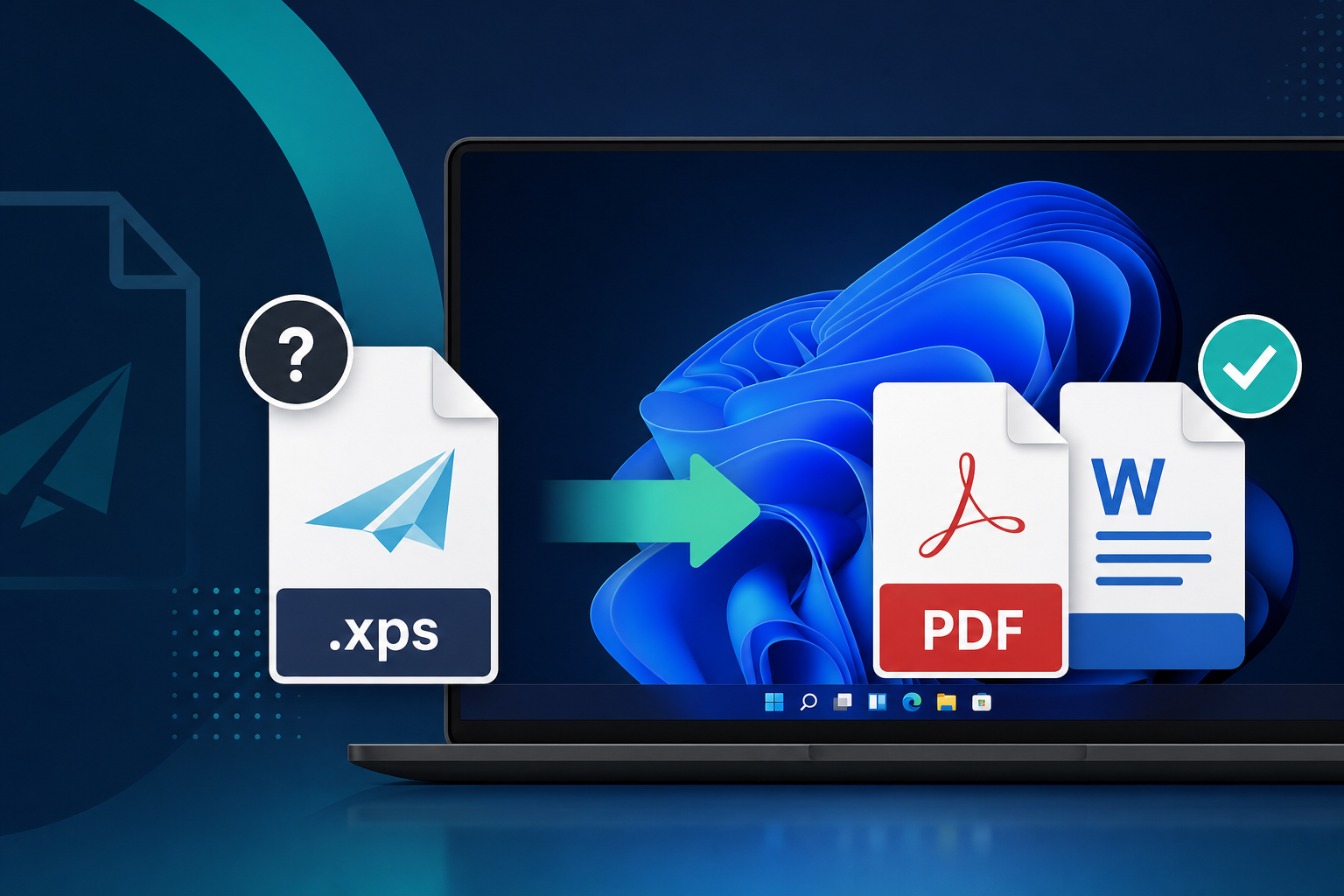
An .xps file is a Microsoft XML Paper Specification document — a ZIP of fixed pages. Windows 10 version 1803 stopped shipping XPS Viewer on clean installs.
Read full article
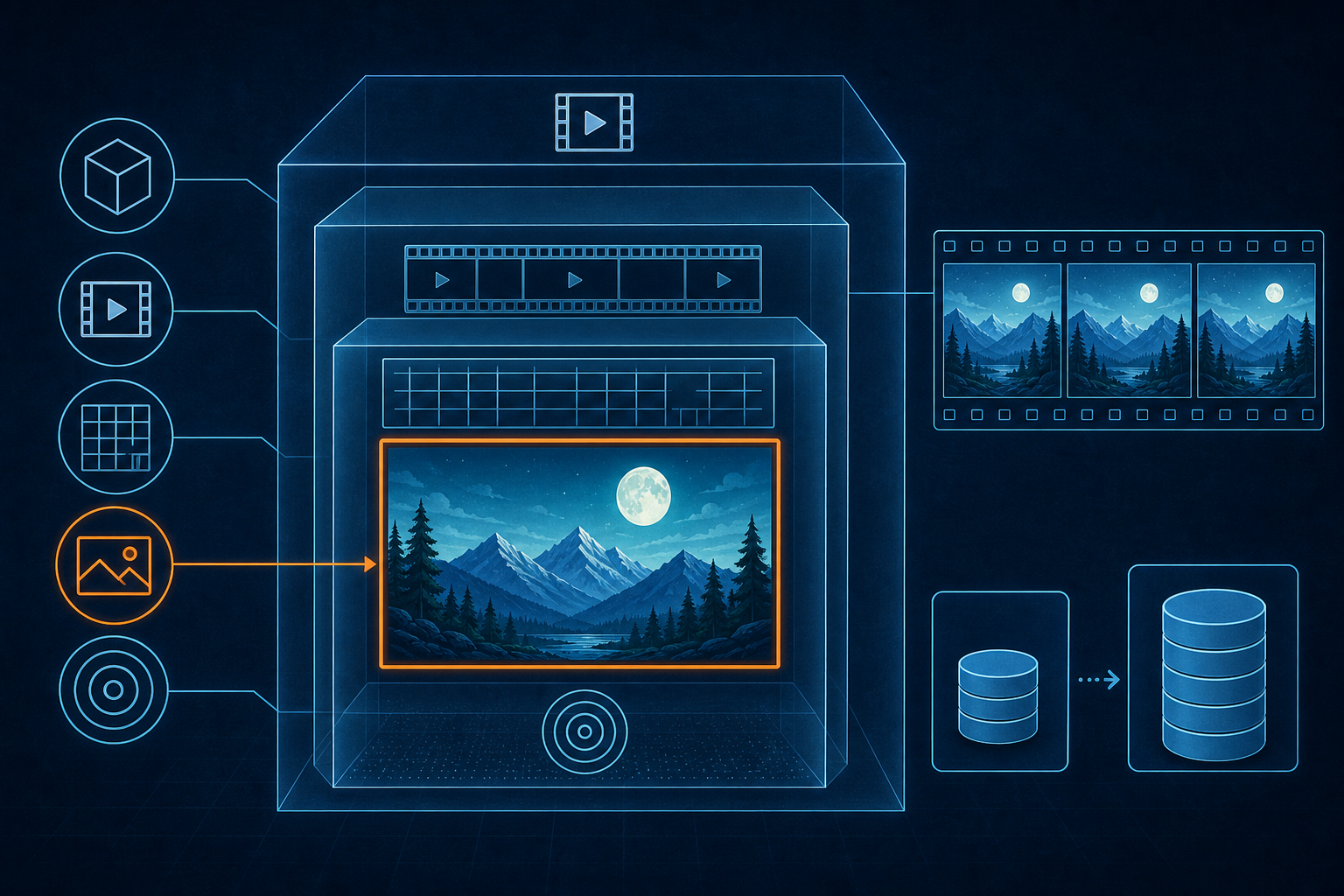
The history of HEIF and HEIC: Nokia's 2013 draft on ISOBMFF, MPEG completion in 2015, ISO print in 2017, Apple's iOS 11 High Efficiency default, and why legacy .heic photos still sit on disks in 2026.
Read full article
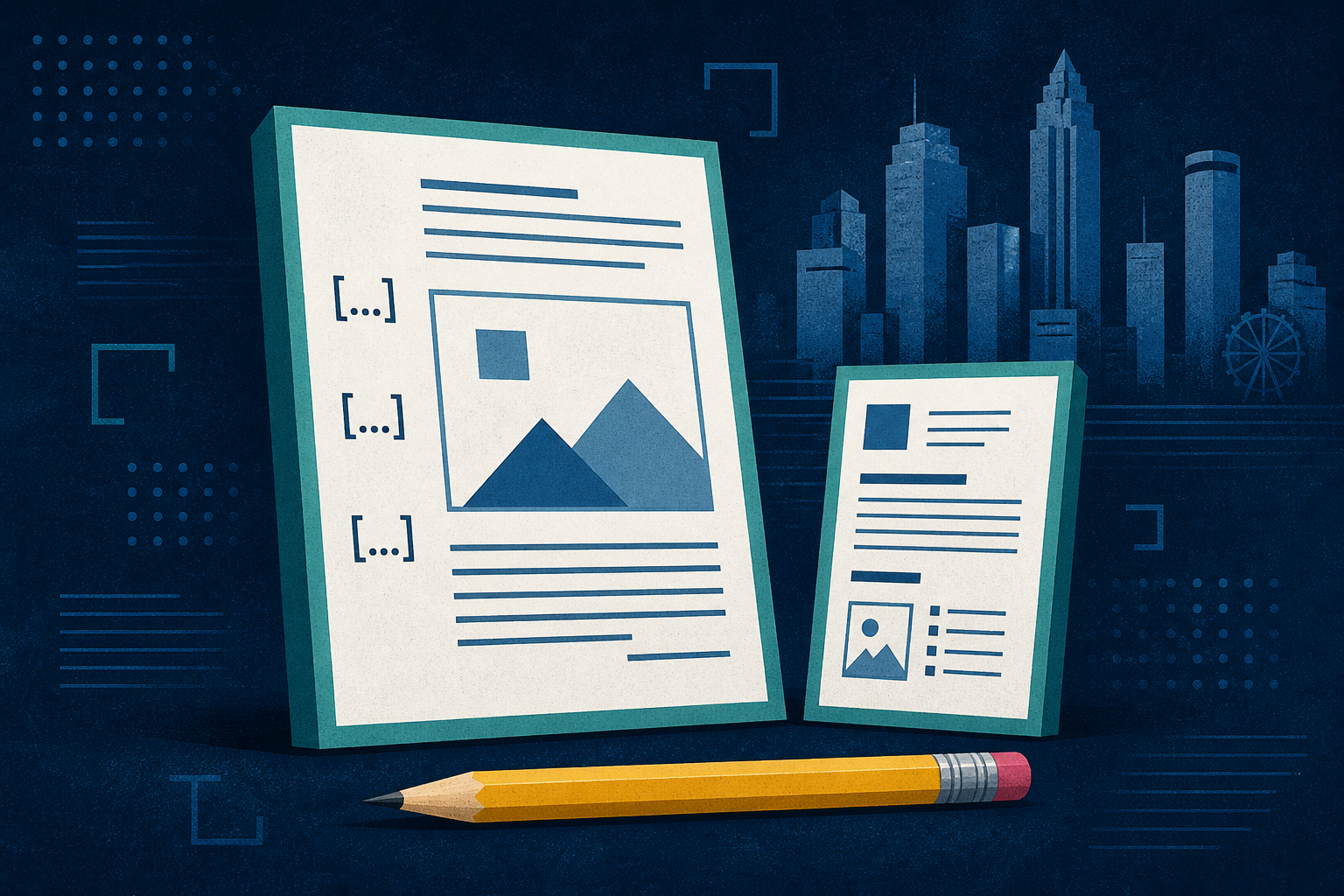
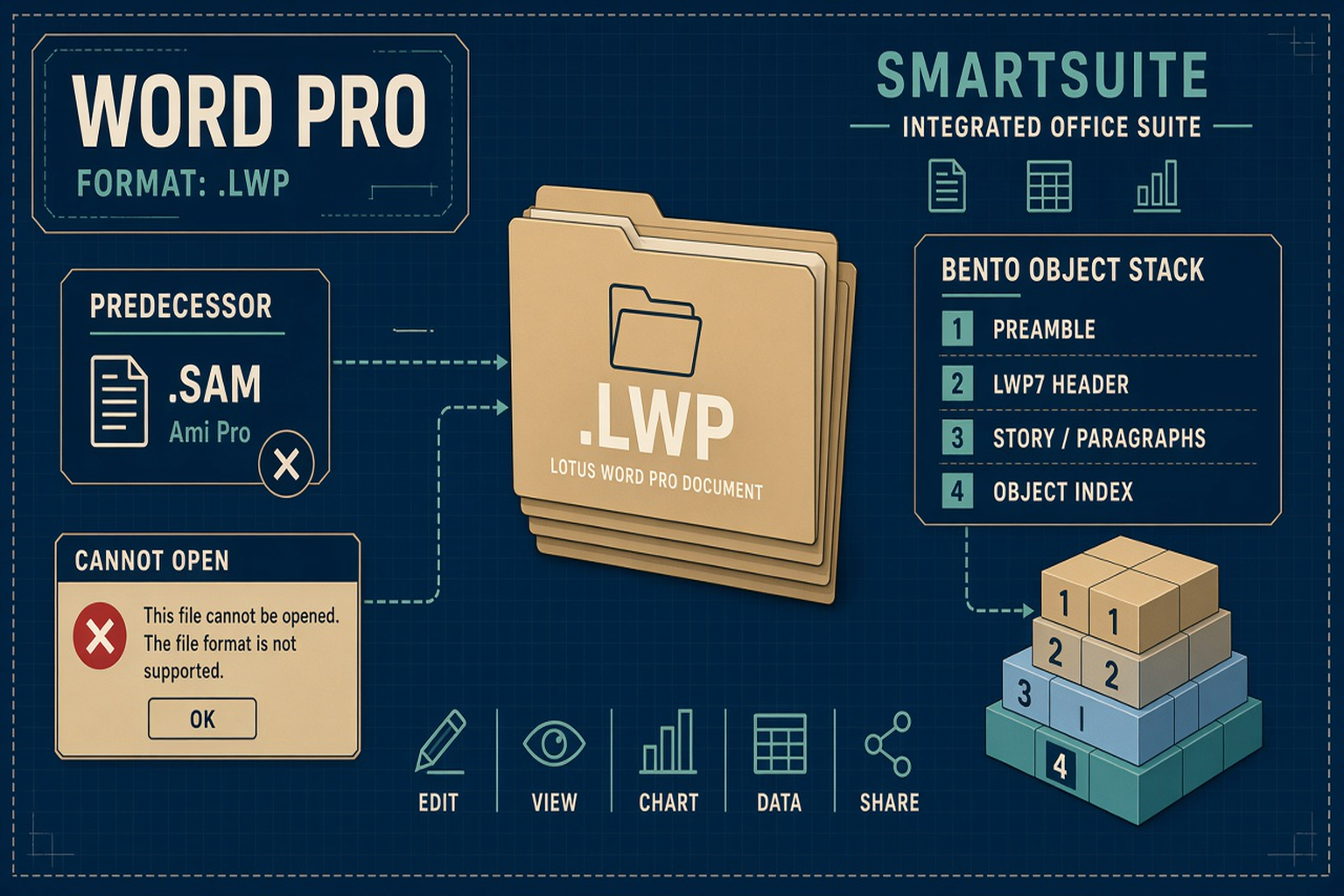
Samna of Atlanta shipped Ami for Windows in 1988 and Ami Professional in 1989; Lotus sold Ami Pro; IBM inherited Word Pro; legacy .sam documents and .sty style sheets still sit on disks in 2026.
Read full article
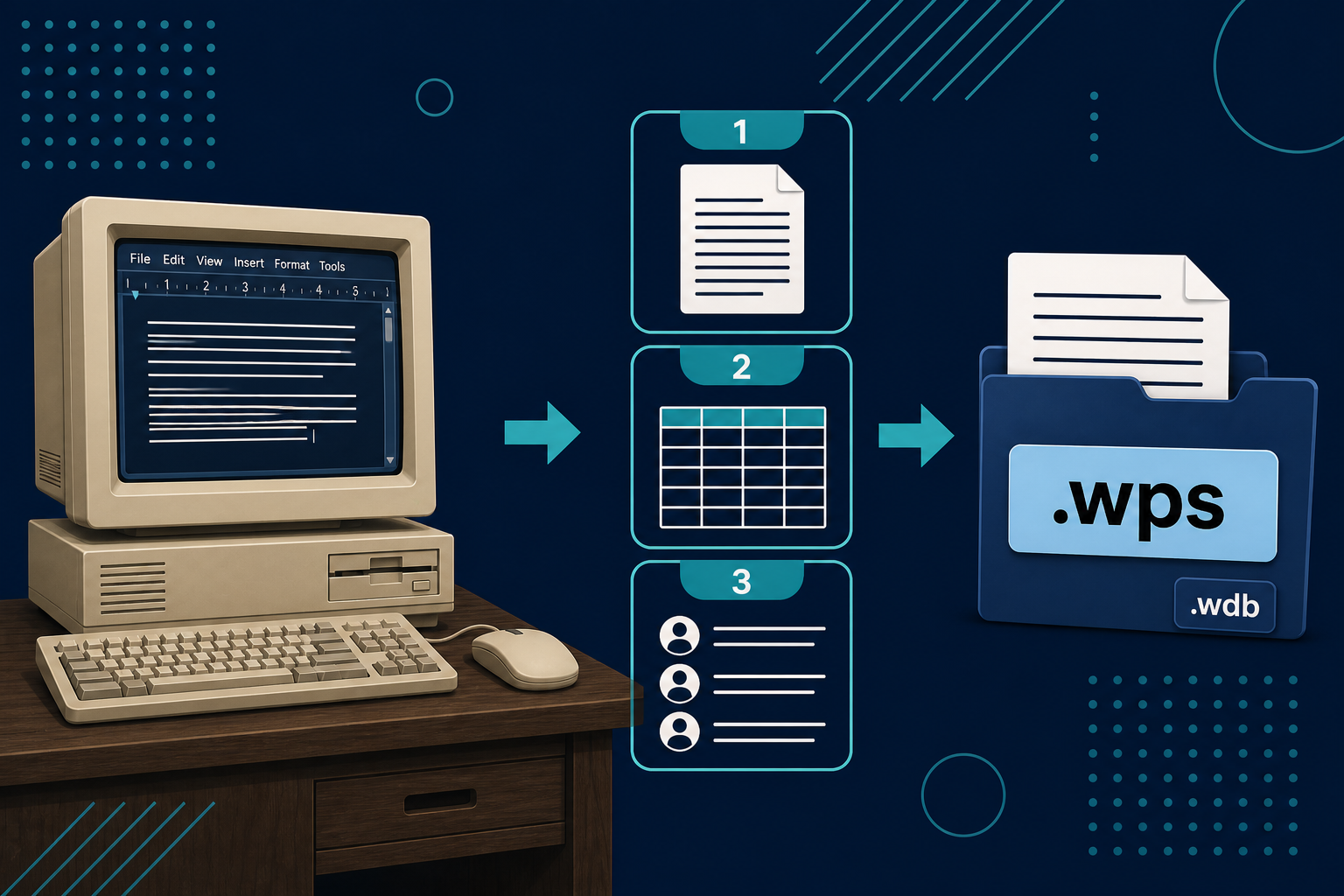
The history of Microsoft Works and .wps: Macintosh 2 October 1986, DOS 1987, Windows 1991, OEM home PCs, Works 9 in 2007, Office Starter in 2009, and legacy household files in 2026.
Read full article
Borland Quattro (1987) and Quattro Pro (1989) left .wkq, .wq1, .wq2, .wb1–.wb3, and .qpw files; Excel 2007 dropped support, and the legacy files still sit on disks in 2026.
Read full article
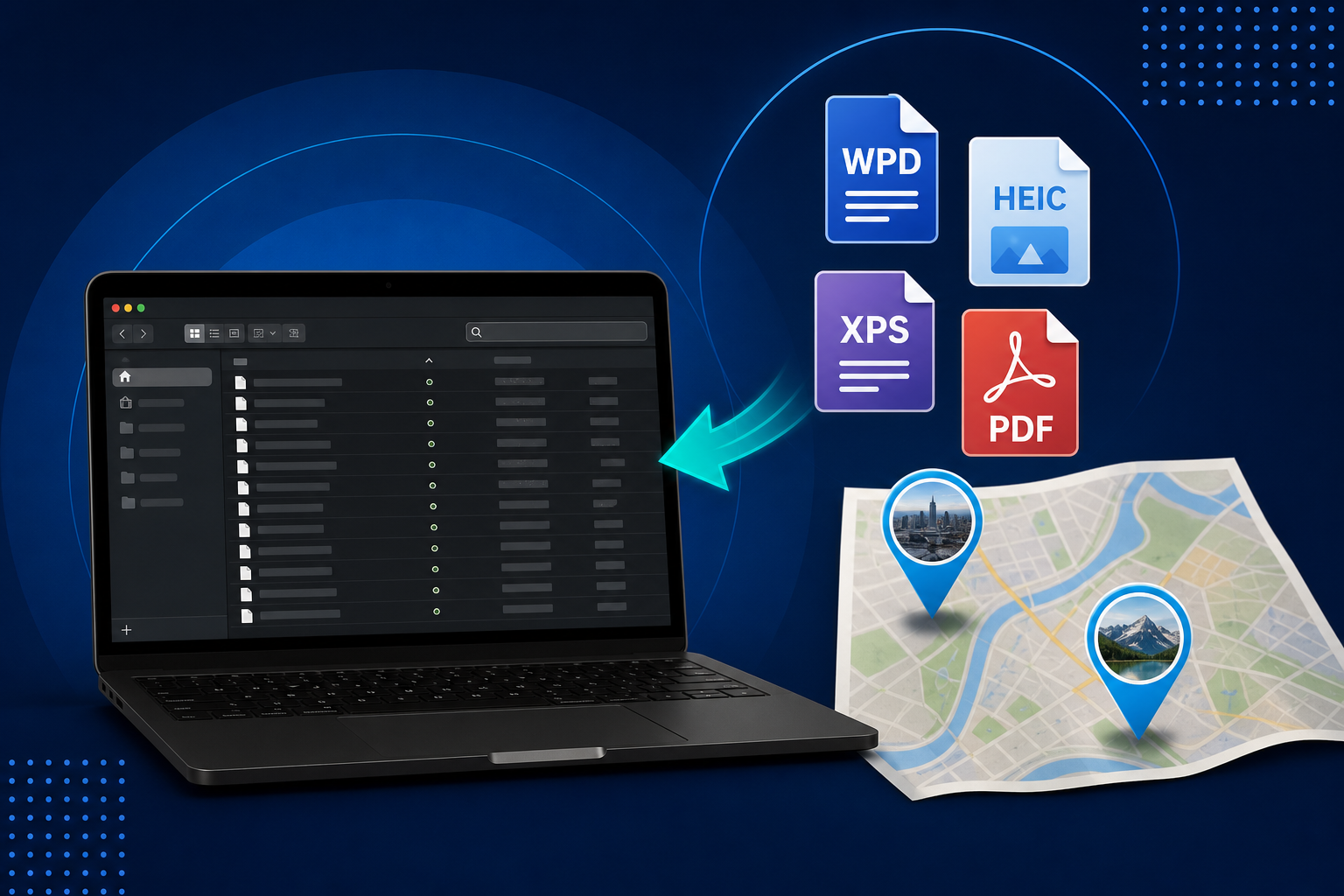
After you convert HEIC and old camera dumps, Photo Map pins show a thumbnail on hover. Scan a family archive by place without opening every file. Plus feature in Conversion Library Plus and Filecite — not in Standard.
Read full article
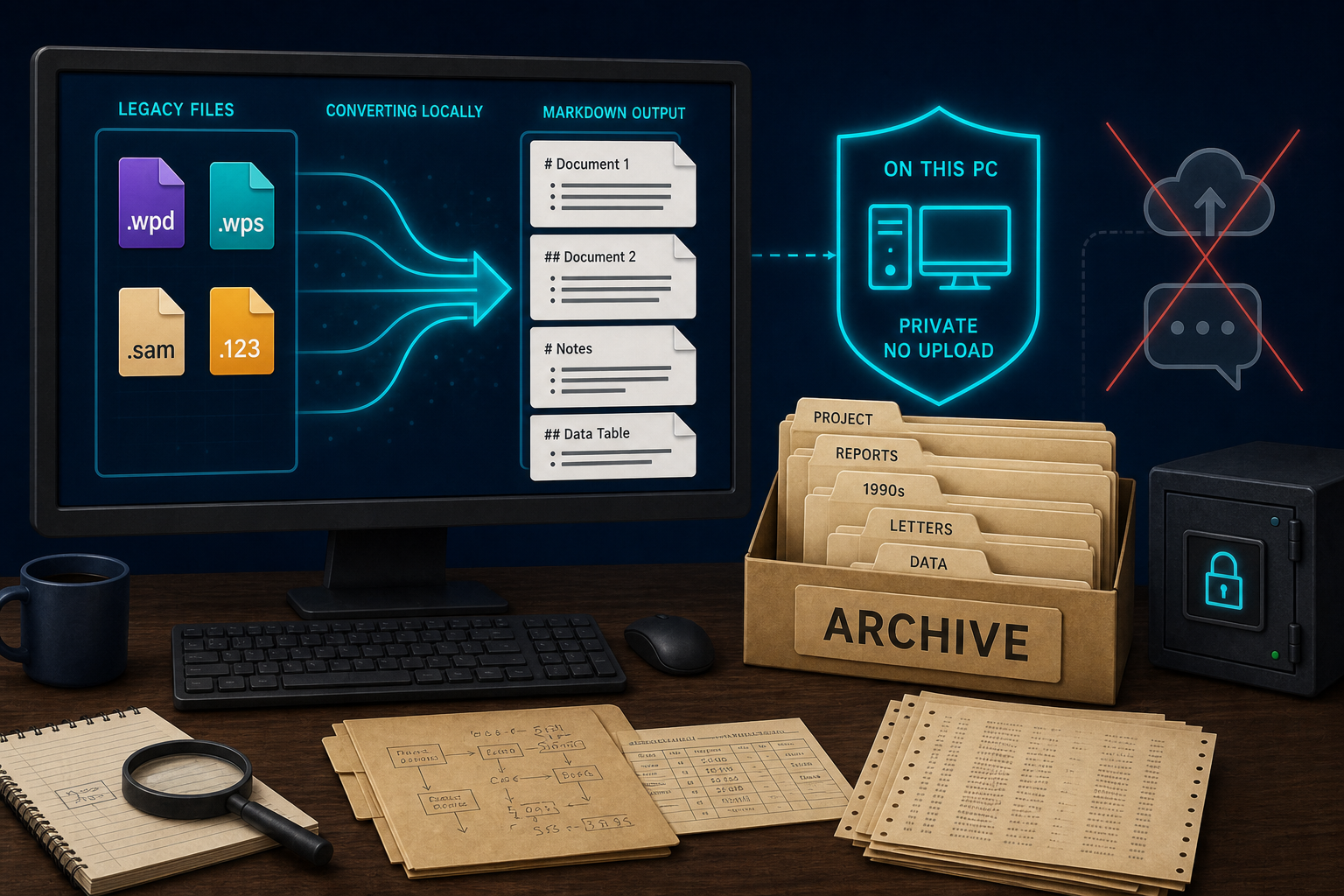
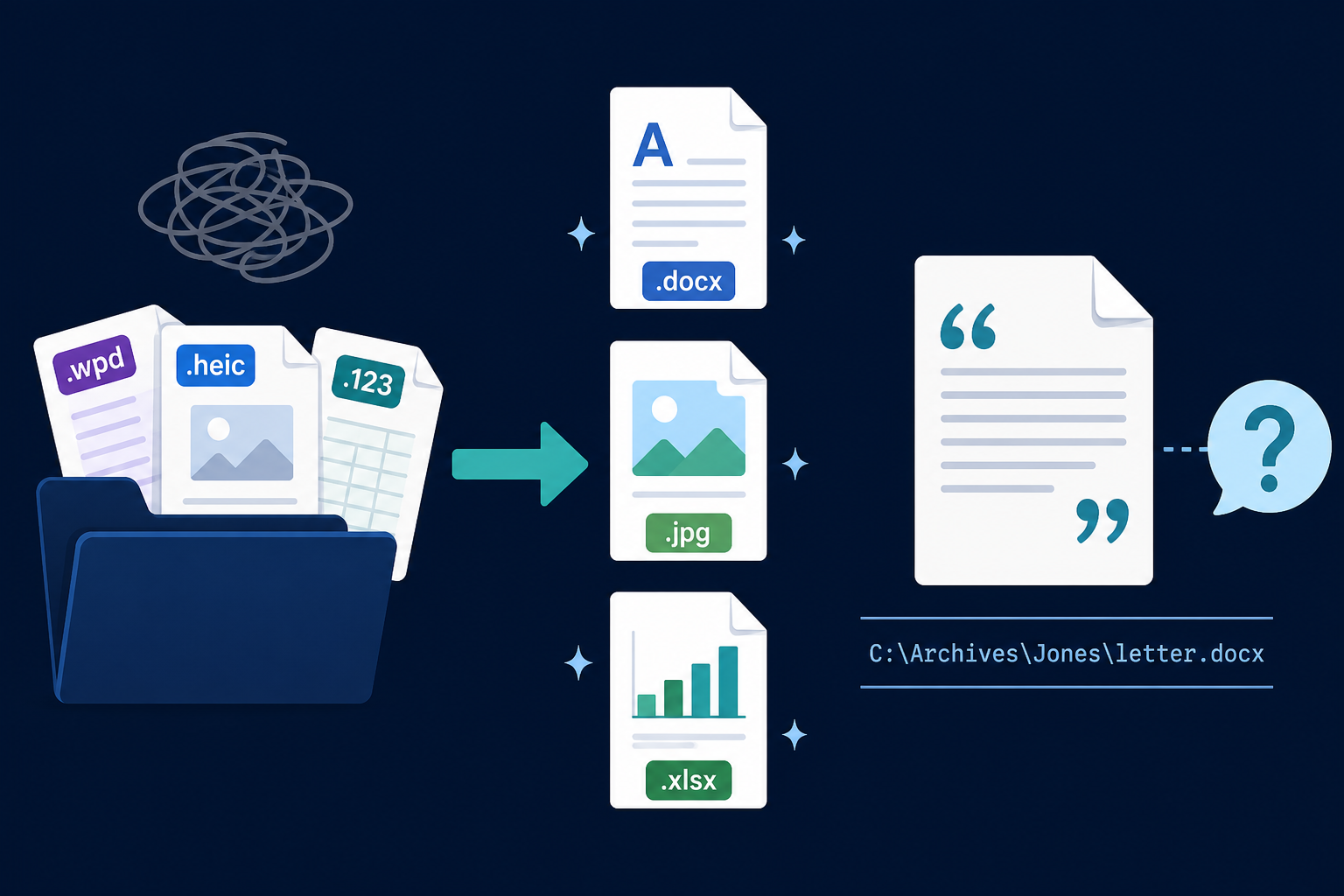
After Legacy File Converter finishes a mixed pile, Filecite lets you ask the converted archive in plain language. Answers cite the file on disk. Gather a set, then ask that set. Coming soon.
Read full article
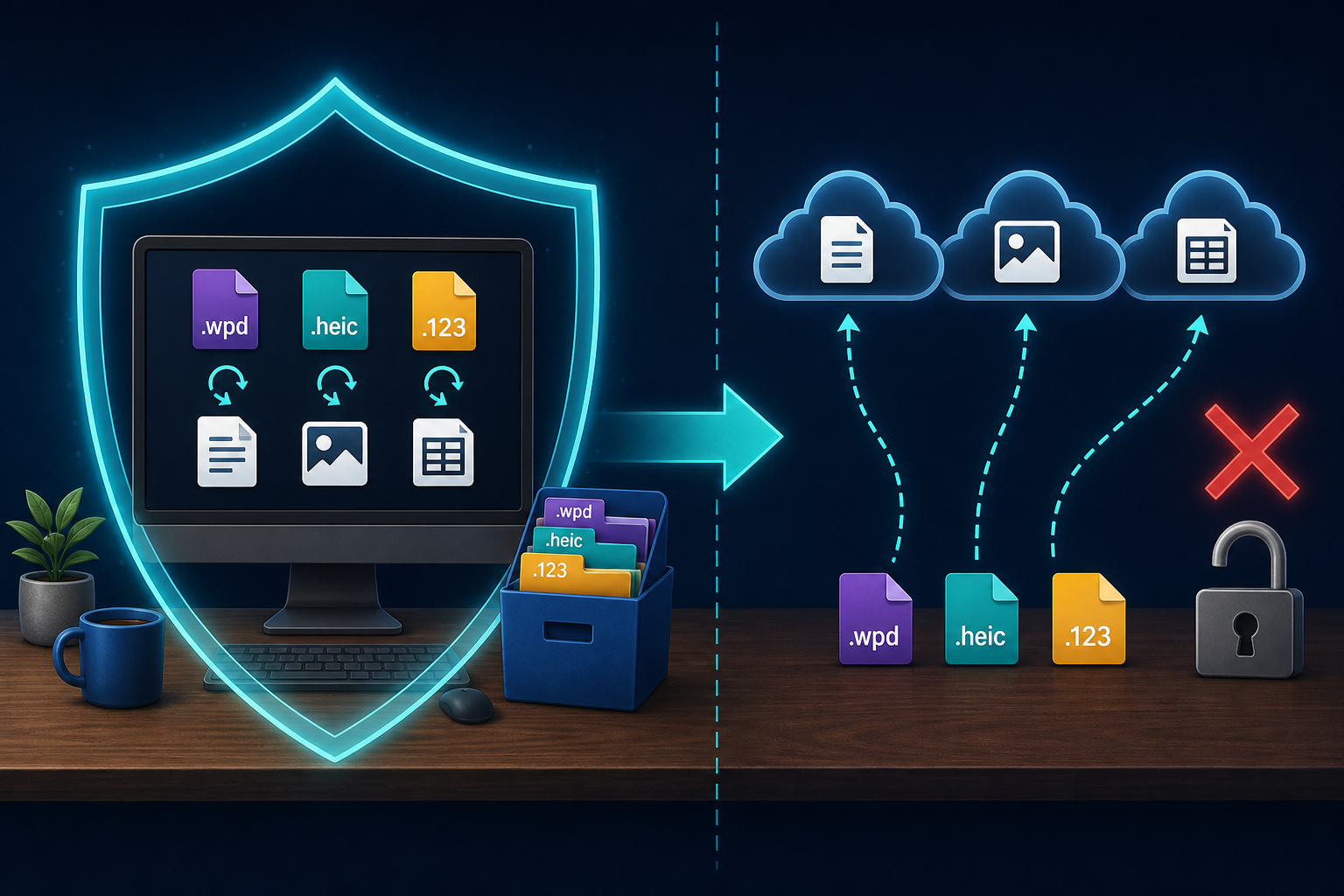
CloudConvert, Convertio, and Zamzar convert files on their servers. For legacy WPD, HEIC, and Lotus piles, convert locally on Windows with Legacy File Converter.
Read full article
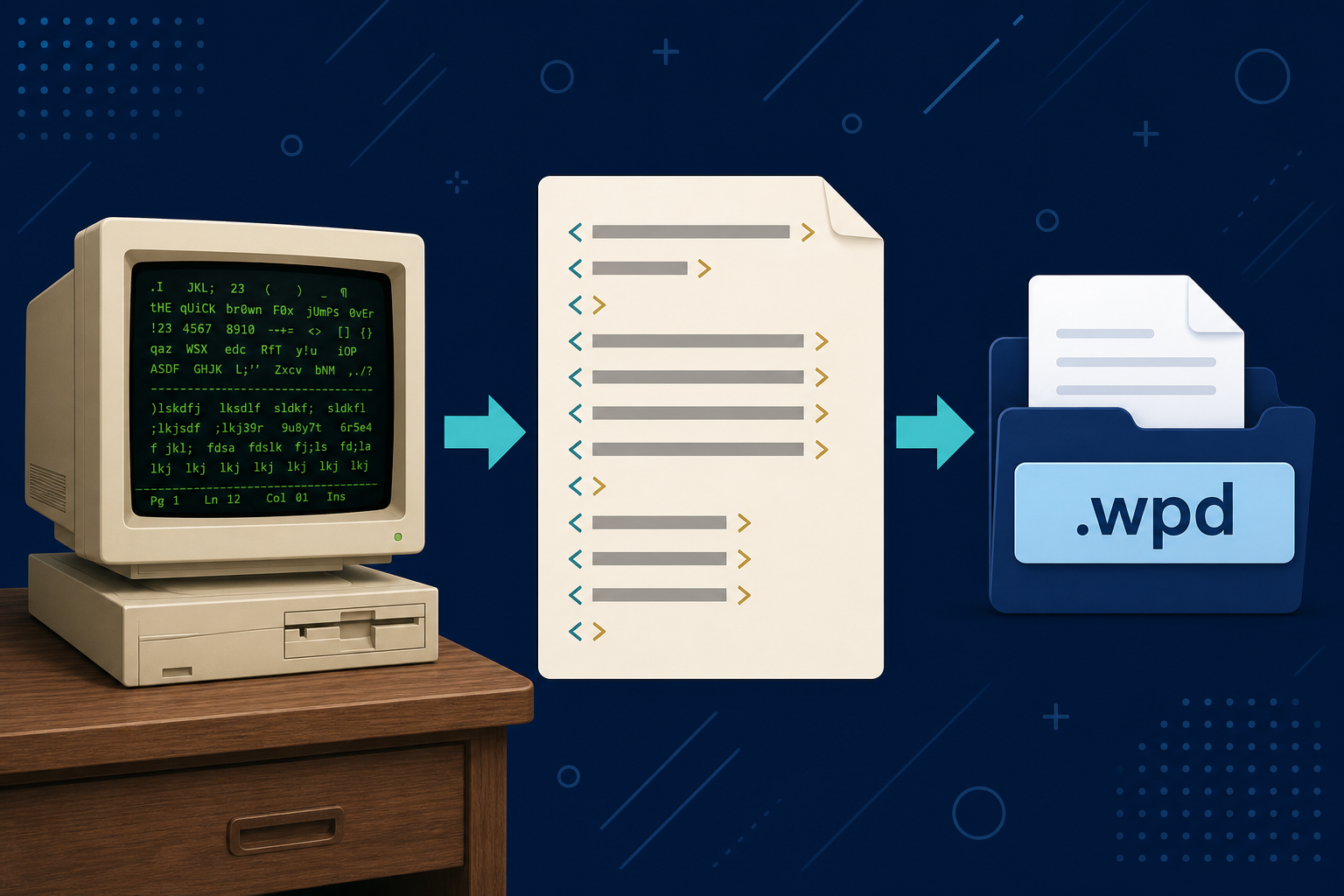
The history of WordPerfect and the .wpd file: Orem in 1979, DOS 5.1, Reveal Codes, Novell, Corel, and why those documents still sit on Windows PCs.
Read full article
Microsoft Publisher reaches end of life in October 2026. Learn how to convert .pub files to PDF on Windows, what LibreOffice can open, and how to preserve Publisher archives offline with Legacy File Converter.
Read full article
After you convert WPD, HEIC, XPS, Lotus, and the rest, the output folder is still a pile. Conversion Library Plus is your private library of those files on this PC: search, preview, map geotagged photos, and organize them. Nothing is uploaded.
Read full article
XPS files from Microsoft XPS Document Writer often will not open on modern Windows. Learn what XPS is, why viewers fail, and how to convert XPS to PDF or DOCX offline with Legacy File Converter.
Read full article
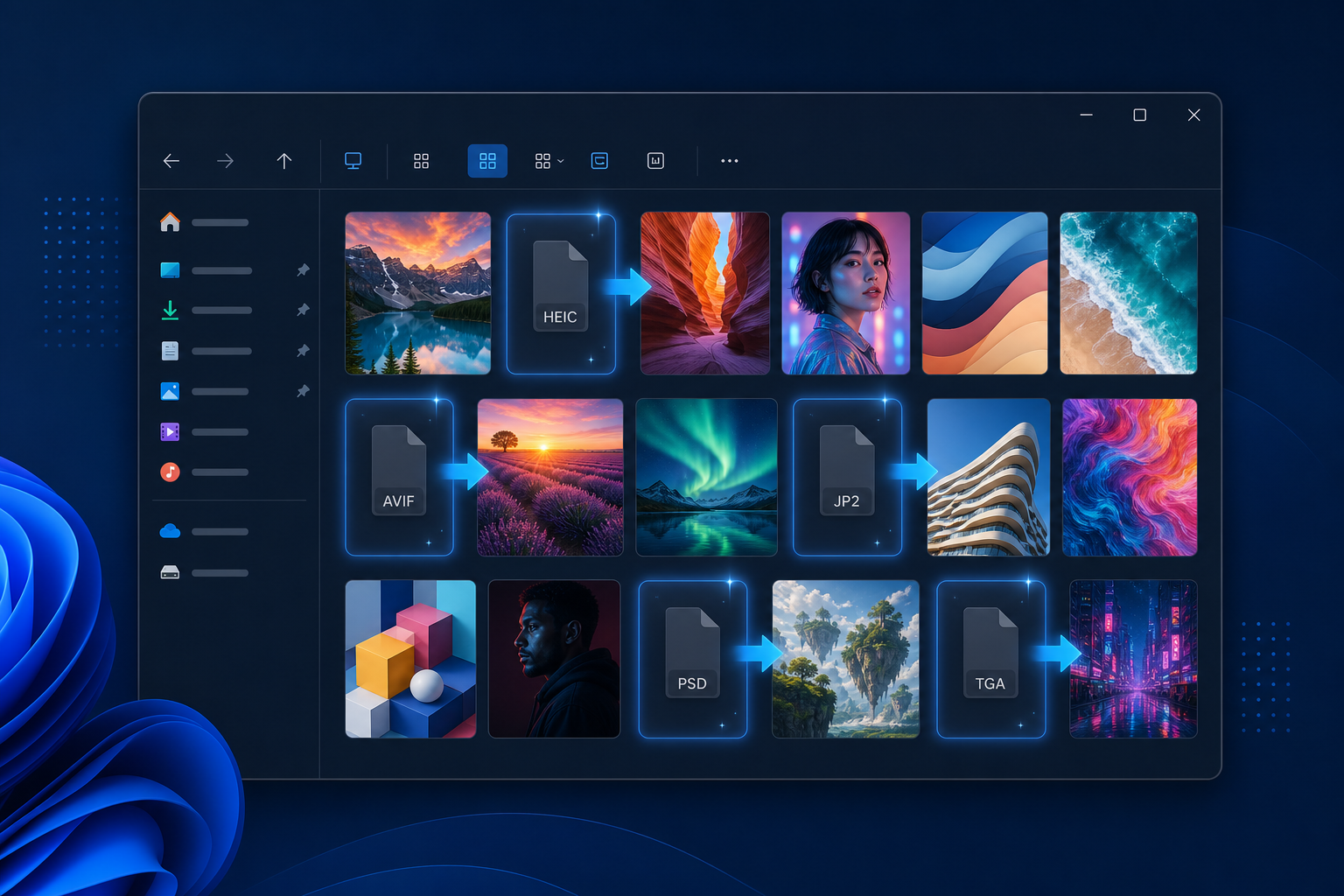
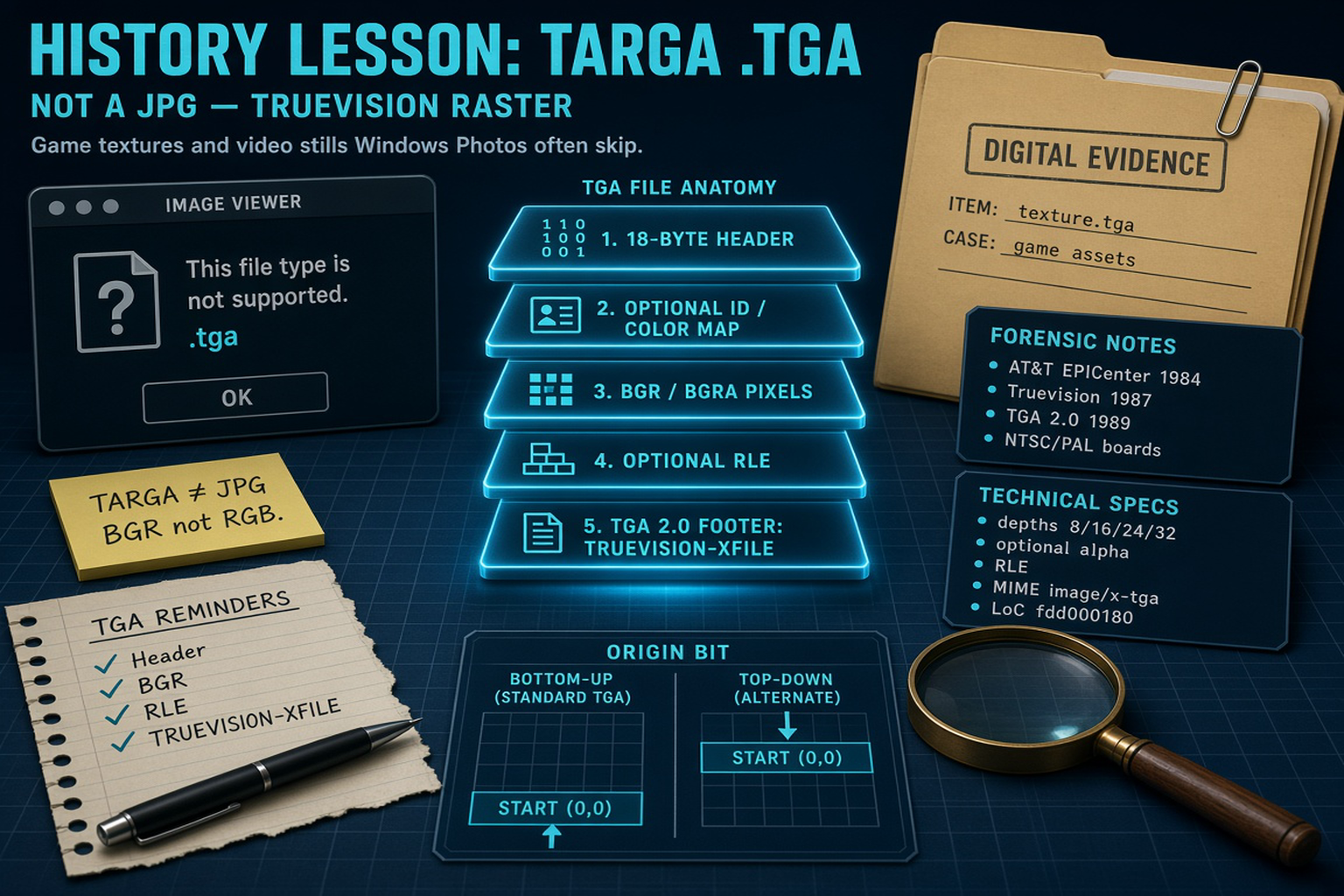
Windows Explorer shows thumbnails and a preview pane for common images but not for HEIC/HEIF, AVIF, JPEG 2000, Photoshop PSD, or Targa TGA. Legacy File Converter installs a Windows Explorer preview and thumbnail handler so those formats appear — offline, with no codec packs.
Read full article
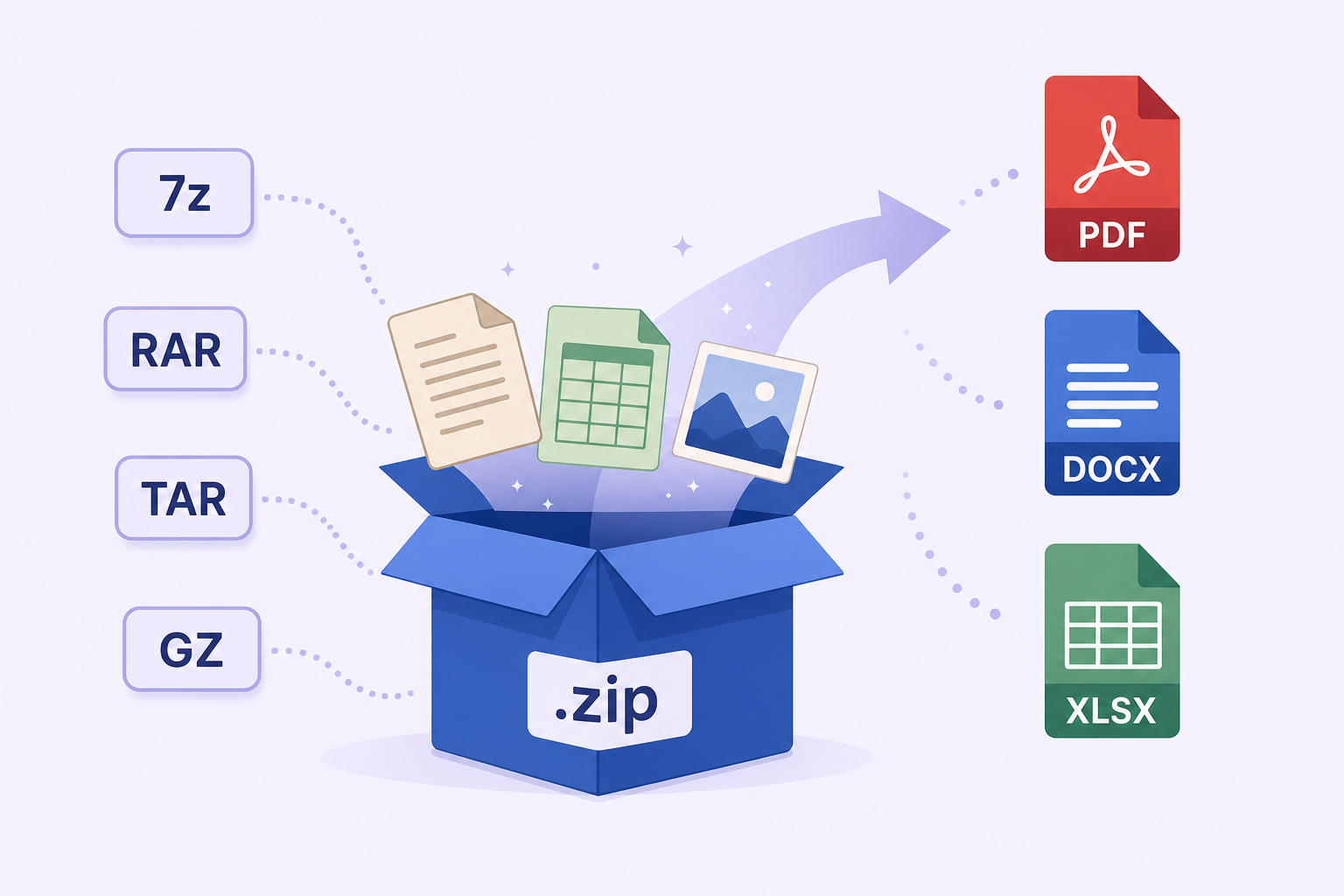
Old backups arrive as ZIP, 7z, RAR, TAR, GZIP, BZ2, XZ, LZIP, Zstandard, or WIM archives full of legacy files. Learn how to convert the documents, spreadsheets, and images inside them — without unpacking anything by hand or modifying the original archive.
Read full article
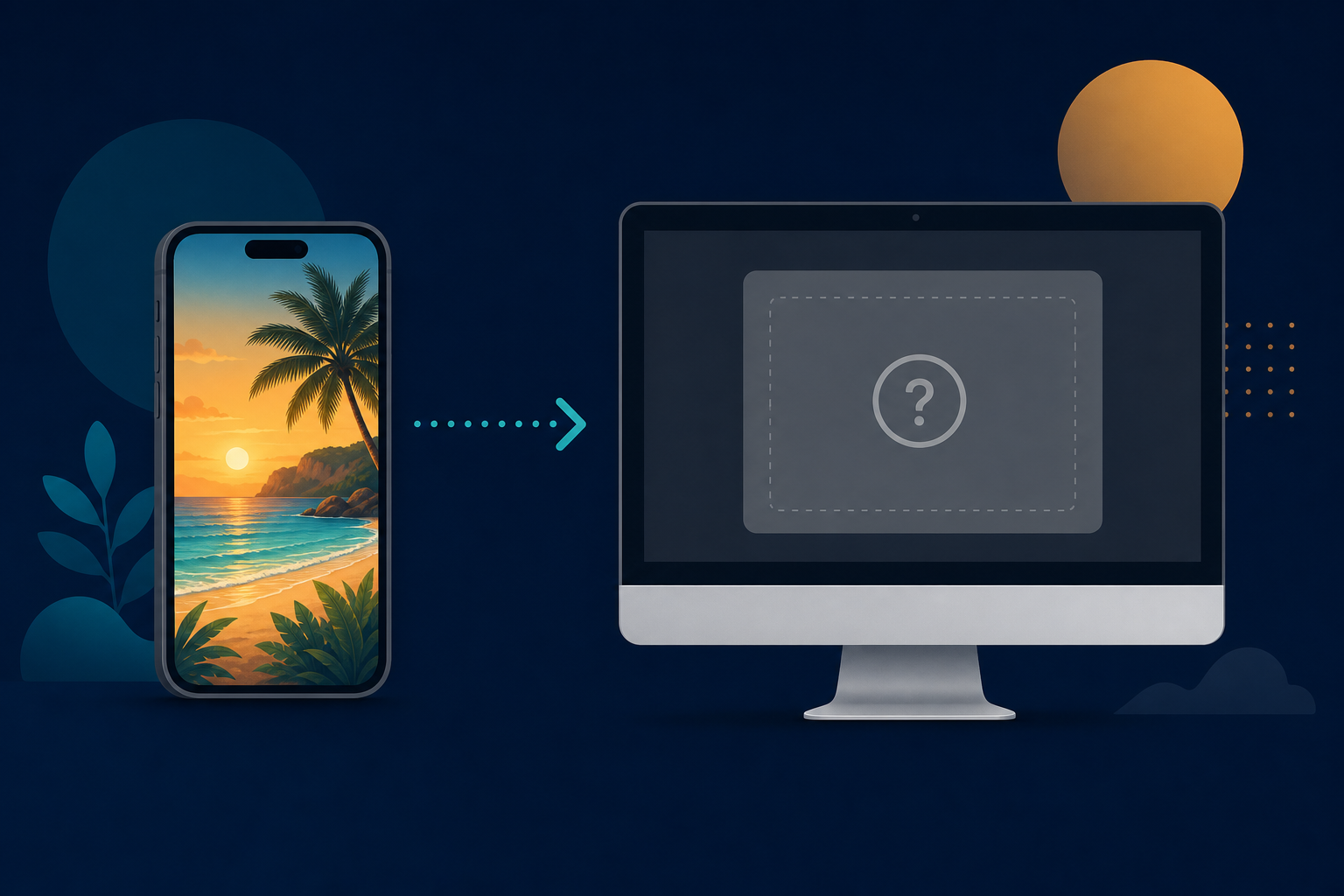
iPhones save photos as .heic files that Windows often refuses to preview or open. Here is why it happens and how to convert HEIC to JPG or PNG offline, in bulk.
Read full article
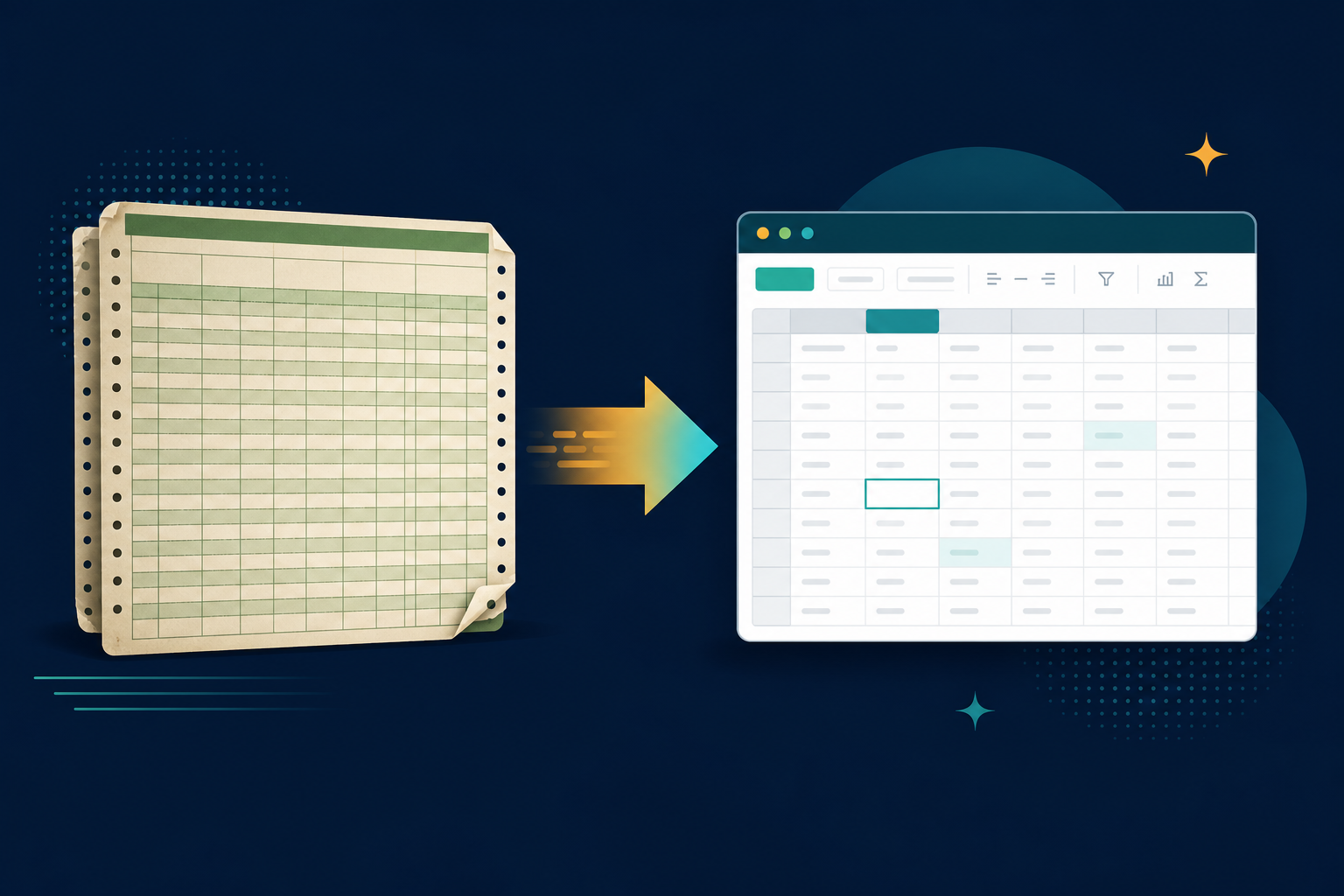
Modern Excel dropped support for importing Lotus 1-2-3 (.wk1, .wk3, .wk4, .123) files. Learn why, and how to convert old Lotus spreadsheets to XLSX or CSV offline.
Read full article
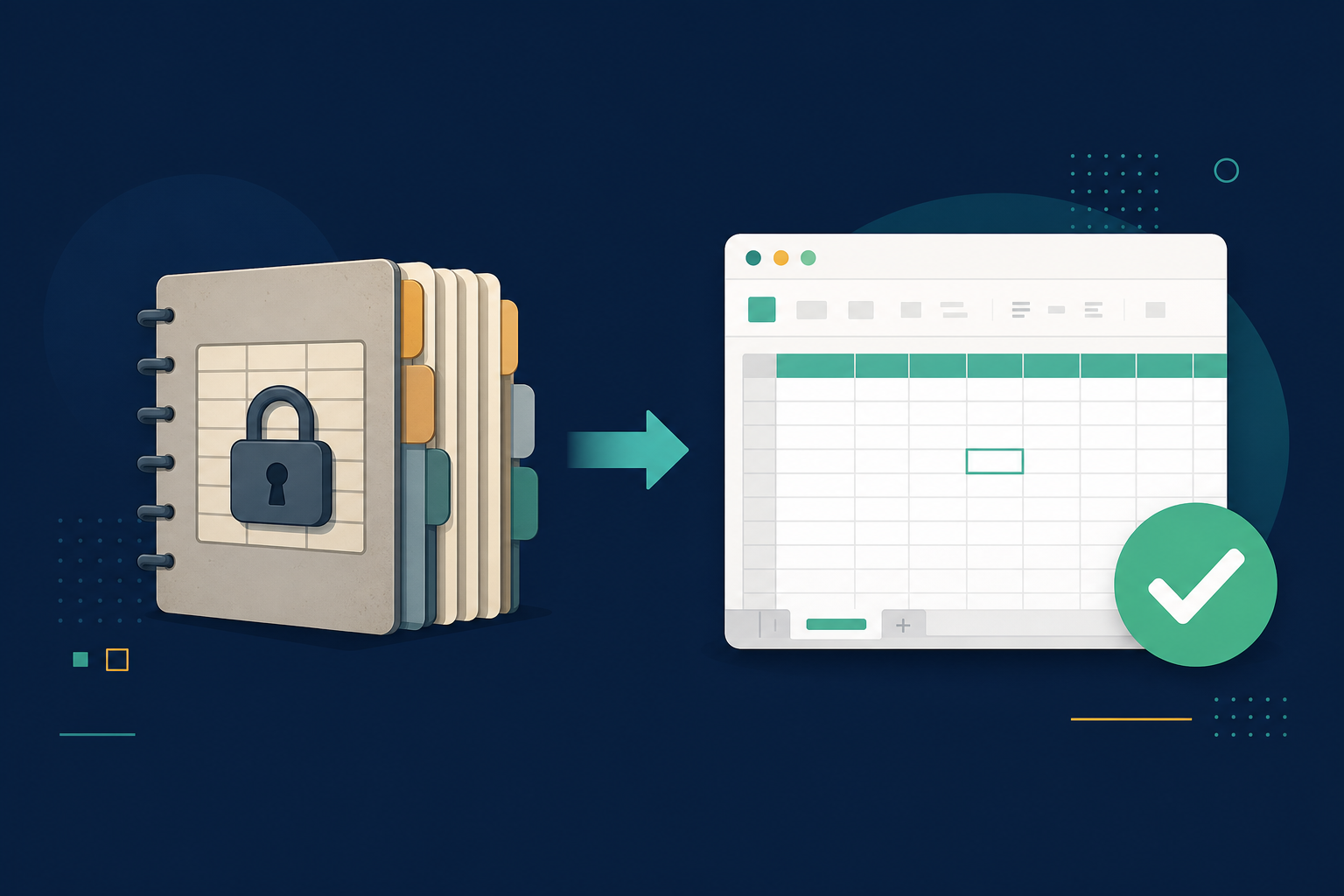
Quattro Pro files (.qpw, .wb1, .wb2, .wb3, .wq1) barely open in any modern app. Learn how to convert Quattro Pro spreadsheets to XLSX or CSV offline with Legacy File Converter.
Read full article
Windows 11 and modern Word will not reliably open WordPerfect (.wpd) documents. Learn how to convert .wpd files to DOCX, PDF, or Markdown offline without buying WordPerfect.
Read full article
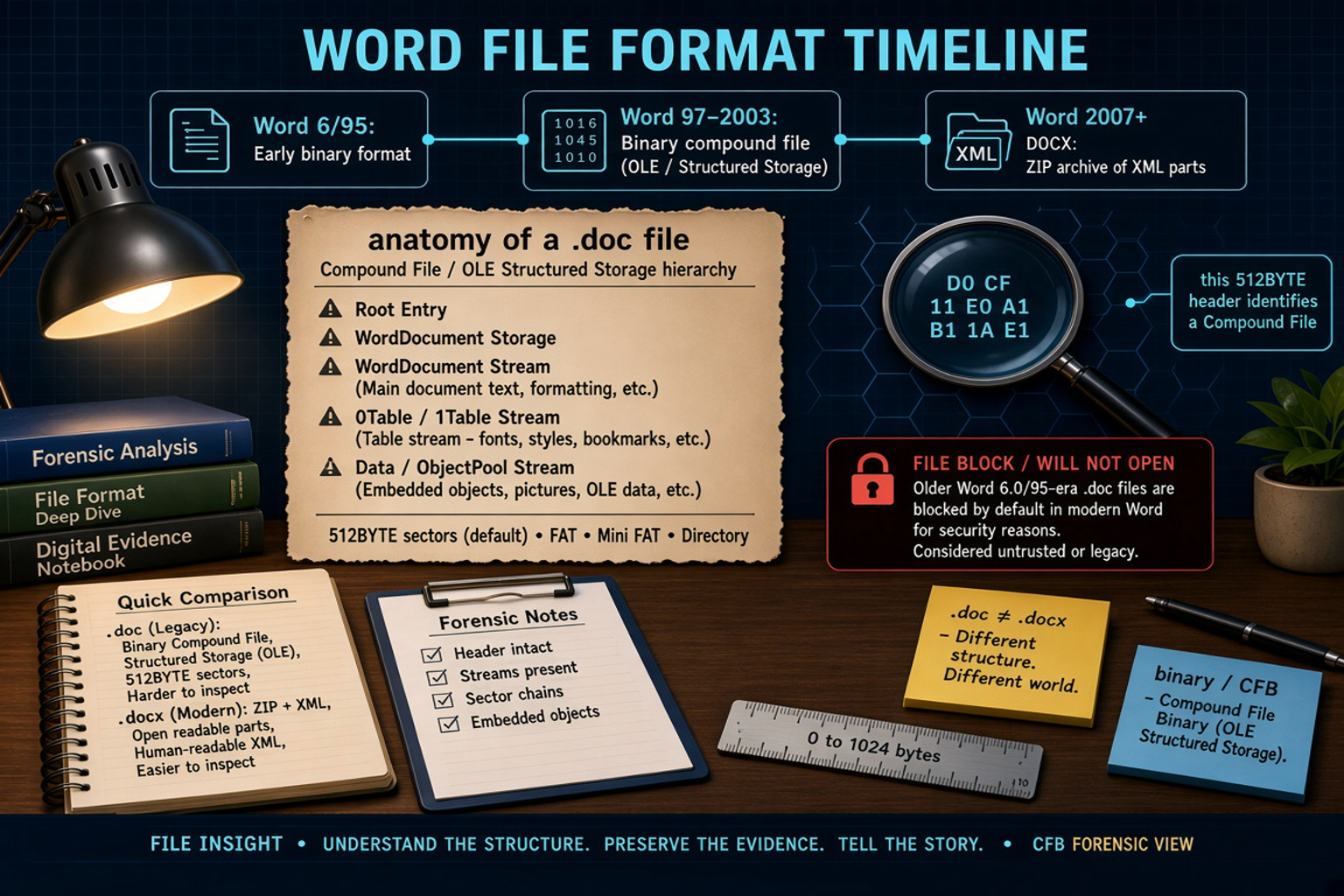
Modern Word blocks legacy .doc files for security, showing "blocked" or "unreadable content" errors. Learn how to convert old Word documents to DOCX or PDF offline.
Read full article
Microsoft Works (.wps) documents will not open in modern Word without a discontinued converter. Learn how to convert WPS files to DOCX or PDF offline with Legacy File Converter.
Read full article
Multi-page TIFF scans are awkward to view and share. Learn how to convert TIFF (.tif/.tiff) files to PDF, JPG, or PNG offline and in bulk with Legacy File Converter.
Read full article
You do not need Photoshop to open a .psd file. Learn how to convert Photoshop PSD files to JPG, PNG, or PDF offline with Legacy File Converter.
Read full article
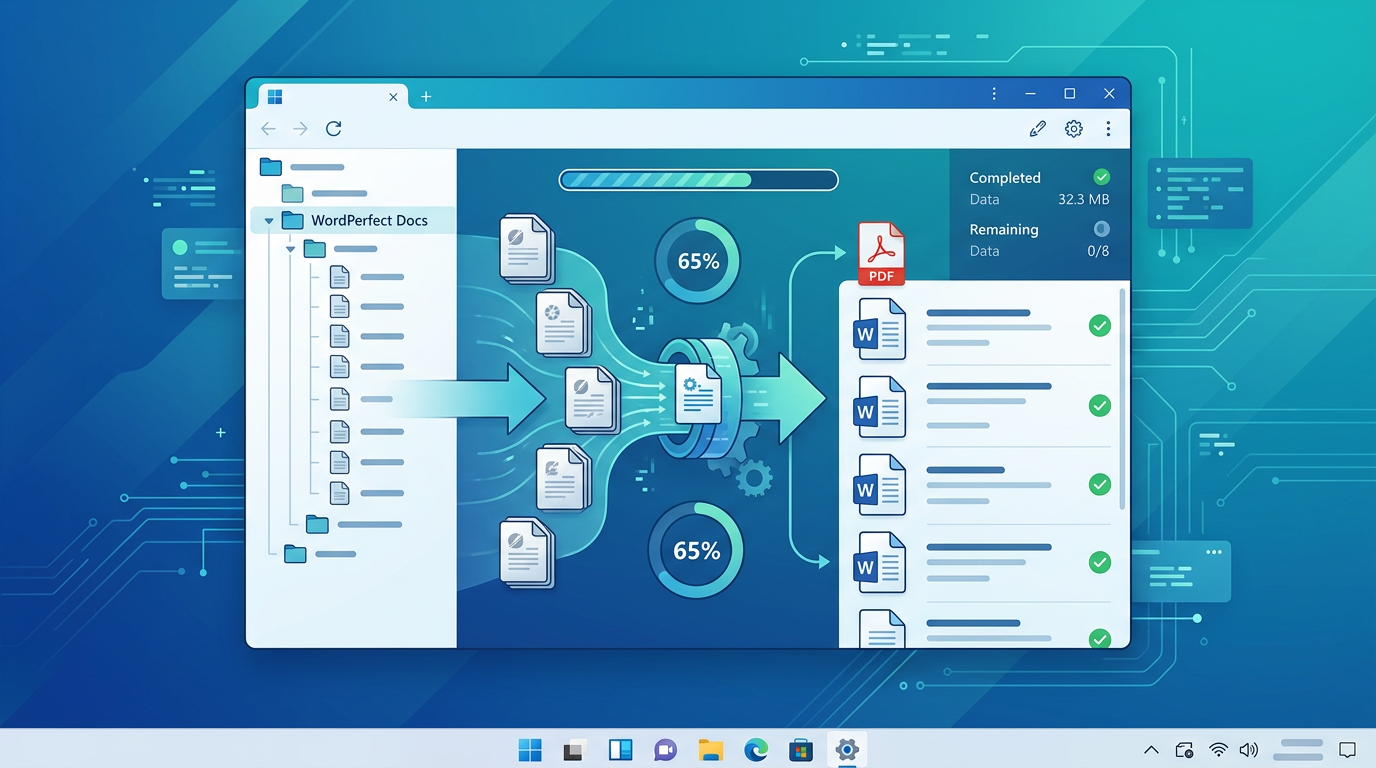
Stop converting old files one at a time. Learn how to batch-convert entire folders of mixed legacy documents, spreadsheets, and images offline with Legacy File Converter.
Read full article
Free online file converters can expose confidential documents to third-party servers. Learn the privacy and security risks, and why local conversion is safer.
Read full article
Law firms, agencies, and archivists hold decades of records in obsolete formats. Learn a practical, private workflow to preserve legacy files as DOCX and PDF.
Read full article
Convert any legacy document or spreadsheet to universal PDF, Markdown (.md), or HTML. Learn when to use each format for archiving, the web, and AI workflows.
Read full article
Lotus Ami Pro (.sam) documents will not open in modern Word. Learn how to convert Ami Pro files to DOCX, PDF, or plain text offline with Legacy File Converter.
Read full article
Hangul (.hwp) documents are everywhere in Korea but rarely open elsewhere. Learn how to convert HWP files to DOCX or PDF offline with Legacy File Converter.
Read full article
Apple Pages (.pages) documents do not open on Windows. Learn how to convert Pages files to DOCX or PDF offline with Legacy File Converter — no Mac required.
Read full article
AppleWorks / ClarisWorks (.cwk) documents are nearly impossible to open today. Learn how to convert CWK files to DOCX or PDF offline with Legacy File Converter.
Read full article
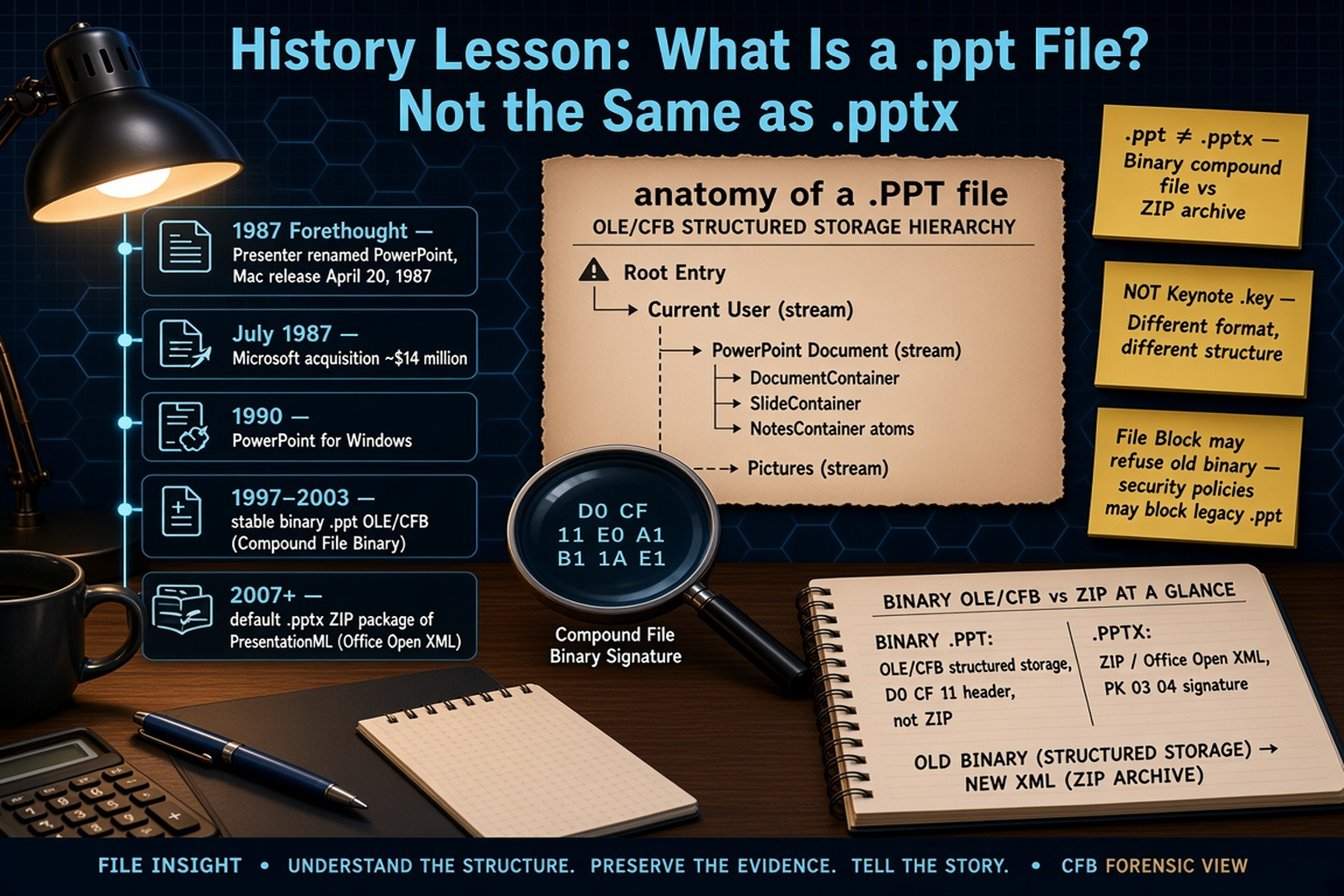
Modern PowerPoint blocks or fails to open very old .ppt files. Learn how to convert legacy PowerPoint presentations to PPTX or PDF offline with Legacy File Converter.
Read full article
Apple Keynote (.key) presentations do not open on Windows. Learn how to convert Keynote files to PPTX or PDF offline with Legacy File Converter — no Mac needed.
Read full article
dBASE (.dbf) files store tables of data that modern Excel no longer imports cleanly. Learn how to convert DBF files to XLSX or CSV offline with Legacy File Converter.
Read full article
Apple Numbers (.numbers) spreadsheets do not open on Windows. Learn how to convert Numbers files to XLSX or CSV offline with Legacy File Converter — no Mac needed.
Read full article
Modern Excel blocks or garbles very old binary .xls workbooks. Learn how to convert legacy Excel files to XLSX, CSV, or PDF offline with Legacy File Converter.
Read full article
Windows Metafile (.wmf) and Enhanced Metafile (.emf) clip art often fails to display in modern apps. Learn how to convert WMF/EMF to PNG, JPG, or PDF offline.
Read full article
RAW camera files (CR2, NEF, ARW, and more) need special software to view. Learn how to convert RAW photos to JPG or PNG offline with Legacy File Converter.
Read full article
JPEG 2000 (.jp2) images are used in archives and medical imaging but barely supported elsewhere. Learn how to convert JP2 to JPG, PNG, or PDF offline.
Read full article
Inherited a relative’s old PC full of documents and photos in obsolete formats? Learn a simple, private workflow to convert and preserve family archives offline.
Read full article
Replacing an old Windows PC means rescuing files in formats the new machine cannot open. Learn how to convert and future-proof them offline before you retire the old PC.
Read full article
Proprietary formats become unreadable over time. Learn why PDF is the gold standard for long-term document preservation and how to convert your archives to it.
Read full articleStart free, then unlock unlimited conversions with a one-time $79.95 Standard license. Download the Windows installer — full features for up to 10 files.
Free trial
Full app features · up to 10 files
Windows 10 or 11
Same free trial as always — download the Windows installer and convert locally on your PC.
Direct Windows installer · offline MSI
Is this safe? — publisher, installer, and SmartScreen help
Requires Windows 10 or 11. No subscriptions. 100% Windows Native.