
AppleWorks and ClarisWorks (.cwk) Files on Windows
The all-in-one suite that ran on millions of school and home computers — now a digital orphan.
TL;DR
AppleWorks (formerly ClarisWorks) saved documents, spreadsheets, and drawings as .cwk files. Apple discontinued it in 2007 and nothing modern opens them. Legacy File Converter converts CWK word-processing documents to DOCX or PDF on your PC.
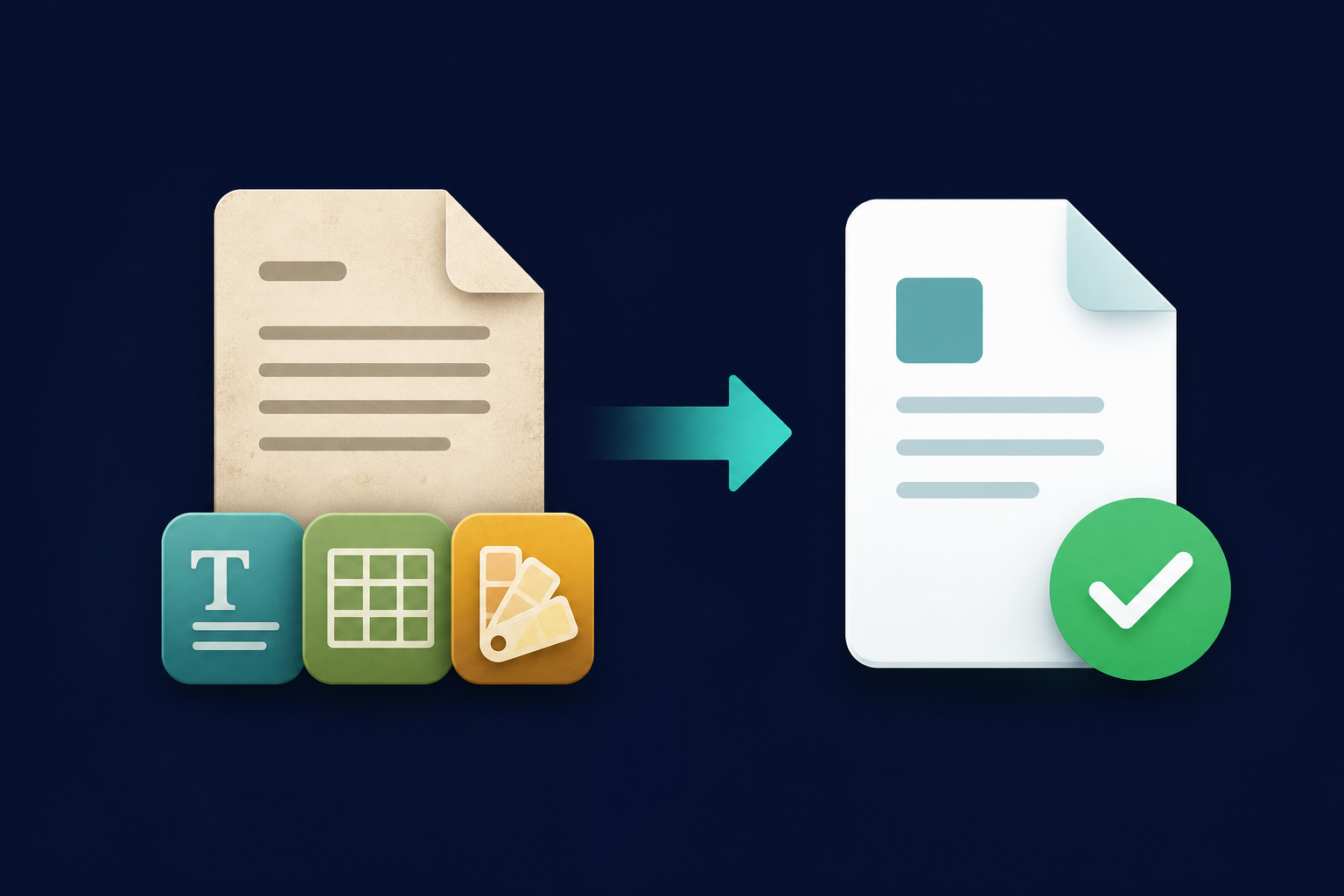
ClarisWorks — later AppleWorks — was the all-in-one suite bundled with countless school and home Macs (and even some PCs). It bundled word processing, spreadsheets, and drawing into one app, all saved as .cwk. Apple retired it in 2007, leaving those files stranded.
Why .cwk is a dead format
- AppleWorks has not been sold or updated since 2007.
- Neither Word nor Pages opens .cwk files.
- The single extension hid several document types, adding confusion.
Recover the content
Add your .cwk files
Drop in AppleWorks documents or an entire folder of them.
Choose DOCX or PDF
DOCX for editing, PDF for a faithful archival copy.
Convert offline
Old schoolwork and family documents stay private.
Summary
AppleWorks is gone, but the memories and records in those .cwk files are not. Convert them to DOCX or PDF and bring them back.
Related reading
Ready to open your old files?
Start free, then unlock unlimited conversions with a one-time $79.95 Standard license. Download the Windows installer — full features for up to 10 files.
Free trial
Full app features · up to 10 files
Windows 10 or 11
Same free trial as always — download the Windows installer and convert locally on your PC.
Direct Windows installer · offline MSI
Is this safe? — publisher, installer, and SmartScreen help
Requires Windows 10 or 11. No subscriptions. 100% Windows Native.