
Stuck With a Microsoft Works (.wps) File? Convert It.
Works came free on millions of PCs. Its files now open almost nowhere.
TL;DR
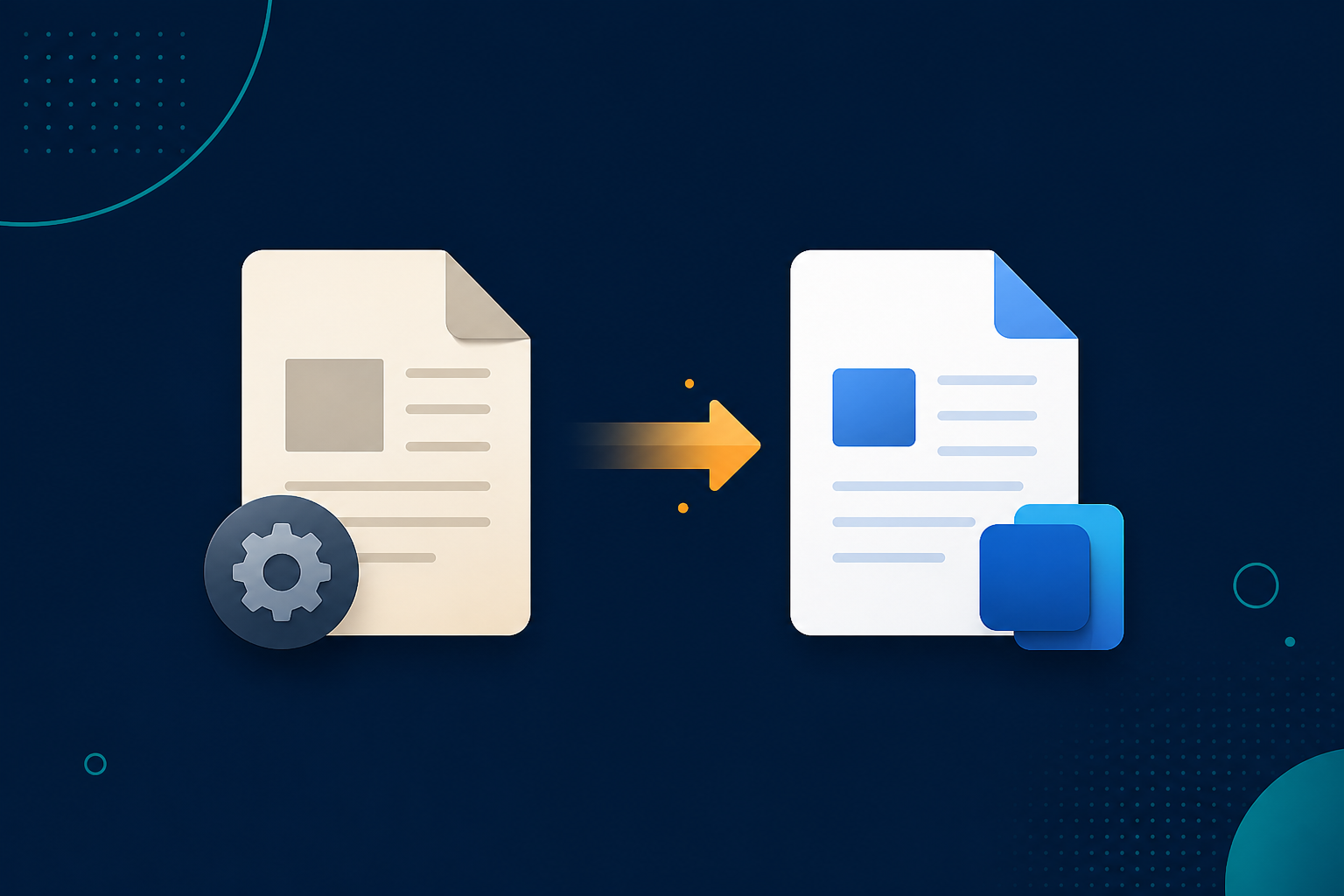
Microsoft Works documents (.wps) need a converter Microsoft has long since retired. Legacy File Converter opens them and saves DOCX, PDF, RTF, or TXT on your PC — no Works or special add-in required.
Microsoft Works was the budget productivity suite bundled with home PCs throughout the 1990s and 2000s. Millions of letters, school reports, and family records were saved as .wps files — and Works was discontinued in 2009.
Why .wps files are a dead end today
- Modern Word does not include the Works 6–9 file converter.
- The standalone "Works 6–9 Converter" Microsoft offered is no longer supported.
- .wps shares an extension with Kingsoft Writer, adding to the confusion.
Bring those documents into the present
Add your Works files
Drag in .wps documents or point at the folder that holds your old archive.
Choose DOCX or PDF
DOCX for editing, PDF for a fixed copy, RTF or TXT for maximum portability.
Convert offline
Personal and family documents stay entirely on your machine.
Summary
Microsoft Works is gone, but your documents do not have to go with it. Convert .wps files to DOCX or PDF and they open in any word processor you use today.
Related reading
Ready to open your old files?
Start free, then unlock unlimited conversions with a one-time $79.95 Standard license. Download the Windows installer — full features for up to 10 files.
Free trial
Full app features · up to 10 files
Windows 10 or 11
Same free trial as always — download the Windows installer and convert locally on your PC.
Direct Windows installer · offline MSI
Is this safe? — publisher, installer, and SmartScreen help
Requires Windows 10 or 11. No subscriptions. 100% Windows Native.