
Opening .wpd Files on Windows 11 Without WordPerfect
WordPerfect documents still hold decades of work. You do not need WordPerfect to read them.
TL;DR
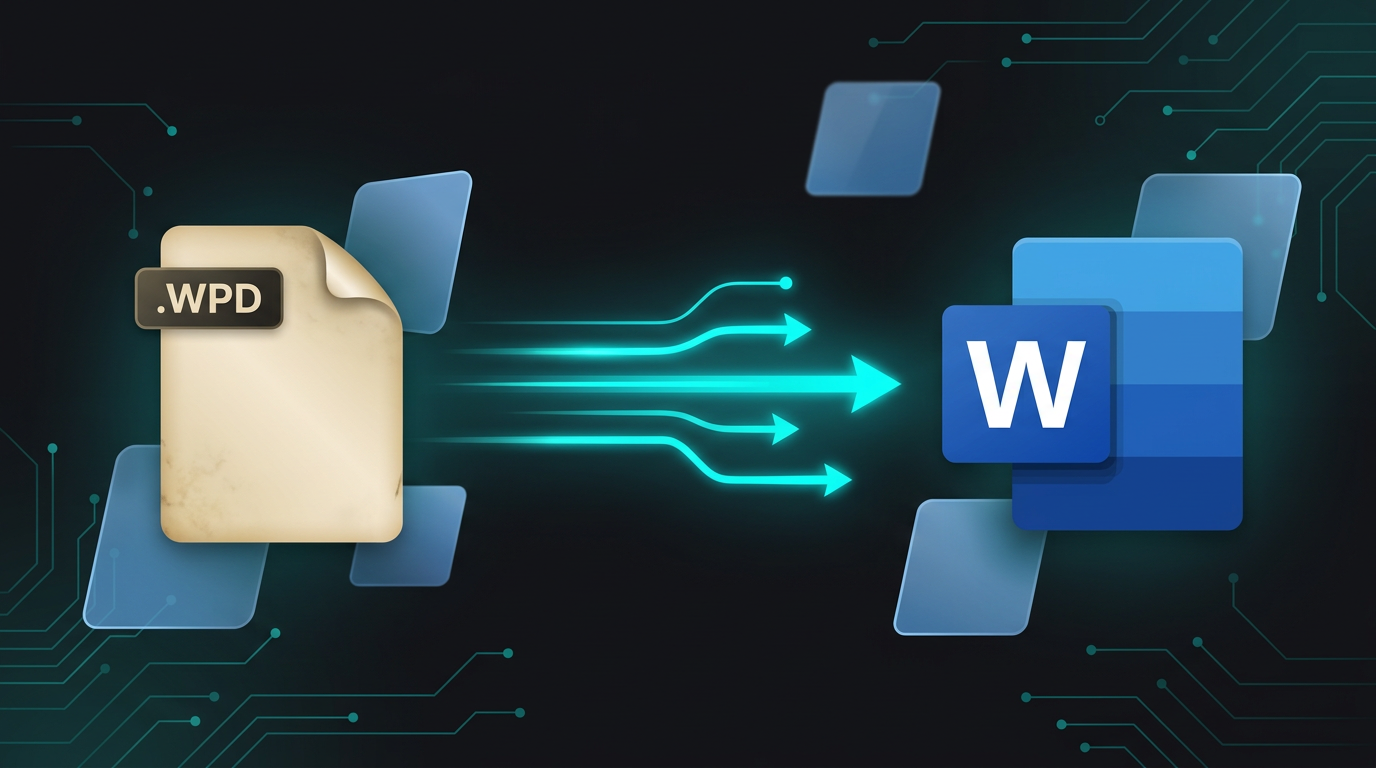
Modern Word dropped its built-in WordPerfect converter, so .wpd files often will not open on Windows 11. Legacy File Converter turns them into DOCX, PDF, RTF, TXT, HTML, or Markdown locally — no WordPerfect license needed.
WordPerfect ruled the legal and government world for decades, which is why so many archives are full of .wpd files. Try to open one in Windows 11 today and you will usually get an error, a blank page, or a screen of formatting codes.
Why Word stopped opening WPD files
Older versions of Microsoft Word included WordPerfect import converters, but Microsoft removed them for security and maintenance reasons. Current Word has no native way to read .wpd, and Windows itself has never had a built-in viewer.
- Word 2013 and later cannot open .wpd documents.
- Windows 11 has no built-in WordPerfect viewer.
- Reinstalling vintage WordPerfect on a modern PC is unreliable and often fails.
Convert to a format you can actually use
Add your WPD files
Drop in single documents or a whole archive folder of .wpd files.
Pick a modern format
DOCX for editing in Word, PDF for preservation, or Markdown/HTML for the web and AI workflows.
Convert locally
Confidential legal and personal documents never leave your computer.
For long-term archives
Convert to PDF for a frozen, court-ready copy and to DOCX for an editable working copy — you can output both in a single pass.
Summary
WordPerfect documents are not obsolete — they just need translating. Convert .wpd to DOCX or PDF and decades of work become readable and editable again on any modern PC.
Related reading
Ready to open your old files?
Start free, then unlock unlimited conversions with a one-time $79.95 Standard license. Download the Windows installer — full features for up to 10 files.
Free trial
Full app features · up to 10 files
Windows 10 or 11
Same free trial as always — download the Windows installer and convert locally on your PC.
Direct Windows installer · offline MSI
Is this safe? — publisher, installer, and SmartScreen help
Requires Windows 10 or 11. No subscriptions. 100% Windows Native.