
Opening Lotus Ami Pro (.sam) Documents Today
One of the most popular word processors of the early 90s — and almost nothing opens its files now.
TL;DR
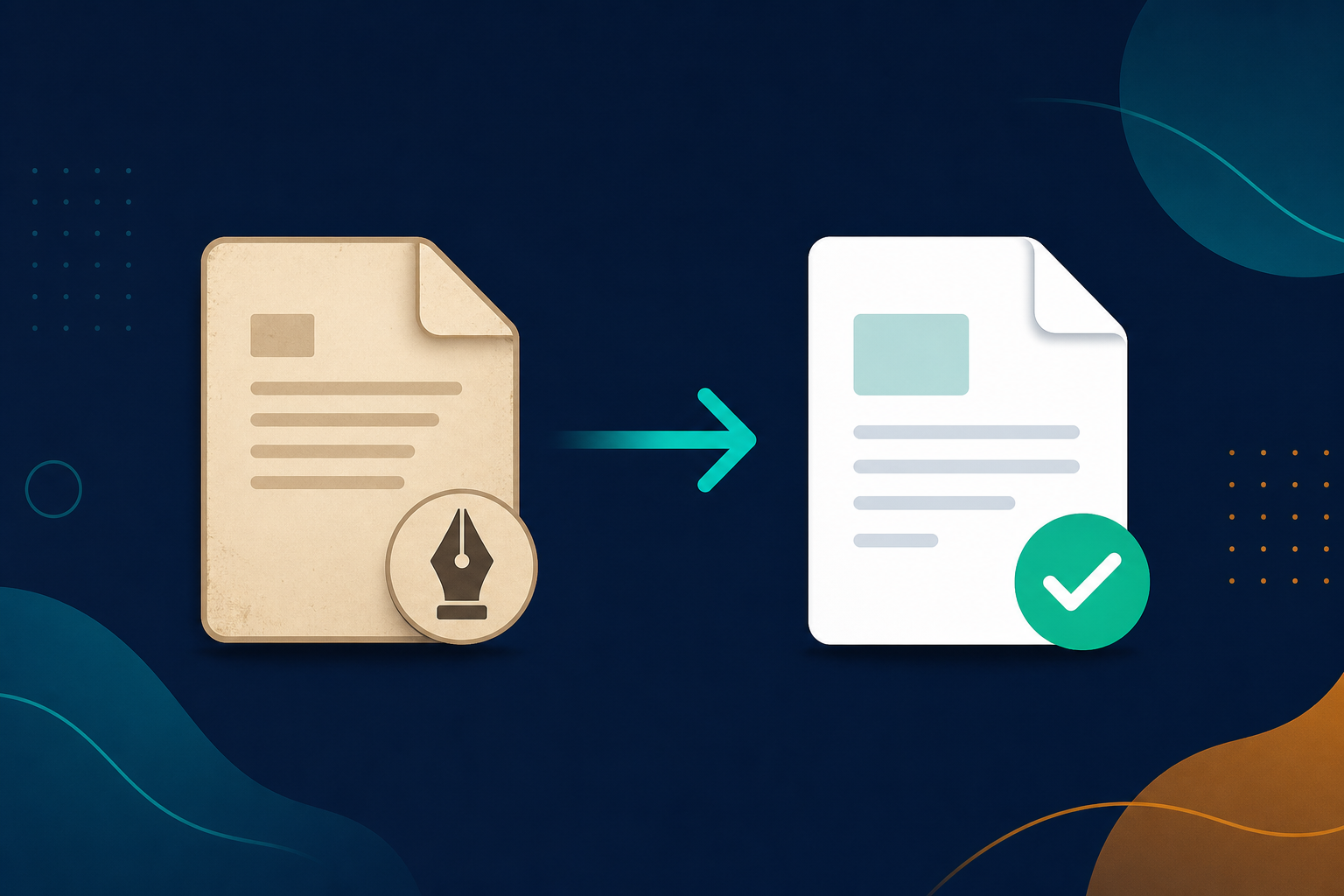
Lotus Ami Pro documents use the .sam extension and have no import path in modern Word. Legacy File Converter reads them and saves DOCX, PDF, RTF, or TXT locally — no Ami Pro or SmartSuite install needed.
Before Word took over the office, Lotus Ami Pro was a genuinely beloved word processor. The files it left behind carry the .sam extension, and today they are some of the hardest legacy documents to open — most apps do not even recognize the format.
Why .sam files are stuck
- Modern Word has no Ami Pro / .sam import filter.
- Lotus SmartSuite is discontinued and will not install on Windows 11.
- Renaming .sam to .doc does nothing — the internal format is different.
Convert and move on
Add your .sam files
Drop in single Ami Pro documents or a whole folder of them.
Choose DOCX or PDF
DOCX for editing, PDF for a fixed copy, RTF/TXT for maximum portability.
Convert offline
Everything runs on your PC — nothing is uploaded.
Summary
Ami Pro may be long gone, but its documents are recoverable. Convert .sam files to DOCX or PDF and they open anywhere again.
Related reading
Ready to open your old files?
Start free, then unlock unlimited conversions with a one-time $79.95 Standard license. Download the Windows installer — full features for up to 10 files.
Free trial
Full app features · up to 10 files
Windows 10 or 11
Same free trial as always — download the Windows installer and convert locally on your PC.
Direct Windows installer · offline MSI
Is this safe? — publisher, installer, and SmartScreen help
Requires Windows 10 or 11. No subscriptions. 100% Windows Native.