
View and Convert Photoshop (.psd) Files Without Photoshop
Someone sent you a PSD and you do not have a Creative Cloud subscription. No problem.
TL;DR
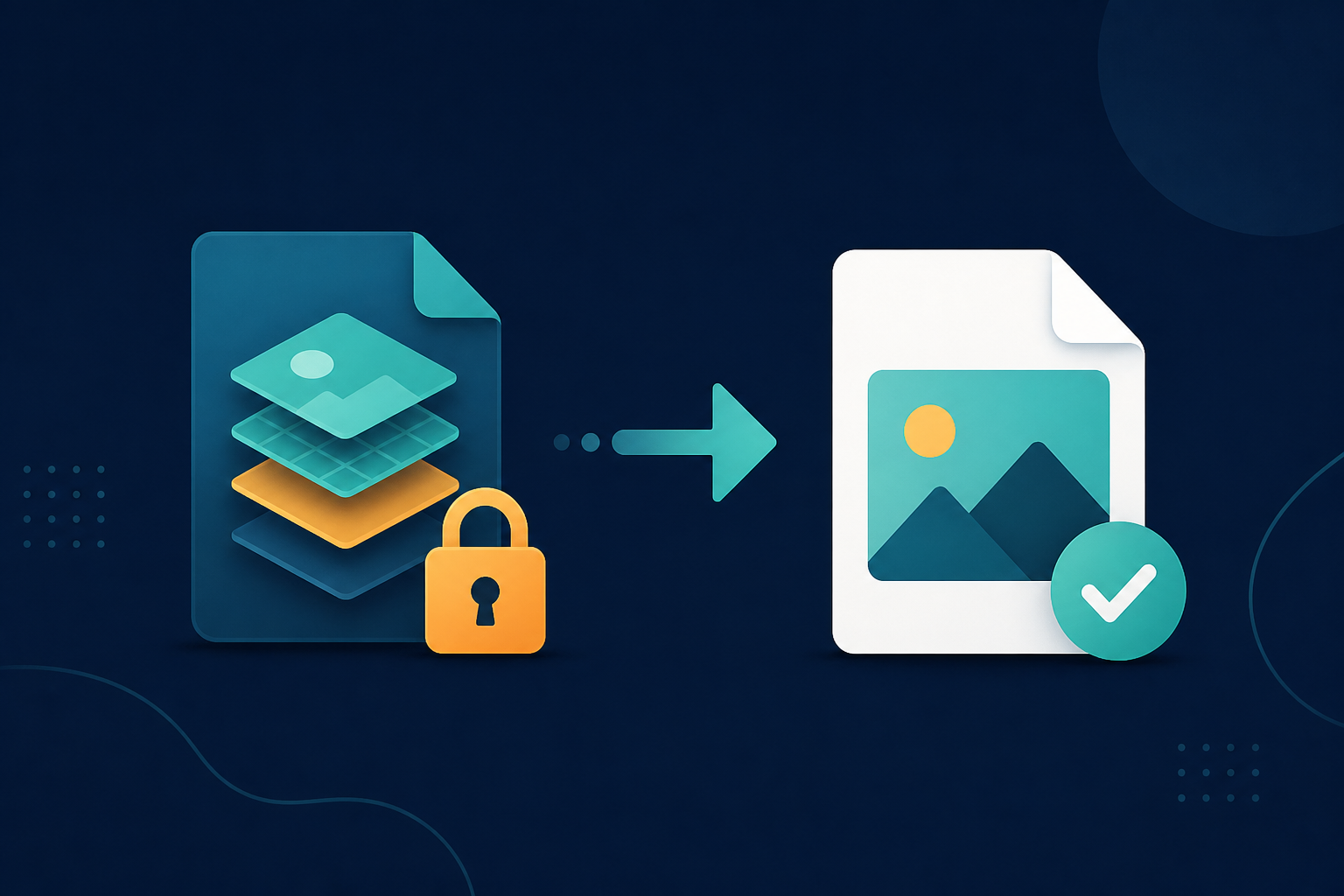
A .psd is a layered Photoshop image, and Windows cannot preview it. Legacy File Converter flattens and converts PSD files to JPG, PNG, or PDF locally — no Photoshop or subscription needed.
A designer sends you a logo, a flyer, or a mockup as a .psd file. You double-click it and Windows shrugs — no preview, no app to open it, and a Photoshop subscription costs more than you want to spend just to see one image.
What makes PSD different
A PSD stores an image as separate editable layers rather than one flat picture. That is great for editing in Photoshop, but it means general-purpose viewers cannot render it. To use the image anywhere else, you need a flattened copy.
- Windows Photo Viewer and most apps cannot open .psd.
- Web pages and documents need JPG/PNG, not PSD.
- Buying Photoshop just to view a file is wildly overkill.
Get a usable image in seconds
Add the PSD file
Drag the .psd in, or right-click it in Explorer and choose Convert.
Pick JPG, PNG, or PDF
JPG for sharing, PNG if you need transparency, PDF for a printable copy.
Convert offline
The flattened image is produced on your PC — client work never gets uploaded.
Summary
You do not need Photoshop to see what is inside a PSD. Convert it to JPG, PNG, or PDF and the image opens anywhere.
Related reading
Ready to open your old files?
Start free, then unlock unlimited conversions with a one-time $79.95 Standard license. Download the Windows installer — full features for up to 10 files.
Free trial
Full app features · up to 10 files
Windows 10 or 11
Same free trial as always — download the Windows installer and convert locally on your PC.
Direct Windows installer · offline MSI
Is this safe? — publisher, installer, and SmartScreen help
Requires Windows 10 or 11. No subscriptions. 100% Windows Native.