
Turn Multi-Page TIFF Scans Into a Single PDF
Old scanners and fax archives love TIFF. Everyone else wants a PDF.
TL;DR
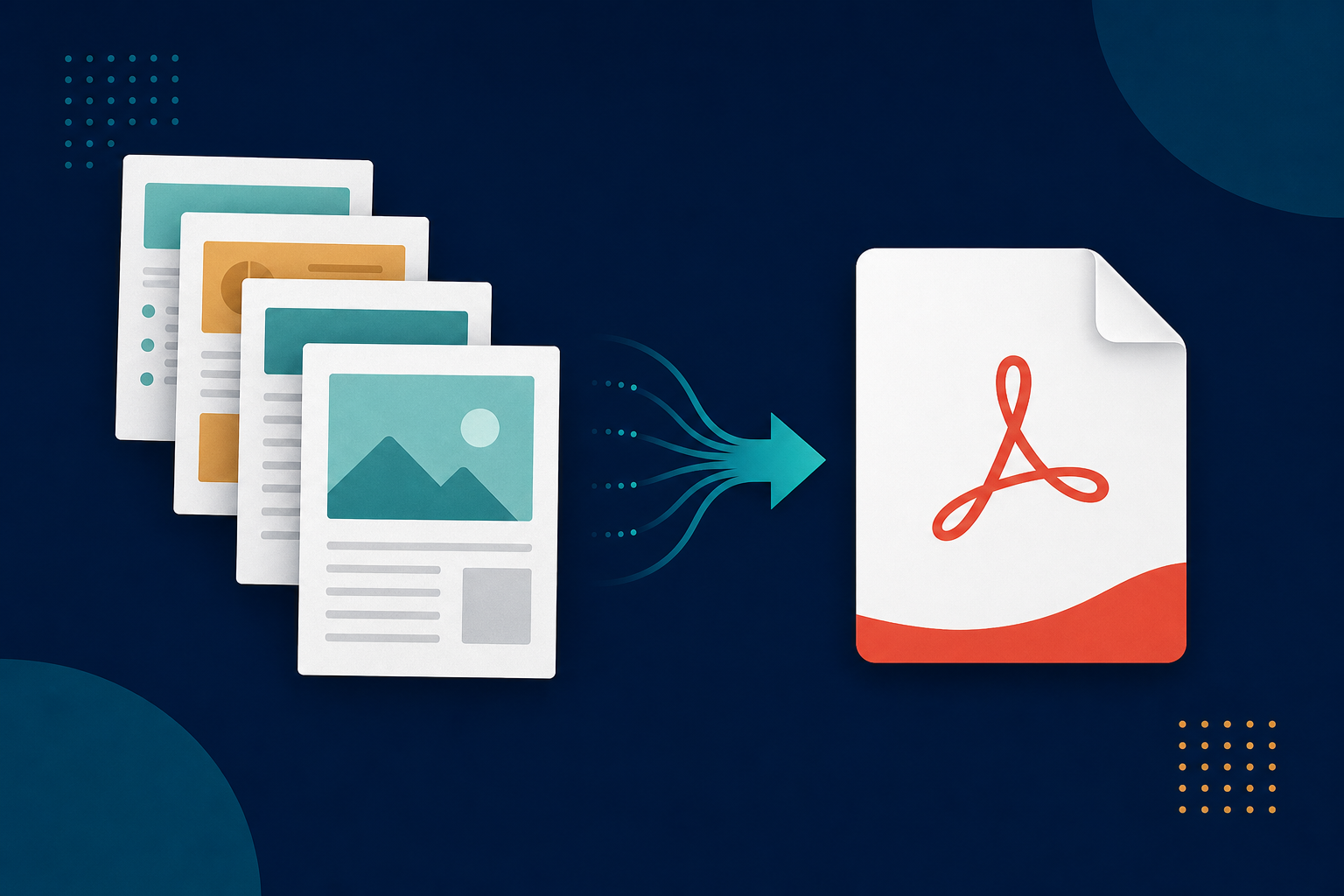
Multi-page TIFF scans (from fax machines, document scanners, and medical/legal systems) are hard to view and share. Legacy File Converter turns them into a tidy PDF — or into JPG/PNG — entirely on your PC.
TIFF has been the workhorse of scanners and fax servers for decades because it can hold many pages in one file at high quality. The downside: a multi-page .tif opens awkwardly (or one page at a time) in most viewers, and it is far too large to email.
Why TIFF gets in the way
- Windows Photo Viewer shows only the first page of a multi-page TIFF.
- TIFF files are large and rarely accepted by upload forms.
- Recipients expect a PDF, not a scanner-specific image format.
Convert scans to a shareable PDF
Converting a multi-page TIFF to PDF keeps every page in order in one compact, universally readable file. Need individual images instead? Export to JPG or PNG.
Add your TIFF scans
Drop in single .tif/.tiff files or an entire folder of scanned documents.
Choose PDF (or JPG/PNG)
PDF preserves all pages in one file; JPG/PNG gives you separate images.
Convert in bulk, offline
Sensitive scans — contracts, records, statements — stay on your machine.
Summary
TIFF is great for capture, awkward for everything else. Convert your scans to PDF and they become easy to view, search, and share — without losing a single page.
Related reading
Ready to open your old files?
Start free, then unlock unlimited conversions with a one-time $79.95 Standard license. Download the Windows installer — full features for up to 10 files.
Free trial
Full app features · up to 10 files
Windows 10 or 11
Same free trial as always — download the Windows installer and convert locally on your PC.
Direct Windows installer · offline MSI
Is this safe? — publisher, installer, and SmartScreen help
Requires Windows 10 or 11. No subscriptions. 100% Windows Native.