
History Lesson: What Is a .jfif File? The JPEG Wrapper Windows Keeps Showing You
JPEG File Interchange Format — the practical wrapper around JPEG compression, and why Windows downloads still land as .jfif.
TL;DR
A .jfif is a JPEG File Interchange Format (JFIF) image — a practical on-disk wrapper around JPEG compression so programs can share photos. Spell JPEG as the Joint Photographic Experts Group compression standard (ITU-T T.81 / ISO/IEC 10918-1): it defined how to compress continuous-tone pictures, not a complete everyday file layout. Eric Hamilton at C-Cube Microsystems led JFIF after a late-1991 industry meeting; JFIF 1.02 is dated 1 September 1992. Files typically start with an SOI (Start of Image) marker, then a JFIF APP0 (application marker) segment, density fields, and an optional thumbnail, before the compressed YCbCr image data. Exif later put richer camera metadata in an APP1 segment. Nearly every .jpg is JFIF, Exif, or both inside; Windows often saves image/jpeg downloads as .jfif because of a MIME registry extension mapping — not because the picture is a different format. Legacy File Converter converts .jfif locally on Windows to JPG, PNG, or PDF — nothing is uploaded.
What is a .jfif file?
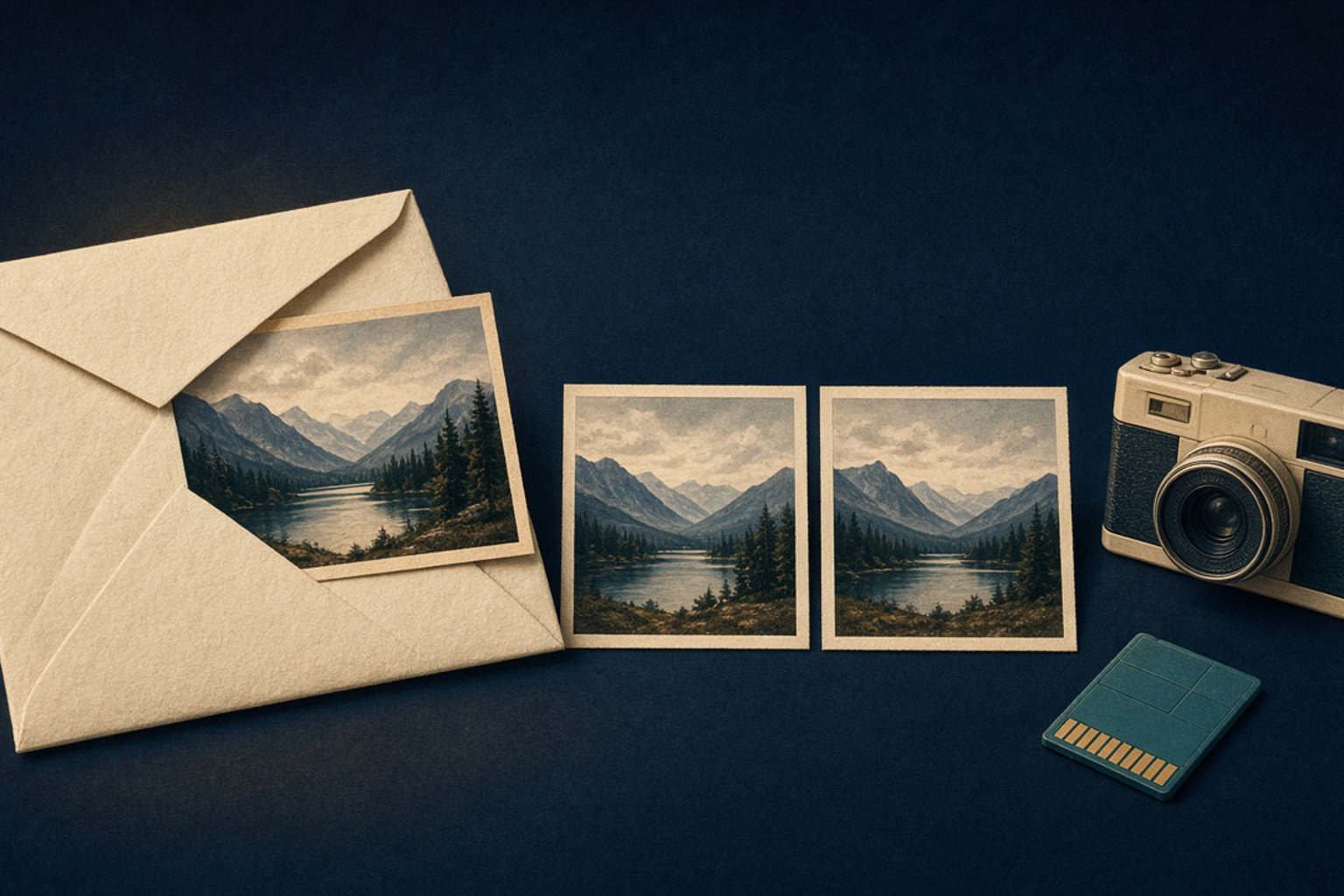
A .jfif file is an image stored in the JPEG File Interchange Format — usually shortened to JFIF. Think of it as the cream envelope around a compressed photograph: the picture data is JPEG-encoded, and JFIF tells every program how to find color space, pixel aspect / print density, and an optional preview thumbnail so the file can move between platforms. On disk the extension may be .jfif, .jpg, or .jpeg; the bytes inside are often the same family of JPEG interchange file.
Under the hood, a classic JFIF file conforms to the interchange syntax in Annex B of the JPEG standard and adds a small, rigid header. It opens with SOI (Start of Image, the 0xFFD8 marker). Next comes an APP0 application marker segment whose zero-terminated identifier is the ASCII string “JFIF”. That segment carries a version number (1.02 for the final widely circulated revision), units and Xdensity / Ydensity fields (no units / pixel aspect, dots per inch, or dots per centimetre — the familiar DPI / density idea), and optional embedded RGB thumbnail width, height, and pixels. JFIF 1.02 also allows a following JFXX extension APP0 segment for additional thumbnail encodings, including a JPEG-compressed thumbnail. After those application segments come the usual JPEG frame and scan data that decode into a YCbCr image — luminance plus two chroma channels, often with chroma subsampling (storing color at lower resolution than brightness, the classic JPEG bandwidth trick).
Same picture, different name
If someone asks “what is a .jfif file,” the short answer is: a JPEG File Interchange Format image — usually the same everyday JPEG you already open as .jpg, just wearing a less common extension.
Is JFIF the same as JPEG?
Close — and the gap is why the question keeps searching. JPEG here means the compression work of the Joint Photographic Experts Group, approved as ITU-T Recommendation T.81 on 18 September 1992 and published as ISO/IEC 10918-1 in February 1994. That standard specifies processes for compressing and reconstructing continuous-tone still images (grayscale or colour), including the widely implemented baseline DCT-based (Discrete Cosine Transform) method. What it did not hand every desktop a ready-made “save as photo file” layout with density, thumbnail, and a single agreed colour interpretation for interchange.
JFIF is the industry answer that filled that gap: take a JPEG bitstream and wrap just enough metadata that Mac, Windows, Unix, and imaging tools could swap files without reinventing a private container each time. So “is JFIF the same as JPEG?” gets a careful yes-and-no: the pixels are JPEG-compressed; the file you click is JFIF (or JFIF plus later metadata) giving JPEG a practical home on disk. Renaming .jfif to .jpg does not re-encode the image — it usually just changes the label on an already-JPEG interchange file.
Compression ≠ interchange layout
JPEG (T.81 / 10918-1) is the compression standard. JFIF is the simple APP0 wrapper that made those bitstreams a portable photo file. Confusing the two is common; treating .jfif as a mysterious non-JPEG format is the real mistake.
Why do images download as .jfif?
Own the Windows surprise: you right-click Save image on a web photo, and the Downloads folder shows photo.jfif instead of photo.jpg. The picture usually opens in Photos, browsers, and editors anyway — because the payload is still a JPEG interchange image. What changed is the extension chosen for the image/jpeg MIME type.
On Windows, the MIME database maps content types to default extensions. Community and Microsoft Q&A threads repeatedly document HKEY_CLASSES_ROOT\MIME\Database\Content Type\image/jpeg with an Extension value of .jfif. When that mapping points at .jfif, Edge, Teams, and other downloaders that trust the registry can stamp JPEG downloads with that suffix. Some Windows Store app manifests (notably discussed around Paint / Snip & Sketch packaging) have listed .jfif among image/jpeg file types; installers or updates can reassert associations, which is why the quirk sometimes returns after a manual registry fix. Hedge any claim that “Windows version X invented .jfif downloads on date Y” — public reporting describes the registry / association behaviour more clearly than a single ship date.
Practical takeaway: a pile of .jfif files on a 2026 desktop is usually a naming / association story, not a secret second image codec. Renaming to .jpg (or converting to JPG / PNG / PDF when a picky uploader rejects the extension) solves the workflow problem without implying the original download was corrupt.
Where JFIF came from (C-Cube, Hamilton, and the missing file format)
In the early 1990s, computer, telecom, and imaging companies needed a simple way to interchange JPEG-compressed stills across platforms. Representing C-Cube Microsystems, Eric Hamilton hosted a late-1991 meeting — Ecma’s later technical report recalls about forty company representatives — aimed at a minimal file format based on JPEG. Follow-up work continued by email and phone. Consensus came quickly: Hamilton edited and circulated JFIF version 1.0.
Almost immediately the group revisited component sampling geometry. JFIF 1.0 had followed digital-video conventions; common computer imaging (examples cited in the Ecma history include PostScript and QuickTime) expected a different spatial relationship among colour components. They published JFIF 1.01 to match the computer convention — treated as a minor change because 1.0 had circulated only briefly. The Independent JPEG Group (IJG) adopted JFIF 1.01 in its public-domain software, which helped seed millions of JFIF images across the early web and desktop. Later in 1992, feedback produced the final classic revision, JFIF 1.02 (1 September 1992), adding richer thumbnail options — most importantly thumbnails stored in compressed form via the JFXX extension.
JFIF 1.02 lived for years as a de facto public-domain interchange practice rather than a formal ISO document. Formalization arrived in stages: Ecma TR/98 (June 2009) published JFIF 1.02 as a technical report; ITU-T T.871 (May 2011) and ISO/IEC 10918-5:2013 then standardized substantially the same JFIF 1.02 layout as the JPEG File Interchange Format part of the 10918 family — acknowledging Hamilton’s group after the format had already won the market.
Wrapper first, rubber stamp later
JFIF became universal on desktops and the early web as a de facto layout; Ecma, ITU-T, and ISO/IEC formalized JFIF 1.02 years after the bytes were already everywhere.
JFIF vs Exif — APP0 meets APP1
Cameras needed more than density and a thumbnail. Exif (Exchangeable image file format), first published by JEIDA in October 1995 and later maintained under JEITA / CIPA, stores richer capture metadata — exposure, camera model, timestamps, GPS in later revisions — inside JPEG (and TIFF) files. In compressed Exif JPEGs, that metadata typically lives in an APP1 application marker segment immediately after SOI, using a TIFF-style tag structure, rather than JFIF’s simpler APP0 “JFIF” block.
The rivalry is less “winner takes all” than “two application segments sharing one JPEG stream.” Many camera and phone JPEGs today are Exif-first; many web and scanner exports still carry a JFIF APP0; plenty of files include both or related application segments. Either way, the compressed picture is still in the JPEG family — which is why a download labeled .jfif and a camera export labeled .jpg so often open in the same viewer. For neighboring “looks like a photo, different container” stories on this site, see History Lesson: HEIC, HEIF, and the Photo That Is Not a JPEG, History Lesson: What Is an .avif File?, and History Lesson: What Is a .jp2 File? Not the Same as a JPG.
Why .jfif files still pile up on disks in 2026
By 2026, .jfif still appears from browser Saves, Teams and chat image downloads, email attachments, and any Windows profile whose image/jpeg MIME extension points at .jfif. The files are ordinary JPEG interchange images wearing a less common suffix — legacy files in the everyday sense only because some uploaders, scripts, and habits still insist on .jpg. The format that solved JPEG’s missing file layout in 1992 remains the quiet default inside countless .jpg files; the extension drama is mostly a registry quirk echoing into the Downloads folder.
Legacy File Converter lists JPEG File Interchange Format / .jfif among supported image inputs on Supported File Types and converts it locally on Windows to JPG, PNG, PDF, and other listed targets. Nothing is uploaded. This article stays the history — not a how-to for registry edits. For neighboring image-format lessons, see History Lesson: HEIC, HEIF, and the Photo That Is Not a JPEG, History Lesson: What Is a .jp2 File? Not the Same as a JPG, History Lesson: What Is an .avif File?, and History Lesson: What Is a Multipage .tif File?.
Related reading
Ready to open your old files?
Start free, then unlock unlimited conversions with a one-time $79.95 Standard license. Download the Windows installer — full features for up to 10 files.
Free trial
Full app features · up to 10 files
Windows 10 or 11
Same free trial as always — download the Windows installer and convert locally on your PC.
Direct Windows installer · offline MSI
Is this safe? — publisher, installer, and SmartScreen help
Requires Windows 10 or 11. No subscriptions. 100% Windows Native.