
History Lesson: HEIC, HEIF, and the Photo That Is Not a JPEG
An MP4-style can for stills, Apple's 2017 default, and nine years of legacy files
TL;DR
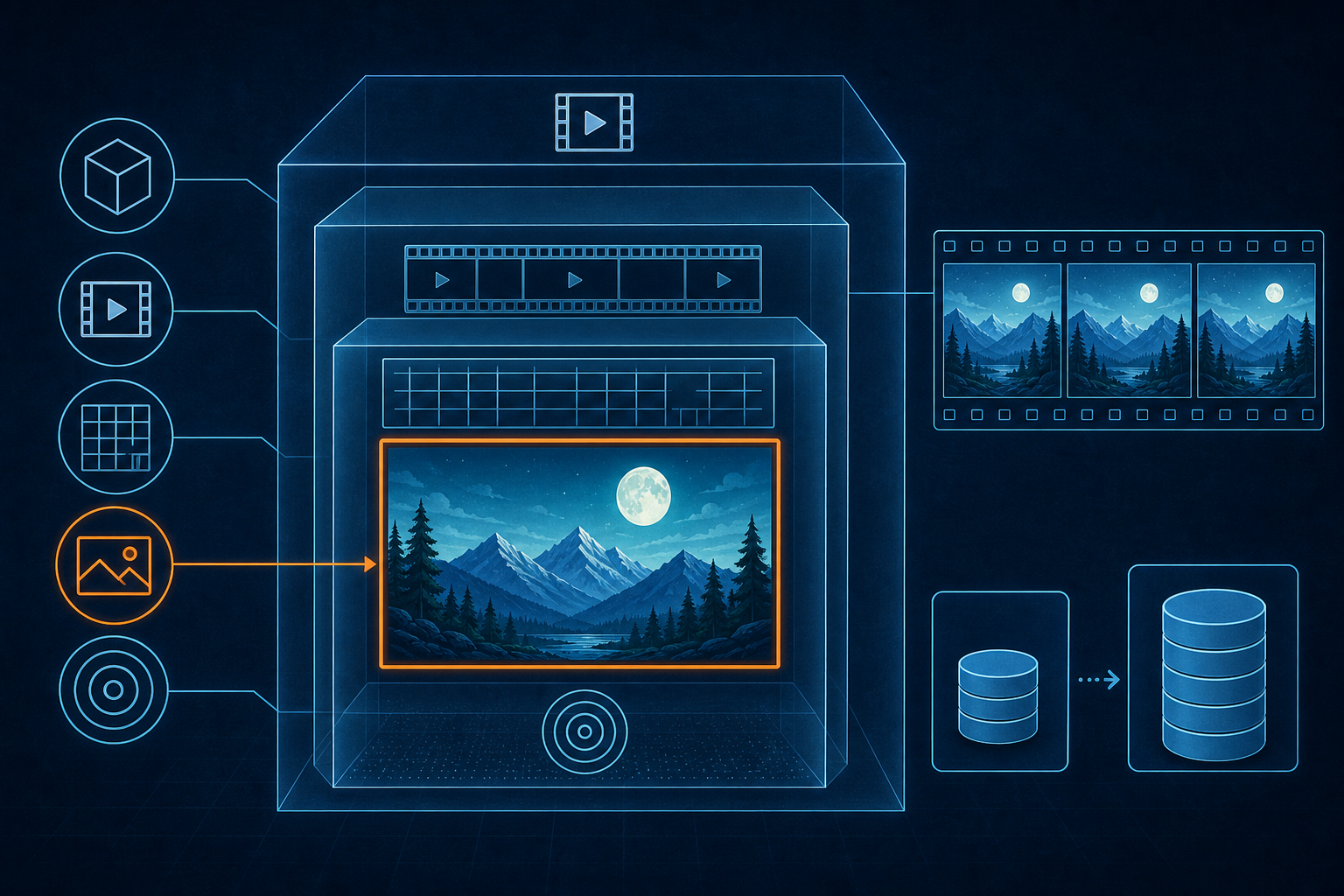
HEIF (High Efficiency Image File Format) is MPEG-H Part 12 / ISO/IEC 23008-12 — stills and sequences hung on an ISOBMFF (ISO Base Media File Format — the MP4-style box container) can. HEIC (High Efficiency Image Container — the HEVC-in-HEIF brand/extension) is not a codec; the codec is HEVC (High Efficiency Video Coding, also H.265). Nokia drove the first working draft in 2013. MPEG 112 in Warsaw (June 2015) called version 1 technically complete; the ISO edition 1 print landed 12 Dec 2017. Apple made High Efficiency the iPhone default with iOS 11 in 2017. In 2026, unconverted originals are still legacy files.
Stills hung on an MP4-style can
A JPEG is a compressed raster with a familiar magic number. A HEIF file is something else: a container of nested boxes, each with a four-character type, a size, and a payload — the same family as MP4. Stills live as items. Sequences live as tracks. The can can hold one photo, a burst, depth and alpha, or a short paired clip. That is why a file ending in .heic does not behave like a plain .jpg when you peek at the bytes.
HEIC is not a codec. The codec inside a typical Apple still is HEVC. The container is HEIF. Confusing the brand with the codec is how people end up saying the wrong thing about patents, Windows extensions, and what a conversion actually throws away.
2013 draft, 2015 complete, 2017 ISO print
Nokia drove the first working draft in 2013, building on ISOBMFF — ISO/IEC 14496-12:2004, published 23 Jan 2004 (not 2001). At MPEG 112 in Warsaw in June 2015, the group treated version 1 as technically complete. Apple's WWDC 2017 session said version 1 became an ISO standard in June 2015 — that is the completion claim, not the date of the printed ISO text.
The ISO edition 1 of ISO/IEC 23008-12 was published 12 Dec 2017. Edition 3 followed on 3 Jul 2025. The useful split is 2015 for technical completeness and 2017 for the first ISO print. HEIF is MPEG-H Part 12.
Payload HEVC, container HEIF
Inside the can, brands declare what you are looking at. The heic brand marks HEVC stills and usually lands as .heic with MIME type image/heic. The mif1 brand marks multi-image / any-codec stills and often lands as .heif with image/heif. IANA registered those types on 30 Jul 2018. You will also see .hif. There is no single JPEG-style magic number; the file starts as boxes, typically with an ftyp brand list.
HEIC names the HEVC-in-HEIF packaging people meet on iPhones. HEIF is the standard cupboard. HEVC is the compressed payload. Mixing those three words is how forum threads go sideways.
Apple, 2017: High Efficiency as the default
Apple previewed the change at WWDC in June 2017. iOS 11 shipped 19 Sep 2017 — Apple Newsroom on 18 Sep said it would be available tomorrow, a Tuesday. Capture in the new formats targeted iPhone 7 and later. Settings offered High Efficiency versus Most Compatible (JPEG / H.264). High Efficiency meant HEIF stills and HEVC video; Most Compatible meant the older pair everyone already knew how to open.
Apple's marketing said photos and video could take about half the space — up to 2× more for the same storage. That is Apple's claim, not a universal law, and it is not the same number as Nokia's older JPEG bitrate comparison tables. Marketing claims and lab tables are different animals.
Hex: ftyp, not FF D8
Open a classic JPEG and the first bytes are often FF D8. Open a HEIC and you are reading an ISOBMFF layout that starts with boxes — commonly an ftyp box listing brands. Same idea as an MP4: the header tells parsers which brands apply, then nested boxes carry metadata and media. If a tool only sniffs JPEG signatures, a perfectly good photo looks like gibberish.
The file can be a stack
The container's job is bigger than one frame. HEIF can carry bursts, depth maps, alpha, image grids, and non-destructive rotate or crop. Apple's WWDC materials leaned on Live Photo as the everyday proof: a still plus a short paired sequence in one package. That is why “just save as JPEG” is a reduction. You may keep a fine still and lose auxiliary planes, timing, or edit metadata the can was designed to hold.
2018–19: everyone else gets a slice
Android 8 could decode HEIF/HEIC. Android 10, announced 3 Sep 2019, added camera HEIC capture when an encoder was present. That is not the same as Android defaulting to HEIC across the ecosystem — encoder availability and OEM choices varied. On Windows, Microsoft Support describes a two-piece story: the free HEIF Image Extension, plus HEVC Video Extensions (listed at $0.99) required to view typical .heic photos. You need both even when the file is “just a photo,” because the still payload is HEVC. Support targets Windows 10 build 17763 and later. Windows 11 does not mean every PC can open HEIC without those pieces.
AVIF: same cupboard, different tin
AVIF puts AV1 image coding inside a HEIF container — a conformant HEIF file with a different payload, promoted through the Alliance for Open Media. The AV1 side is often described as royalty-friendly — a claim worth hedging. Patent reality around codecs is messy, and HEIF-the-container is not magically royalty-free because a different codec sat down in the same chair.
On the HEVC side, pools multiplied early. MPEG LA announced an HEVC patent pool on 29 Sep 2014 (23 firms, including Apple). HEVC Advance announced a second pool on 26 Mar 2015. Multiple pools exist. The rates are outside this lesson; the point is that HEIF is not a royalty-free free-for-all.
Apple converts at the edge; Microsoft charges at the decoder
Transfer paths matter as much as capture settings. iCloud keeps originals. A USB copy to a PC may convert unless you choose Keep Originals. On iCloud.com, Most Compatible yields JPEG. That is Apple converting at the edge for interoperability — a different story from wireless handoffs, and not a claim that every path dumps raw HEIC onto Windows.
Microsoft's Store extensions sit at the other end: the paid HEVC piece at the decoder if you want Photos and Explorer to render the still. Apple's edge conversion and Microsoft's codec SKUs are two answers to the same interoperability problem. Neither erases the originals already sitting in camera rolls and backup folders.
2026: nine years of unconverted originals
From iOS 11 in September 2017 to 2026 is roughly nine years of phones writing High Efficiency by default for people who never opened Settings. Folders of legacy .heic files are not a niche archive format from a dead suite. They are ordinary photos — vacations, receipts, kids' games — that never got re-saved as JPEG because nobody needed to, until a Windows machine, an old editor, or a website form refused the extension.
A legacy HEIC is still a HEIF can with an HEVC payload. Converting to JPEG can be the right move for sharing. It is still a reduction of what the container could hold. The history lesson is the can, the brand, the codec, and the long trail of originals that outlived the moment everyone assumed “photo” meant FF D8.
Legacy File Converter reads legacy HEIC locally on Windows. Nothing is uploaded.
Related reading
Ready to open your old files?
Start free, then unlock unlimited conversions with a one-time $79.95 Standard license. Download the Windows installer — full features for up to 10 files.
Free trial
Full app features · up to 10 files
Windows 10 or 11
Same free trial as always — download the Windows installer and convert locally on your PC.
Direct Windows installer · offline MSI
Is this safe? — publisher, installer, and SmartScreen help
Requires Windows 10 or 11. No subscriptions. 100% Windows Native.