
JPEG 2000 (.jp2) Files That Won't Open
A smarter JPEG that never caught on — so almost nothing opens it.
TL;DR
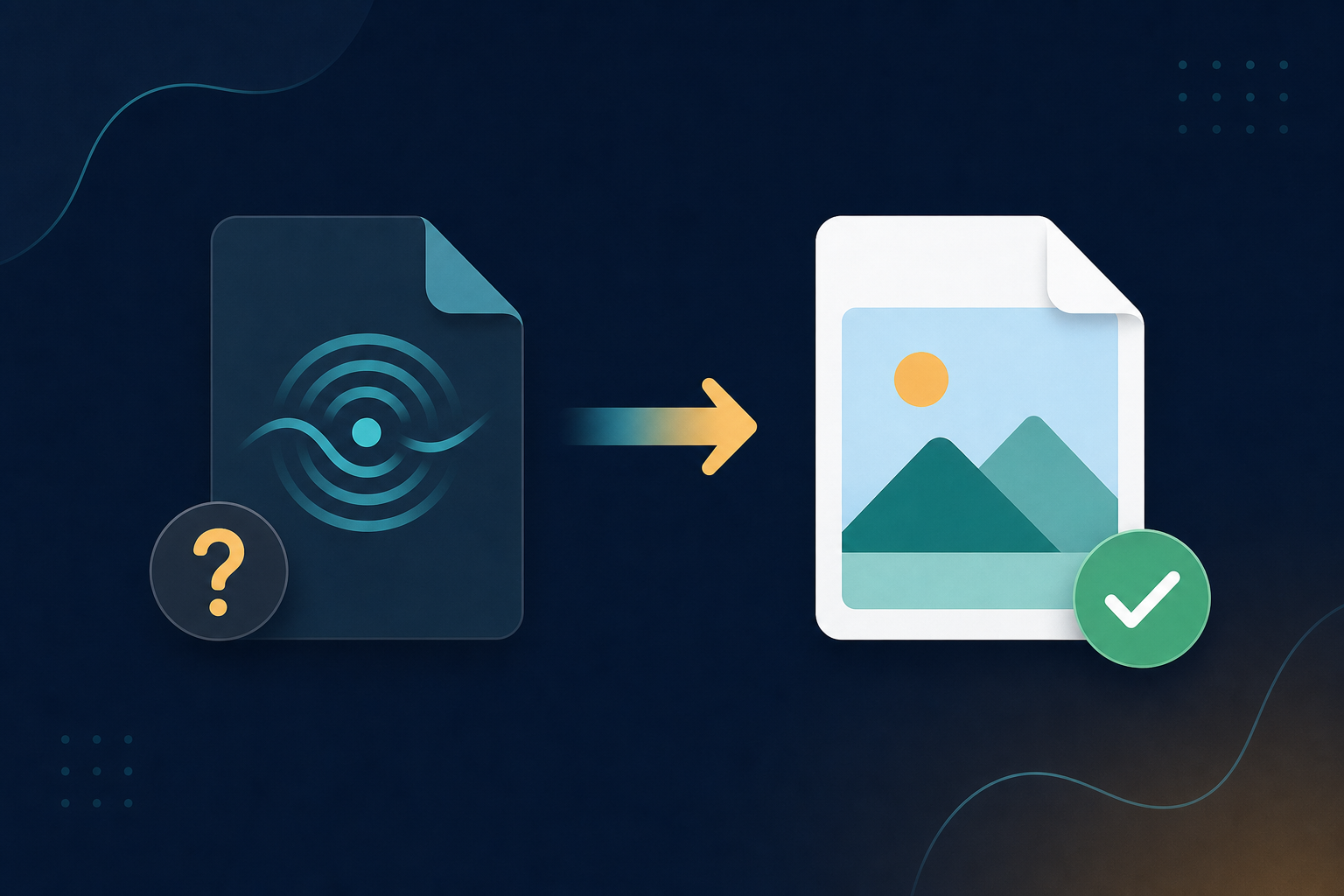
JPEG 2000 .jp2 files are common in archives and medical imaging but unsupported in most everyday apps and browsers. Cousin extensions such as .j2k and .jpf also exist in the JPEG 2000 family. Legacy File Converter converts .jp2 to JPG, PNG, or PDF locally.
JPEG 2000 was meant to be the successor to JPEG, with better compression and quality. It found a home in document archives, satellite imagery, and medical scans — but it never gained mainstream support, so a .jp2 file is a headache to open.
Why .jp2 is rarely supported
- Most browsers and image viewers do not display JPEG 2000.
- It is used in niche fields, so consumer software ignores it.
- Sharing a .jp2 usually means the recipient cannot open it either.
Convert to a universal image
Add your .jp2 files
Drop in single images or a folder of them.
Choose JPG, PNG, or PDF
JPG/PNG for everyday use; PDF for archival documents.
Convert offline
Sensitive scans and records stay on your machine.
Summary
JPEG 2000 is clever but unsupported. Convert .jp2 files to JPG, PNG, or PDF and they open everywhere.
Related reading
Ready to open your old files?
Start free, then unlock unlimited conversions with a one-time $79.95 Standard license. Download the Windows installer — full features for up to 10 files.
Free trial
Full app features · up to 10 files
Windows 10 or 11
Same free trial as always — download the Windows installer and convert locally on your PC.
Direct Windows installer · offline MSI
Is this safe? — publisher, installer, and SmartScreen help
Requires Windows 10 or 11. No subscriptions. 100% Windows Native.