
Opening RAW Camera Files Without the Camera Software
Your DSLR shoots stunning RAW files that most apps treat as a blank icon.
TL;DR
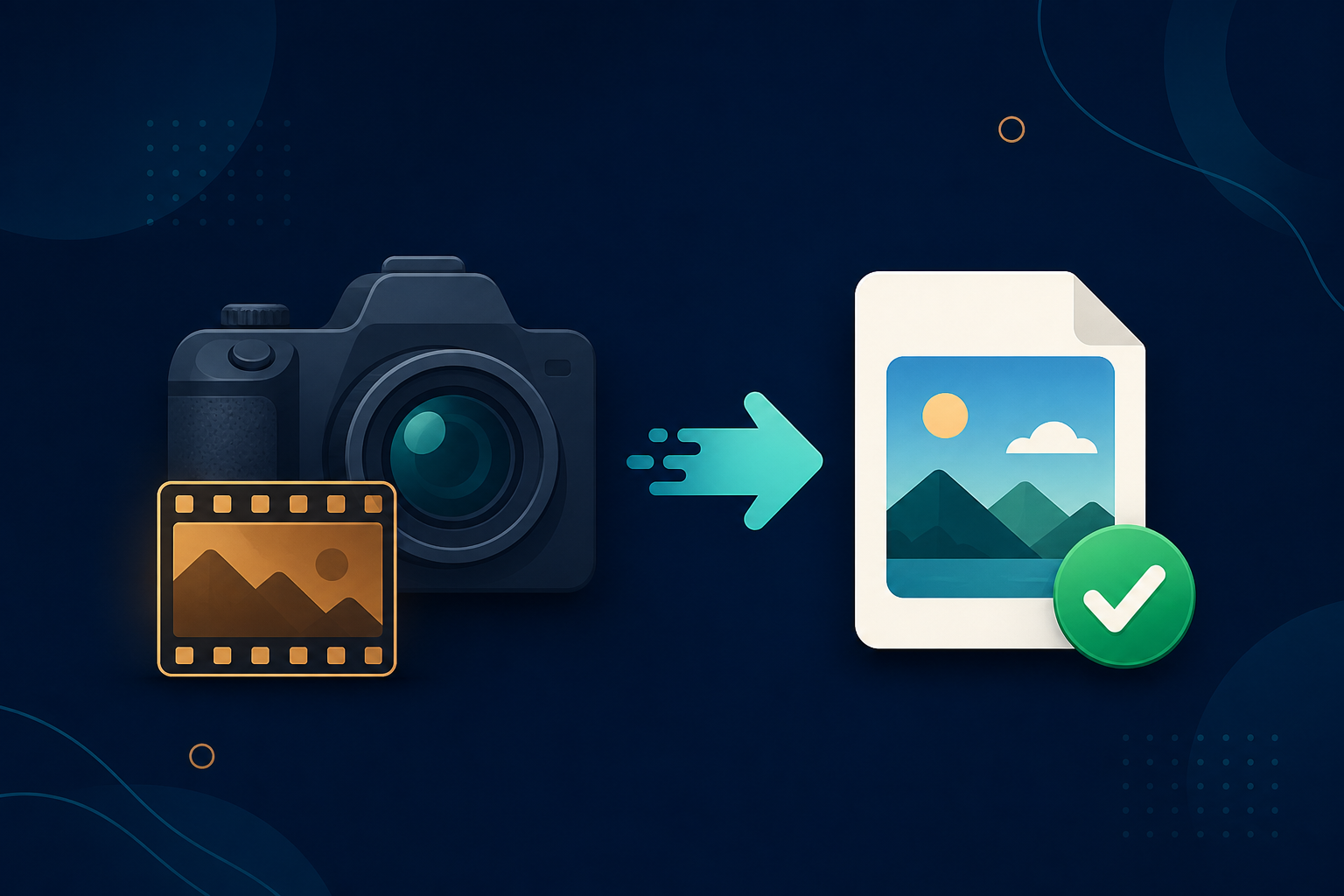
RAW photos (.cr2, .nef, .arw, and others) are the unprocessed files straight off a camera sensor, and most apps cannot display them. Legacy File Converter converts RAW to JPG or PNG on your PC.
A RAW file captures everything your camera’s sensor saw, with no compression and no processing. That is fantastic for editing — and frustrating for sharing, because Windows and most apps just show a generic icon instead of the photo.
Why RAW is hard to use directly
- Each camera brand uses its own RAW format (CR2, NEF, ARW, ORF, RW2, and more).
- Email and web forms reject large RAW files.
- Without the right codec, Windows shows no preview.
Convert to a shareable photo
Add your RAW files
Drop in a folder of photos straight off the memory card.
Choose JPG or PNG
JPG for easy sharing and printing; PNG for a lossless copy.
Convert in bulk, offline
Whole shoots convert at once, with nothing uploaded.
Summary
RAW is for capture; JPG and PNG are for everyone else. Convert your RAW files and the photos open and share anywhere.
Related reading
Ready to open your old files?
Start free, then unlock unlimited conversions with a one-time $79.95 Standard license. Download the Windows installer — full features for up to 10 files.
Free trial
Full app features · up to 10 files
Windows 10 or 11
Same free trial as always — download the Windows installer and convert locally on your PC.
Direct Windows installer · offline MSI
Is this safe? — publisher, installer, and SmartScreen help
Requires Windows 10 or 11. No subscriptions. 100% Windows Native.