
A Local Alternative to CloudConvert, Convertio, and Zamzar for Legacy Files
Those sites are fine for one modern file. An estate dump or old project folder is a different job.
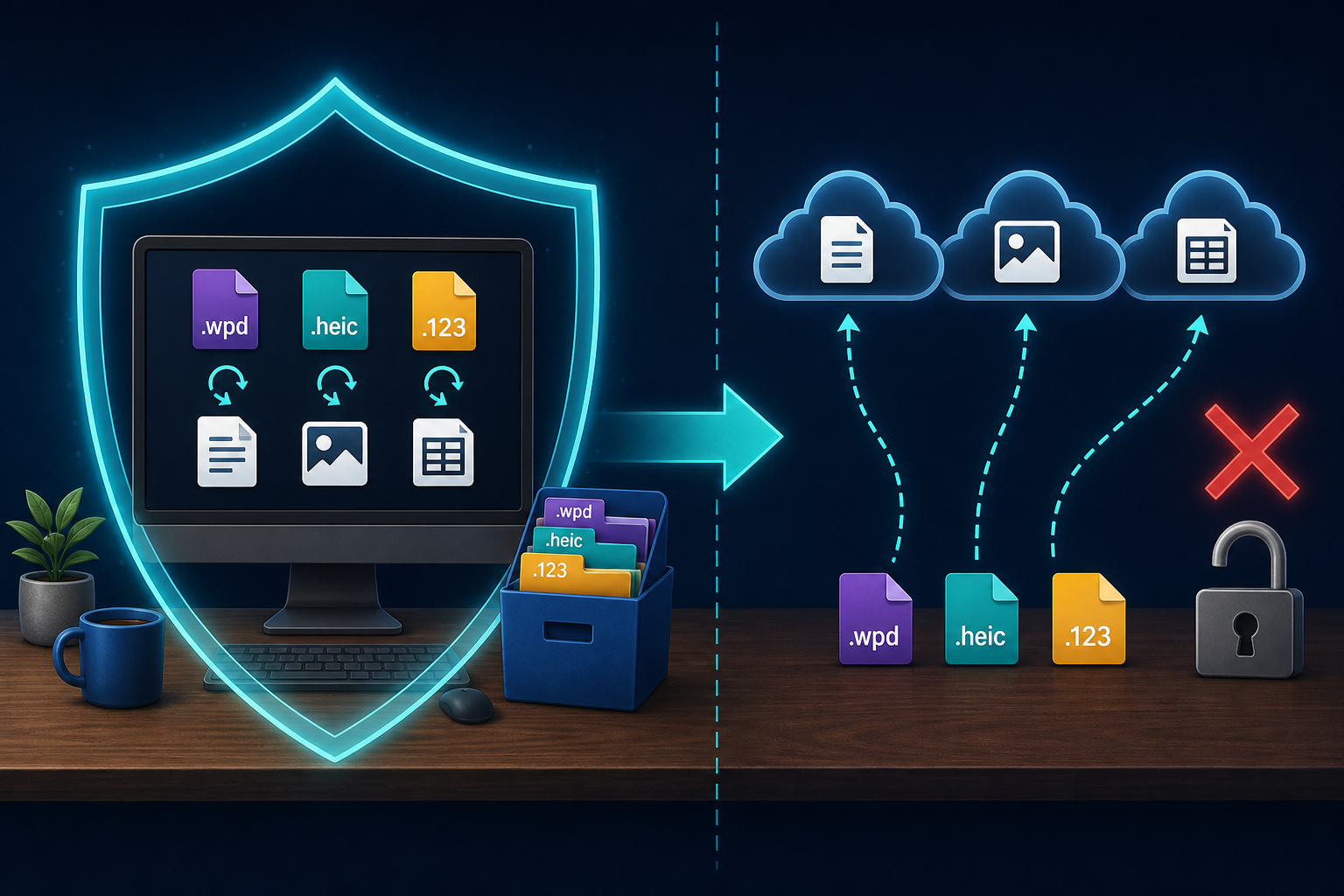
TL;DR
CloudConvert, Convertio, and Zamzar are upload-and-wait converters. They are useful for one modern file. A mixed legacy archive — WordPerfect, iPhone HEIC, Lotus, XPS — is a folder on a Windows PC. Legacy File Converter does that job locally. Nothing is uploaded. This is not a slam on those three. It is a different job.
What those three actually are
CloudConvert, Convertio, and Zamzar are web converters. You send a file to their servers. They convert it. You download the result. CloudConvert says the files are processed by machine and deleted within 24 hours. Convertio and Zamzar also convert on their servers. Zamzar, one of the older names in this category, will email you a download link if you give them an address. Paid Zamzar plans also keep converted files in online storage.
That model is convenient when the file is already a PDF, an MP4, or a single HEIC you need as JPG. It is a poor fit for an inherited PC, a law-firm share, or a project folder from 1998.
A mixed legacy archive is not one upload
A mixed legacy archive is rarely one file. It is a folder: .wpd letters next to .123 sheets, a stack of iPhone .heic photos, an XPS certificate, maybe a Works document. You do not want to pick twenty files, watch a credit counter, and hope the free daily cap holds.
CloudConvert's free plan is 10 conversions a day and 1 GB per file. Convertio's cheapest paid plan is a monthly subscription with a 1 GB cap and a credit allotment. Zamzar's free tier is 2 files per 24 hours; paid starts at $12 a month (Basic), with file-size caps and online storage. Those limits are fine for a one-off. They are the wrong shape for a mixed folder.
CloudConvert can convert a .wpd. That is not the question. The question is whether you want every legacy file to leave the building.
Why legacy files should stay on this PC
Estate dumps and old office folders hold names, medical scans, contracts, and family photos. Sending them to a converter you found in search means a copy exists on a machine you do not own, for some number of hours, under a policy you did not write. Local conversion removes that step. The file goes from old format to new format on the same disk.
This is the same reason we already wrote about generic free web converters. The named tools are more polished. The upload is the same idea.
- Credits and daily caps on a folder of hundreds of files.
- A copy of the archive sitting on someone else's server, even briefly.
- Paid plans that assume you will keep converting in the cloud, month after month.
- Formats that look supported on a landing page and still fail on an old WordPerfect 5.1 or a Lotus workbook.
What a local legacy converter does instead
Legacy File Converter runs on Windows. You point it at a file or a whole folder. It converts the legacy formats it already handles — WordPerfect, Works, Lotus, Quattro Pro, HEIC, XPS, and the rest — to DOCX, PDF, XLSX, JPG, and other modern outputs. The work stays on this PC. You can do it on a machine that is not on the internet.
Keep the originals beside the new copies until you are sure you no longer need them.
Add the legacy folder, not one file at a time
Point Legacy File Converter at the whole archive so mixed formats convert in one pass.
Choose modern outputs (DOCX or PDF for documents, JPG for photos)
Pick the formats you need for editing, sharing, or long-term reading.
Convert offline
Everything stays on this PC. Nothing is uploaded.
Do not upload a family or legal legacy archive to CloudConvert, Convertio, Zamzar, or a no-name "wpd to pdf" site. Convert that pile on the PC that already has it.
When the web tools are still the right tool
If you have one ordinary file, you already know the output format, and nothing in it is private, an online converter is a reasonable choice. Developers who want an API also have reasons to pay CloudConvert credits. This article is not for that job. It is for the legacy folder Windows will not open.
Summary
CloudConvert, Convertio, and Zamzar convert files you upload. Legacy File Converter converts legacy files you already have, on this PC. Use the first for a one-off modern file. Use the second for the pile.
Related reading
Ready to open your old files?
Start free, then unlock unlimited conversions with a one-time $79.95 Standard license. Download the Windows installer — full features for up to 10 files.
Free trial
Full app features · up to 10 files
Windows 10 or 11
Same free trial as always — download the Windows installer and convert locally on your PC.
Direct Windows installer · offline MSI
Is this safe? — publisher, installer, and SmartScreen help
Requires Windows 10 or 11. No subscriptions. 100% Windows Native.