
Digitizing Family Archives From an Inherited PC
A parent’s old computer is a time capsule — if you can still open what is on it.
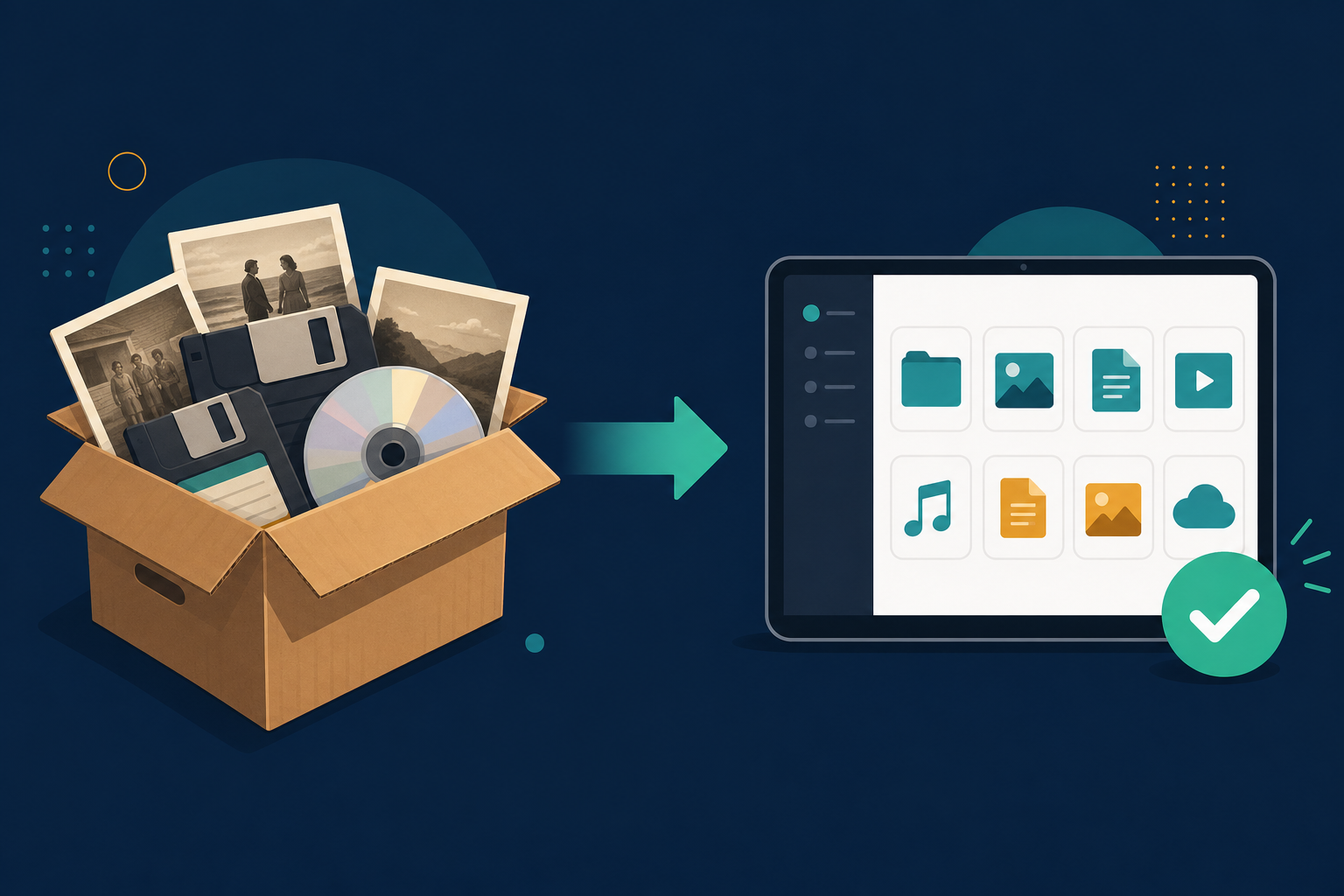
TL;DR
Old family PCs are full of letters, recipes, and photos in formats nothing opens anymore. Convert them in bulk to PDF, DOCX, and JPG — locally, so private family history never gets uploaded.
When you inherit a relative’s computer or a box of old disks, you also inherit decades of memories in formats from a different era: WordPerfect letters, Works documents, ClarisWorks schoolwork, and photos in formats Windows shrugs at.
The challenge with inherited files
- Files span many obsolete document, spreadsheet, and image formats.
- The programs that made them are long gone.
- These are deeply personal files you do not want to upload anywhere.
A gentle, private workflow
Gather everything in one folder
Copy the files off the old drive into a single archive folder on your PC.
Convert in bulk
Point Legacy File Converter at the folder; it handles mixed documents, spreadsheets, and images in one pass.
Keep PDF + originals
Save PDFs for easy viewing and keep the originals alongside, so nothing is ever lost.
Tip
Convert photos to JPG and documents to PDF — both open on phones, tablets, and any computer, so the whole family can share the memories.
Summary
Family history should not be locked inside dead software. Convert it once, privately, and those memories are ready to share for generations.
Related reading
Ready to open your old files?
Start free, then unlock unlimited conversions with a one-time $79.95 Standard license. Download the Windows installer — full features for up to 10 files.
Free trial
Full app features · up to 10 files
Windows 10 or 11
Same free trial as always — download the Windows installer and convert locally on your PC.
Direct Windows installer · offline MSI
Is this safe? — publisher, installer, and SmartScreen help
Requires Windows 10 or 11. No subscriptions. 100% Windows Native.