
History Lesson: What Is a .pub File? Publisher Word Will Not Open
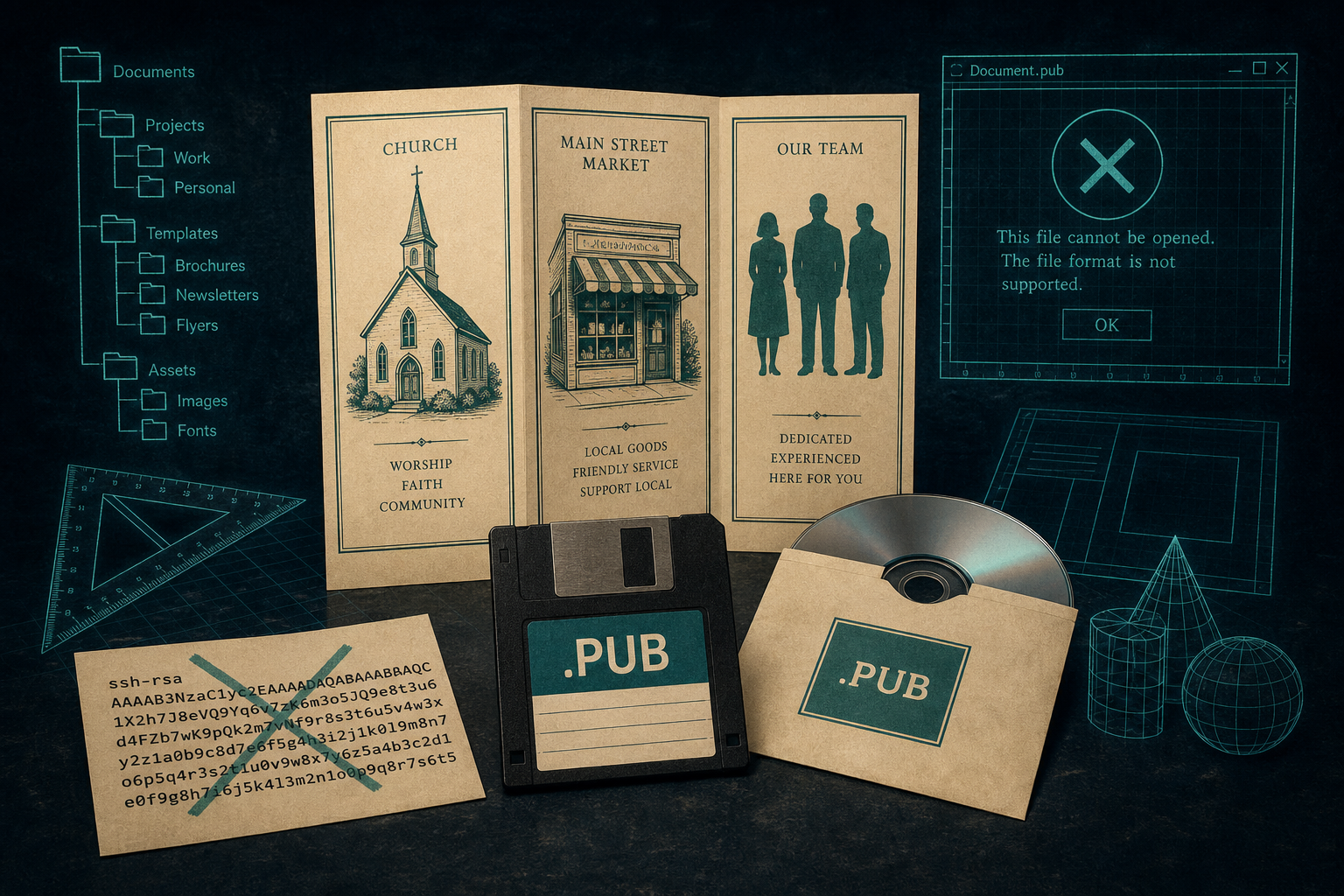
A legacy Microsoft Publisher layout. Not an SSH key, not a Word file, and Word will not open it.
TL;DR
A legacy .pub is usually a Microsoft Publisher page layout from September 1991 on — not an SSH (Secure Shell) public key, and not a Word file. Word will not open it. On Microsoft 365, Publisher leaves the subscription after 1 October 2026; you will no longer open or edit .pub files in Publisher.
What is a .pub file?
A legacy .pub on a shared drive is usually a Microsoft Publisher publication: a bulletin, newsletter, certificate, folded program, or small-business flyer. Publisher 1.0 shipped in September 1991. Microsoft's own anniversary piece (15 October 2001) says it was "Released in September 1991." Microsoft Learn's 1991 timeline pins the Solution Series day: on 16 September 1991, Microsoft released Works for Windows, Money, and Publisher for personal and small-business users new to PCs, running under Windows 3.0.
The Baltimore Sun (23 September 1991) listed Works for Windows at $199.95, Money at $69.95, and Publisher at $199.95, expected in stores by 7 October 1991. The suite aimed at home, small-business, and home-office novices. Publisher was positioned as a rival to Spinnaker PFS: First Publisher. It sat under professional desktop publishing — Aldus PageMaker from 1985, later QuarkXPress and Adobe InDesign. Publisher was the small-business / everyday layout tool, not the professional desk.
Microsoft's 15 October 2001 anniversary notes that Publisher was designed for small-business users without desktop-publishing training; Publisher 1.0 won a PC Computing Most Valuable Product award; and Publisher introduced wizards — step-by-step setup guides that later became common across Microsoft software. Adam Eversole, from the original Publisher team and lead SDE in 2001, said: "The approach we took with the original version of Publisher was to give users a powerful set of tools, while making it easy for them to use those tools."
Is this an SSH key, or a Publisher file?
FileInfo lists two .pub types. One is a Microsoft Publisher document. The other is a public-key cryptography key — for example ssh-keygen's id_rsa.pub in ~/.ssh, also used by PuTTY. An SSH (Secure Shell) public key is readable text starting with ssh-rsa or ssh-ed25519. A Publisher file is binary. If you can open the file in Notepad and read a key line, it is not a church bulletin.
Some catalogs also hedge .pub as an Aldus PageMaker publication. PageMaker's Macintosh type code was PUBF; later PageMaker files used .pmd, .pm6, and .p65. The two formats are unrelated. A legacy Windows Office bulletin is Publisher — not the main story of this article.
Why won't Word open a .pub file?
Word will not open Publisher. Microsoft's retirement article tells users to export to PDF, then open the PDF in Word; the Word copy is optimized for editing, and layout may vary — especially with many graphics. Official guidance: https://support.microsoft.com/en-us/publisher/microsoft-publisher-will-no-longer-be-supported-after-october-2026
LibreOffice Draw's import filter label is **"Microsoft Publisher 98–2010 (*.pub)" (LibreOffice Getting Started Guide 24.8**). That is a filter label, not a promise that every legacy file on disk will look right — and it is not a how-to for this History Lesson.
Inside the bytes: a file system inside a file
Publisher 1.0 used a flat binary with magic header E7 AC 2C 00 (Just Solve / fileformats.archiveteam.org). From Publisher 2.0 (12 July 1993) onward, publications sit in Microsoft Compound File Binary Format (CFB), also called Object Linking and Embedding (OLE) structured storage — a miniature file system of storages and streams inside one file. The same wrapper appears in old .doc and .xls. The CFB header signature is D0 CF 11 E0 A1 B1 1A E1 (Library of Congress FDD000380; Microsoft [MS-CFB]).
Inside the container, the Contents stream still carries a version tag: E8 AC 22 00 for v2 through Publisher 2000; E8 AC 2C 00 for Publisher 2002–2019 (Just Solve). Beginning with Publisher 2003 (version 11), the OLE DocumentSummaryInformation stream holds a version number (Just Solve). The wrapper is documented. Microsoft never published a full specification for the layout payload inside.
Third-party importers look for streams named Contents, Escher / EscherStm (Office drawing layer), and Quill / QuillSub / CONTENTS (text store). Pack and Go uses .puz — a Cabinet archive of the publication plus linked files for a print shop or another PC (Just Solve). A lone .puz is not the same as a .pub.
PageWizards and the small-business Office box
Publisher spread because it rode the Office box. Publisher 97 (21 October 1996) was first included in Office Small Business Edition. Publisher 2000 (7 June 1999) shipped in Small Business, Professional, Premium, and Developer. Publisher 2002 (31 May 2001) jumped its version number to 10.0 to tally with Office versions; version 13 was skipped. Publisher 2003 arrived 21 October 2003 (version 11). Publisher kept classic toolbars after Office 2007 adopted the ribbon; ribbons arrived in Publisher with Office 2010.
Publisher stayed Windows-only. Microsoft never shipped a Mac edition. FileInfo notes the software is only available for Windows. Western Kentucky University IT's knowledge base says there is no macOS-compatible Publisher — open on Windows or export to PDF.
Why these files are still on disks
Church bulletins, school newsletters, certificates, folded programs, and small-business flyers sat on shared drives because Publisher came in the Office box and nothing else in the suite opens .pub. In February 2024, Microsoft announced Publisher end of life in October 2026. Microsoft 365 subscribers continue until 1 October 2026; after that they cannot open or edit .pub files in Publisher, and the app leaves the subscription. Perpetual Publisher (Office 2021 / Office LTSC 2021) support ends 13 October 2026. Microsoft's recommended action is to convert existing files to PDF or Word before 1 October 2026. The files themselves are not deleted. Perpetual installs can still run after support ends (Microsoft FAQ on that page). After October 2026, the Microsoft 365 door closes.
For conversion steps, see Microsoft Publisher Ends in October 2026 — Convert Your .pub Files Now. Legacy File Converter converts older Publisher files locally on Windows — nothing uploaded.
Related reading
Ready to open your old files?
Start free, then unlock unlimited conversions with a one-time $79.95 Standard license. Download the Windows installer — full features for up to 10 files.
Free trial
Full app features · up to 10 files
Windows 10 or 11
Same free trial as always — download the Windows installer and convert locally on your PC.
Direct Windows installer · offline MSI
Is this safe? — publisher, installer, and SmartScreen help
Requires Windows 10 or 11. No subscriptions. 100% Windows Native.