
Microsoft Publisher Ends in October 2026 — Convert Your .pub Files Now
Publisher is leaving Microsoft 365. Church bulletins, school newsletters, and small-business flyers still live in .pub — convert them while you can.
TL;DR
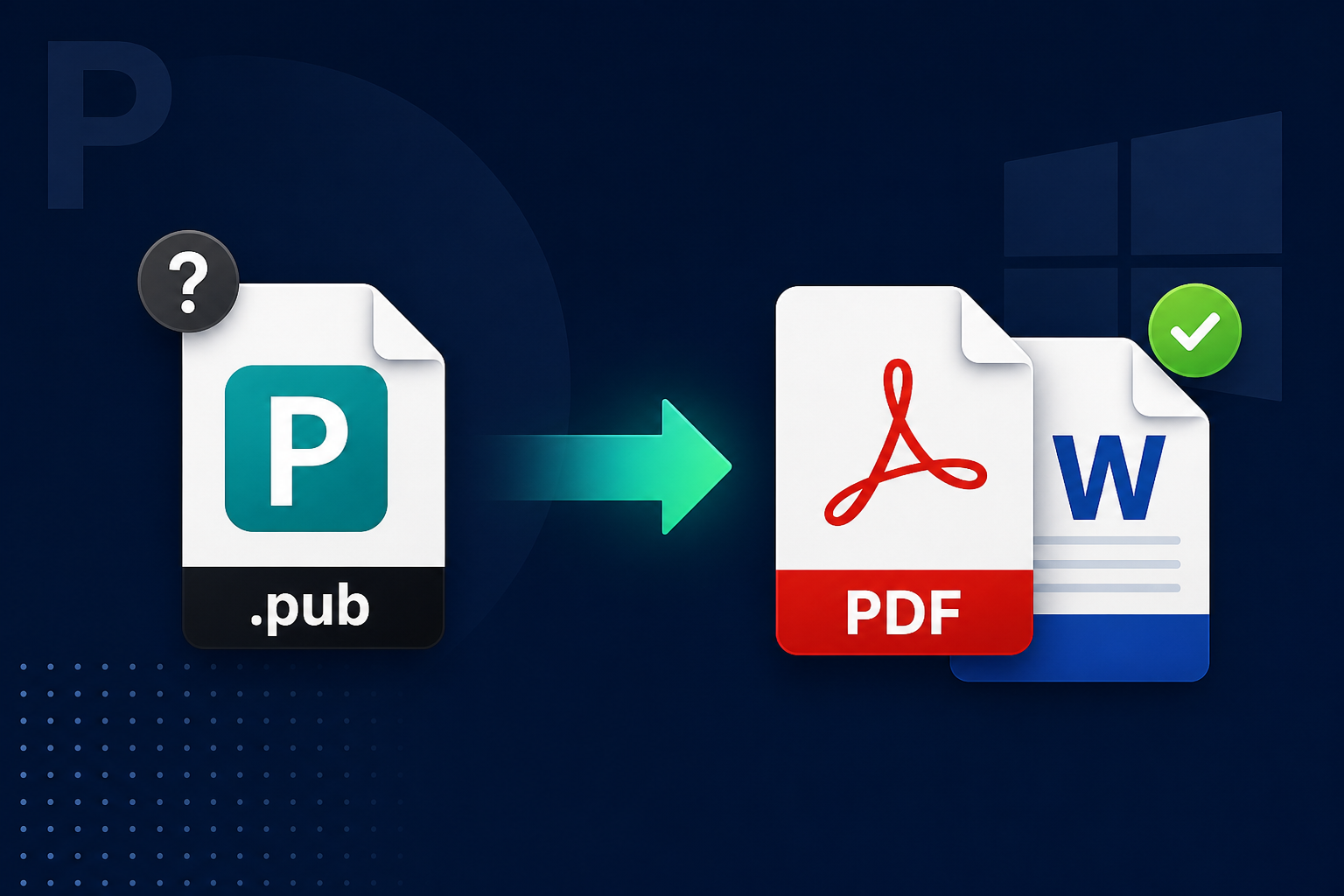
Microsoft Publisher is removed from Microsoft 365 after October 1, 2026. Convert .pub files to PDF (or Word) while you still can. Legacy File Converter converts older Publisher files locally on Windows — no upload, no Publisher required.
For years, .pub was the quiet workhorse behind church bulletins, school newsletters, small-business flyers, and certificates. Those files only open cleanly in Publisher. In October 2026, that door starts closing.
What Microsoft is ending
Microsoft has announced that Publisher reaches end of life in October 2026. The details differ by how you licensed it:
- Microsoft 365 subscribers: Publisher is removed after October 1, 2026. You will no longer be able to open or edit .pub files in Publisher.
- Perpetual Publisher (Office 2021 / LTSC 2021): support ends October 13, 2026. The app may still run, but it will not get security updates.
Microsoft's recommended action is clear: convert existing files to PDF or Word before October 1, 2026. Official article: https://support.microsoft.com/en-us/publisher/microsoft-publisher-will-no-longer-be-supported-after-october-2026
Why this matters for real archives
Publisher was rarely the "office suite" app. It was the layout tool for people who needed a folded bulletin, a raffle flyer, or a certificate that looked finished on paper. Those files often sit in shared church drives, school servers, and small-business folders — with no other copy.
- A .pub file is not a Word document. Double-clicking it in Word does nothing useful.
- After October 1, 2026, Microsoft 365 users lose the app that could open those files.
- Perpetual installs keep running for a while, but unsupported software is a poor long-term plan for archives.
What will and will not open .pub today
Word does not open Publisher files. Free options are limited. LibreOffice Draw can import Microsoft Publisher 98–2010 via the "Publisher Document" filter (libmspub). It does not list Publisher 2013, 2016, 2019, 2021, or Microsoft 365 .pub files.
- Complex layouts, master pages, and missing fonts often break even on files LibreOffice accepts.
- There is no PUB export from LibreOffice — you can try to open older files, not recreate Publisher.
- Newer Publisher formats are a harder problem; do not assume every .pub on disk will import cleanly.
Prioritize the archive you can still read
The urgent job is the 98–2010 pile plus anything you can still open in Publisher today. Save those to PDF first. Treat 2013+ / Microsoft 365 .pub files as harder — convert them from Publisher itself while you still have the app.
Why PDF first
Microsoft says convert to PDF or Word. For a flyer or bulletin, PDF is the preservation format that keeps the page looking like a page. DOCX is better when you need to edit text — Microsoft notes that Word output is optimized for editing, and layout can shift, especially with lots of graphics.
- PDF — frozen layout for sharing, printing, and long-term storage.
- Word — when you need to revise wording, accepting that the design may not match the original flyer.
- Keep the original .pub beside the PDF until you are sure you no longer need it.
Convert older Publisher files with Legacy File Converter
Legacy File Converter runs on Windows 10/11 as a desktop app. Conversion is 100% local — no cloud upload. For older Publisher files (the 98–2010 range LibreOffice also targets), you can batch-convert to PDF and other modern formats the product already offers, without installing Publisher. It does not claim perfect support for every 2013+ / Microsoft 365 .pub.
Add files or a whole folder
Drop individual .pub files or point at a church, school, or office folder. Batch conversion covers the whole pile in one pass.
Choose PDF first
Pick PDF to preserve the flyer layout. Use other modern outputs when you need an editable working copy.
Convert offline
Everything stays on your PC. One-time license after a free trial (up to 10 files) — no subscription.
Skip random online converters
Do not upload church directories, school newsletters, or business flyers to a free "pub to pdf" website. Those files often include names, photos, and contact details. Keep conversion local — same rule as for any private archive.
Summary
Publisher is ending. Microsoft 365 loses it after October 1, 2026; perpetual support ends October 13, 2026. Convert .pub files to PDF while you still can. Start with older 98–2010 archives and anything Publisher can still open; treat newer formats honestly as harder. Legacy File Converter handles older Publisher files offline on Windows so the bulletins and flyers stay readable without the original app.
Related reading
Ready to open your old files?
Start free, then unlock unlimited conversions with a one-time $79.95 Standard license. Download the Windows installer — full features for up to 10 files.
Free trial
Full app features · up to 10 files
Windows 10 or 11
Same free trial as always — download the Windows installer and convert locally on your PC.
Direct Windows installer · offline MSI
Is this safe? — publisher, installer, and SmartScreen help
Requires Windows 10 or 11. No subscriptions. 100% Windows Native.