
Opening and Converting .xps Files on Windows
Microsoft XPS documents are common in old archives — but Windows no longer makes them easy to view.
TL;DR
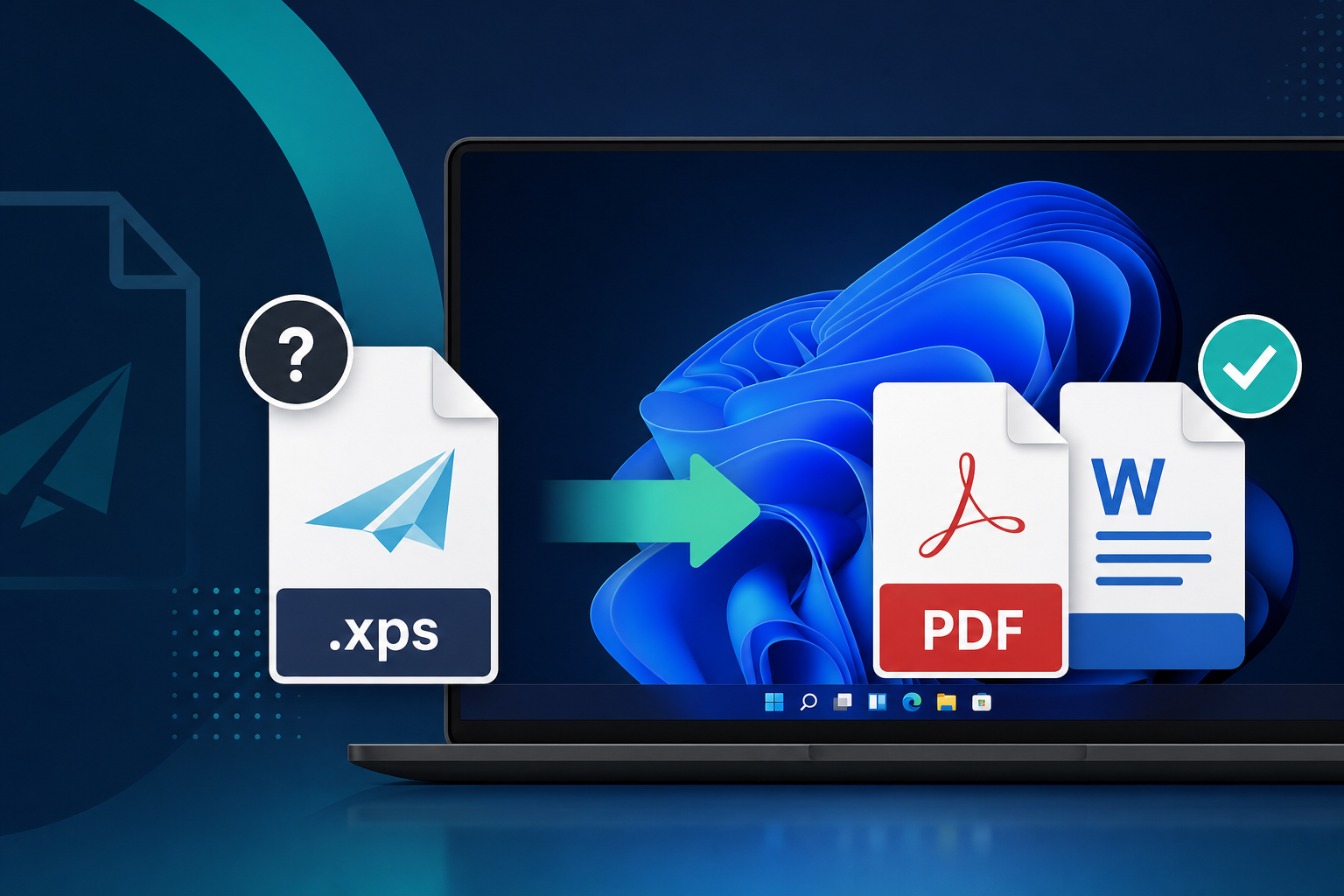
XPS (XML Paper Specification) is a fixed-layout document format Microsoft bundled with Windows for years. Modern PCs often cannot open .xps or .oxps files at all. Legacy File Converter converts them to PDF or DOCX locally — no upload, no XPS Viewer required.
You double-click an .xps file — maybe a baptism certificate, a scanned letter, or an old report — and Windows shrugs. No preview, no Word, no obvious app. The file is not corrupt. It is just stuck in a format Microsoft quietly walked away from.
What is an XPS file?
XPS is Microsoft's answer to PDF: a read-only, print-perfect document packaged as a ZIP archive of XML, fonts, and images. Many files were created with Microsoft XPS Document Writer — a virtual printer that saved "printed" output as .xps instead of sending it to paper.
- .xps — the classic Microsoft XPS extension.
- .oxps — the standardized OpenXPS variant (same idea, newer container).
- Typical contents: one or more fixed pages, embedded JPEG or JPEG XR images, optional fonts.
- Common in personal archives: certificates, medical forms, tax printouts, and "Save as XPS" exports from older apps.
Why Windows struggles to open XPS today
Windows used to ship an XPS Viewer, but Microsoft has deprecated and removed it from many Windows 10 and 11 installs. Edge can sometimes open simple XPS files, but support is inconsistent — especially for older packages with embedded .wdp (JPEG XR) images.
- The standalone XPS Viewer is gone or disabled on many PCs.
- Microsoft Word does not import XPS documents.
- Double-clicking often does nothing useful, or opens a blank window.
- Reinstalling old viewer components is unreliable on current Windows builds.
Quick check
Rename a copy to .zip and open it — if you see FixedDocument XML and a Documents folder, you have a genuine XPS package, not a mislabeled PDF or Word file.
Convert XPS to something you can use
The practical fix is conversion. Legacy File Converter recognizes .xps and .oxps and routes them through Windows desktop document APIs — entirely on your machine.
Add your XPS files
Drop one file, a folder of archives, or an import list — batch conversion works the same as for WordPerfect or old Excel files.
Choose PDF or DOCX
Pick PDF for a frozen, shareable copy, or Smart / DOCX to open and edit the content in Word.
Convert offline
Certificates, medical records, and family documents never leave your PC.
- PDF — direct XPS → PDF conversion.
- DOCX, RTF, HTML, TXT, ODT — XPS → PDF → modern document format.
- Works with real-world archives, including scanned-certificate style XPS files.
Skip the upload
Free online "XPS to PDF" sites ask you to upload private documents. For family records and legal archives, keep conversion local.
Summary
XPS files are not broken — they are just orphaned by modern Windows. Convert .xps or .oxps to PDF or DOCX and those baptism records, old printouts, and archived reports become readable again in any app you already have.
Convert your files
Related reading
Ready to open your old files?
Start free, then unlock unlimited conversions with a one-time $79.95 Standard license. Download the Windows installer — full features for up to 10 files.
Free trial
Full app features · up to 10 files
Windows 10 or 11
Same free trial as always — download the Windows installer and convert locally on your PC.
Direct Windows installer · offline MSI
Is this safe? — publisher, installer, and SmartScreen help
Requires Windows 10 or 11. No subscriptions. 100% Windows Native.