
Excel Can't Open Your Lotus 1-2-3 Files Anymore
Microsoft removed Lotus 1-2-3 import years ago. Here is how to rescue those .wk* and .123 sheets.
TL;DR
Excel stopped importing Lotus 1-2-3 files (.wk1/.wk3/.wk4/.wks/.123) starting with Excel 2010. Legacy File Converter reads those old worksheets and saves them as XLSX or CSV locally, so the numbers come straight into a modern spreadsheet.
Lotus 1-2-3 was the spreadsheet that built the PC business world in the 1980s and early 90s. If you have inherited accounting records, budgets, or research data from that era, they are probably sitting in .wk1, .wk3, .wk4, or .123 files — and modern Excel will not open them.
Why Excel gives up on these files
Microsoft removed the built-in Lotus 1-2-3 file converters beginning with Excel 2010. Newer versions do not include the import filter at all, so double-clicking a .wk4 file produces an "unrecognized format" error or a screen full of garbled characters.
- Excel 2010 and later cannot open .wk1, .wk3, .wk4, .wks, or .123 files.
- The old "lmbcs" and translation add-ins were discontinued.
- Renaming the file to .xls does not work — the underlying binary is different.
Convert the worksheet, keep the data
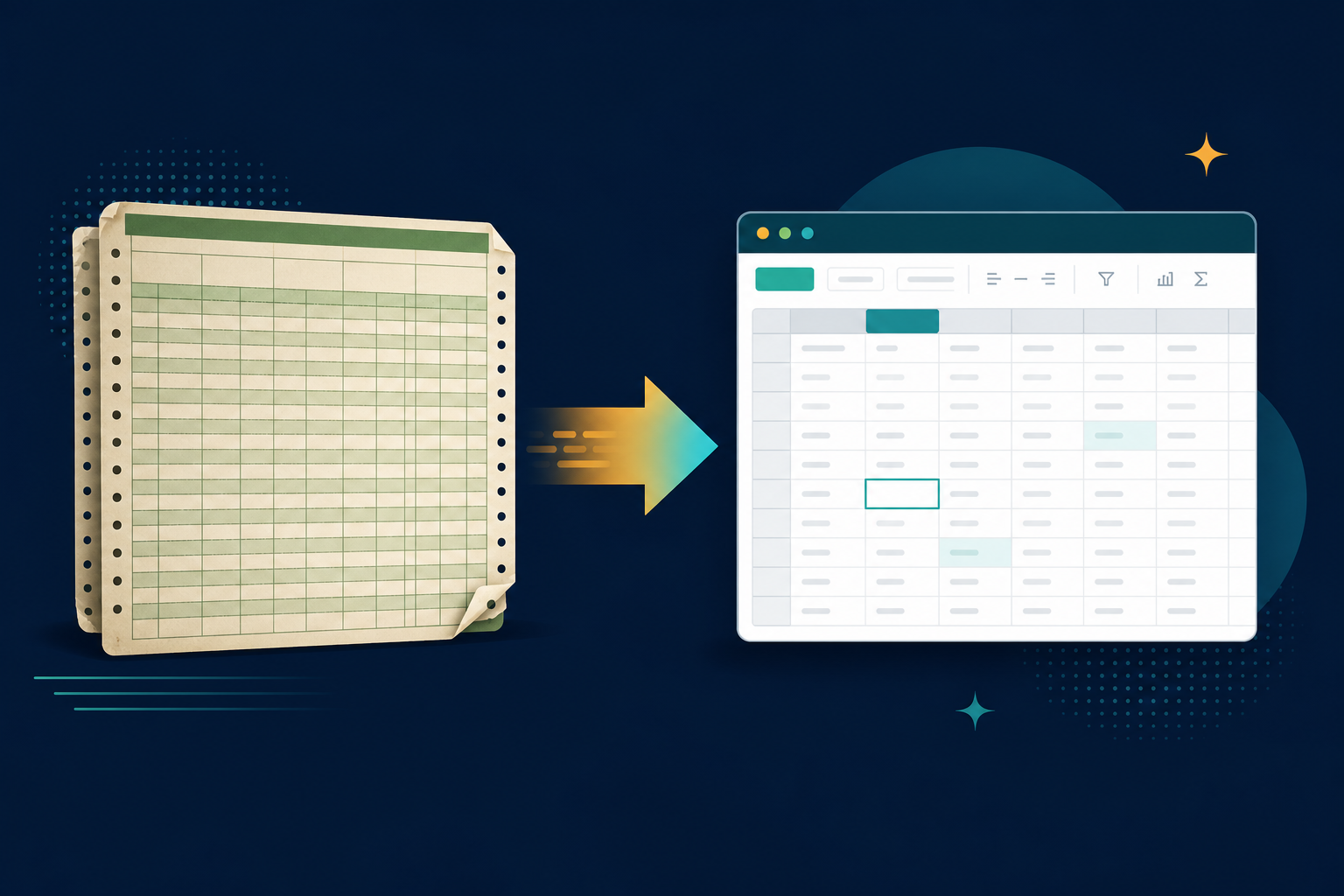
Legacy File Converter reads the original Lotus binary directly and rebuilds it as a modern spreadsheet. Choose XLSX to keep cells, columns, and basic formatting for use in Excel or Google Sheets, or CSV if you only need the raw values for import into another system.
Select your Lotus files
Add individual .wk* / .123 files or point the app at an entire archive folder of them.
Choose XLSX or CSV
The app detects the spreadsheet family and suggests XLSX. Pick CSV for a clean data-only export.
Convert in bulk
Thousands of worksheets convert in one pass, on your PC, with the folder structure preserved.
Tip
If you only need the figures for analysis or for feeding into another tool, CSV is the most portable, future-proof option.
Summary
Lotus 1-2-3 data is not lost — it is just locked in a format Excel abandoned. Convert it to XLSX or CSV once and your decades-old spreadsheets become living documents again.
Related reading
Ready to open your old files?
Start free, then unlock unlimited conversions with a one-time $79.95 Standard license. Download the Windows installer — full features for up to 10 files.
Free trial
Full app features · up to 10 files
Windows 10 or 11
Same free trial as always — download the Windows installer and convert locally on your PC.
Direct Windows installer · offline MSI
Is this safe? — publisher, installer, and SmartScreen help
Requires Windows 10 or 11. No subscriptions. 100% Windows Native.