
Opening dBASE (.dbf) Database Files as Spreadsheets
The .dbf format outlived dBASE itself — and it is still everywhere.
TL;DR
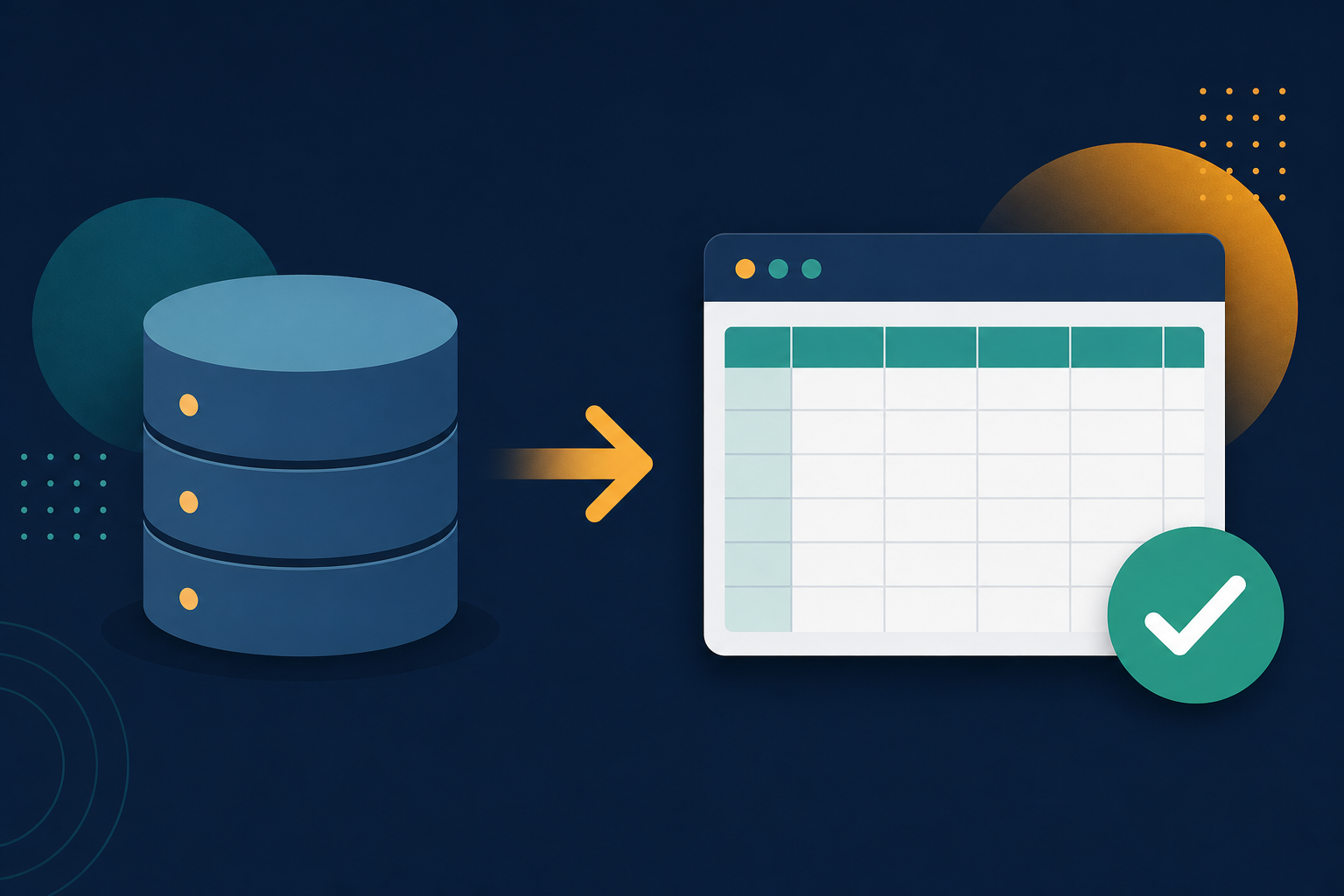
.dbf files hold database tables from dBASE, FoxPro, and countless old business systems. Newer Excel dropped clean DBF import. Legacy File Converter converts DBF to XLSX or CSV on your PC.
The dBASE file format (.dbf) became a de-facto standard for storing tabular data and is still produced by GIS tools, point-of-sale systems, and legacy business apps. The trouble is reading those tables today — Excel removed reliable DBF support in recent versions.
Why .dbf is awkward now
- Modern Excel no longer opens .dbf files cleanly (or at all).
- dBASE and FoxPro themselves are long discontinued.
- Different .dbf variants (III, IV, FoxPro) trip up old converters.
Turn tables into a usable spreadsheet
Add your .dbf files
Drop in single files or a folder of database tables.
Choose XLSX or CSV
XLSX for an editable workbook; CSV for clean, portable data.
Convert offline
Business and customer data never leaves your machine.
Summary
The data in a .dbf file is perfectly good — it just needs a modern container. Convert DBF to XLSX or CSV and put it back to work.
Related reading
Ready to open your old files?
Start free, then unlock unlimited conversions with a one-time $79.95 Standard license. Download the Windows installer — full features for up to 10 files.
Free trial
Full app features · up to 10 files
Windows 10 or 11
Same free trial as always — download the Windows installer and convert locally on your PC.
Direct Windows installer · offline MSI
Is this safe? — publisher, installer, and SmartScreen help
Requires Windows 10 or 11. No subscriptions. 100% Windows Native.