
History Lesson: What Is a .STR File? DataPerfect, the Database From the WordPerfect Company
Before Windows, the company behind WordPerfect sold a DOS database that people built without writing code. Its .STR blueprint files, and the record files beside them, still turn up on old drives.
TL;DR
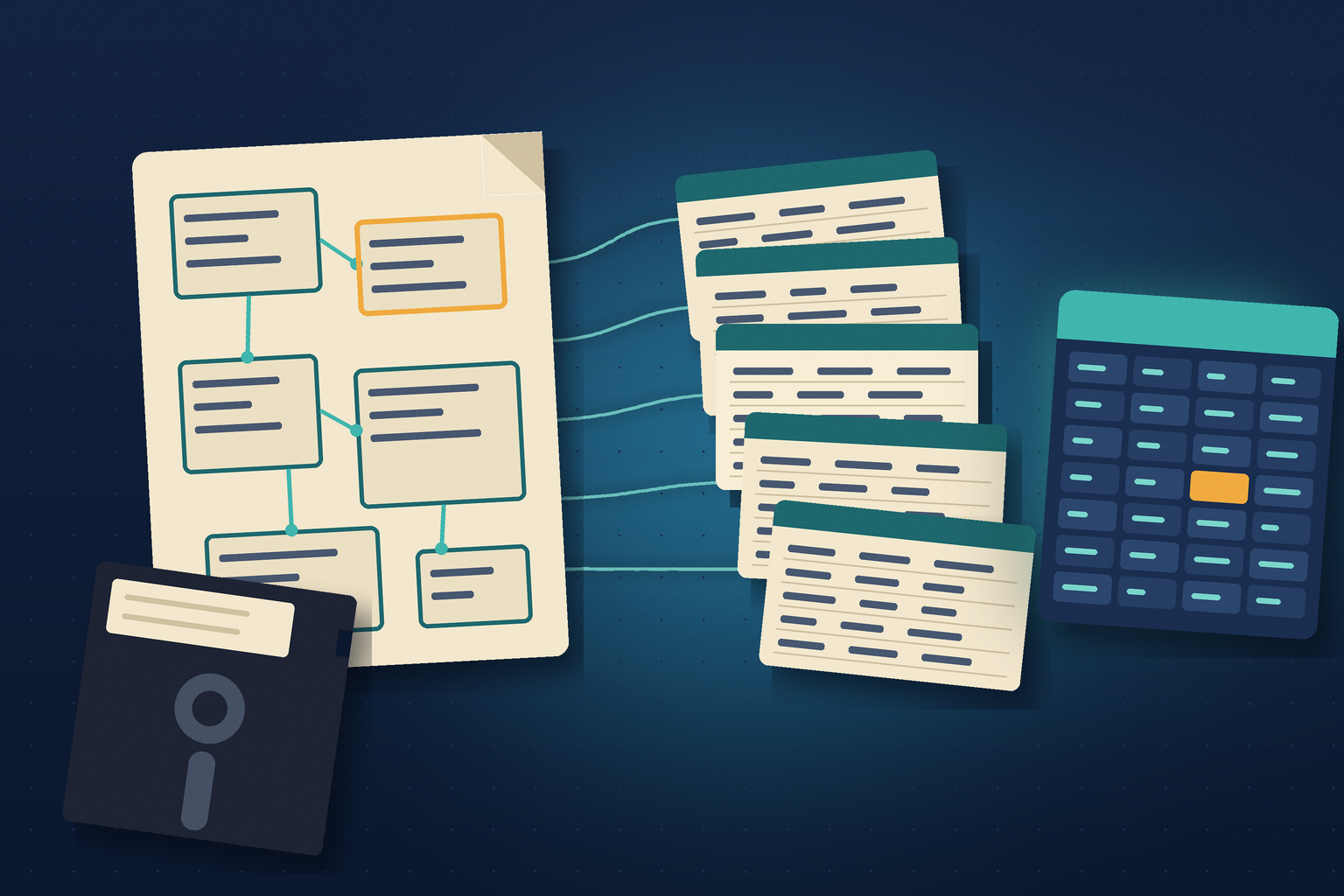
A .STR file from DataPerfect is the structure file of a DOS database: it describes the database’s tables, which DataPerfect called panels, their fields, display formats, links, and reports, and it names the data files that hold the records. DataPerfect was written by Lew Bastian, who joined Satellite Software International, the company behind WordPerfect, in 1983. It shipped as **SSI*Data in 1985 and was renamed DataPerfect by 1987. Novell made it copyrighted freeware in December 1995, Bastian kept updating it until version 2.6Y in 2008**, and its databases still turn up in archives and old office backups. Their records can be read today without running DOS.
What is a DataPerfect .STR file?
DataPerfect does not keep a database in one file. Each database is a small family of files that share one name, up to eight characters long as DOS required. The .STR file is the blueprint. In a 2001 post to the DataPerfect mailing list, Lew Bastian described it as the file that “holds the structural information about the users database”: the list of panels, each panel’s fields and their places on screen, the display formats, the passwords, and the reports. The records themselves live elsewhere.
The sample applications that shipped with DataPerfect show the pattern. A sample database called BUDGET sits on disk as BUDGET.STR; BUDGET.D01 through BUDGET.D09, one numbered data file per panel; BUDGET.IND, for the indexes, the sorted lists that let a database find a record without reading every one; and BUDGET.TXX, which Bastian said holds “the data stored in all user text fields,” the longer notes typed into a record. Without its .STR file, a folder of .D01 files is just rows of bytes with no field names.
Is my .STR file a DataPerfect database?
.STR is a short, generic extension, and other programs have used it for unrelated files. Two clues settle it. First, look at the neighbours: a DataPerfect .STR file almost always sits next to files with the same name ending in .TXX, .IND, .D01, .D02, and so on. Second, Bastian wrote that the first 32 bytes of the file hold “standard WP header data”: the same header WordPerfect Corporation put on its own files, which begins with the byte FF and the letters WPC.
A ten-second check
Open the .STR file in Notepad and close it without saving. If the first characters are ÿWPC followed by gibberish, and the folder holds matching .D01 and .TXX files, it is a DataPerfect database.
1983: a billing program becomes a database
Satellite Software International, or SSI, was the Utah company that Alan Ashton and Bruce Bastian had formed to sell the word processor that became WordPerfect. When Lew Bastian joined in 1983, he brought a legal time-and-billing package that SSI sold for him for a while. In a short history first posted on CompuServe and updated in 1996, he recalled that the company soon decided what it really needed was a general-purpose database. He pulled the database engine out of the billing program and built a framework around it.
The first version, called DataPath, did not win over his colleagues, so he threw its interface away and built **SSI*Data, released in 1985. Simple reports, more general links between panels, and network support followed, and with them a new name: DataPerfect 2.0, by 1987**. Bastian remembered that 2.0 was held back three months because it had been built to exchange data in the WordPerfect 4.2 format just as the company introduced the new WordPerfect 5.0 format. He also admitted he was not sure of every date.
Why DataPerfect spread
DataPerfect asked for very little. Wikipedia’s WordPerfect article notes that it could run in as little as 300 KB of free DOS memory, and the Free DOS Software list described it as a database that “does not require the use of a programming language.” Instead of writing code, the person designing a database drew panels, screen forms with fields, and linked them, so a client panel could show that client’s invoices from another panel. Each field had a picture, a short format code that tells DataPerfect how to show a stored number, date, or time: with thousands separators, a currency sign, or day-month-year order.
It also worked on office networks. Bastian wrote that about 25 users could share data with version 2.0, that 2.1 made 50 users practical, and that 2.2 in 1990 brought network support for hundreds of users. Menus arrived around 1991. A small office could build a shared database for its clients, cases, or members without hiring a programmer, and many of those databases kept running long after the PCs around them were replaced.
How the bytes work: 32-byte blocks and 3-byte pointers
Bastian’s 2001 post is the best map of a .STR file. The file is organized in blocks of 32 bytes. Block 0 holds the WordPerfect-style header, blocks 1 and 2 keep track of free space, and most links between parts of the file are pointers, three-byte numbers that say which block to jump to. A list of pointers near the start leads to the panel list; to constants such as the sort order, the upper-case table, month abbreviations, and default colours, dates, and times; to three passwords, for the definer, the supervisor, and the user; and to the list of reports.
Each panel definition records its number, its record length (every record in a panel takes the same number of bytes in its data file), the name of that data file, its colours and position on screen, and the list of fields with their positions and pictures. A database can have up to 99 panels. Numbers, dates, and times are stored as numbers and only become readable through their pictures. Text is stored in a DOS character set: a Java library that the Dutch archive DANS wrote to read these files assumes code page 437, the original IBM PC character set, unless told otherwise, so accented names need careful decoding.
Novell, freeware, and a second life
WordPerfect Corporation was sold to Novell in 1994, and DataPerfect went with it. In December 1995 Novell released DataPerfect as copyrighted freeware and allowed Bastian to keep updating it. Users kept it alive with a mailing list, a download library, and a cooperative whose first board meeting began in October 1996. Documentation from the Botanic Garden and Botanical Museum Berlin gives the last release as 2.6Y, from June 2008.
The program still runs. vDos, a Windows program that emulates a DOS PC for old business software, includes a DataPerfect TestDrive demo as the example it starts with.
Why .STR files are still on disks in 2026
From 2007 to 2010, DANS (Data Archiving and Networked Services, part of the Royal Netherlands Academy of Arts and Sciences) ran a project called MIXED to move old spreadsheets and databases into XML for long-term keeping. Its 2011 paper called DataPerfect a binary format “used on a large scale about twenty years ago,” and DANS wrote its own library to read it. The Berlin botanists documented how they exported a research database by running DataPerfect 2.6Y in an emulator.
Outside archives, the files sit in zipped backups of DOS machines, on retired office servers, and in folders copied from one PC to the next because nobody was sure what they were. They are legacy files in the plainest sense: the records still matter, but the program that made them belongs to another era.
Getting the records out
Keep the whole family together in one folder; a .STR file without its .D01 and .TXX files has the field names but no records, and a data file without its .STR file has records but no field names. Legacy File Converter reads DataPerfect databases on your own Windows PC: point it at the .STR file and it reads the panel data files beside it, then writes XLSX (one sheet per panel), CSV (one file per panel), or SQLite (one table per panel). Nothing is uploaded, and no DOS emulator is needed. For step-by-step instructions, see Convert DataPerfect Databases and WordPerfect Notebook Files; for the company’s word processor, see History Lesson: WordPerfect and the .wpd File; and for another DOS-era database, see History Lesson: What Is a .dbf File?.
Related reading
Ready to open your old files?
Start free, then unlock unlimited conversions with a one-time $79.95 Standard license. Download the Windows installer — full features for up to 10 files.
Free trial
Full app features · up to 10 files
Windows 10 or 11
Free trial — convert up to 10 files. Download the Windows installer and convert locally on your PC.
Direct Windows installer · offline MSI
Is this safe? — publisher, installer, and SmartScreen help
Requires Windows 10 or 11. No subscriptions.