
History Lesson: What Is a .csv File? Why Excel Changes Your Data When It Opens One
Comma-separated values — the plain-text table that grew out of 1970s FORTRAN and early spreadsheets, went undocumented until RFC 4180 in 2005, and still loses leading zeros and gene names whenever a spreadsheet guesses what the text means.
TL;DR
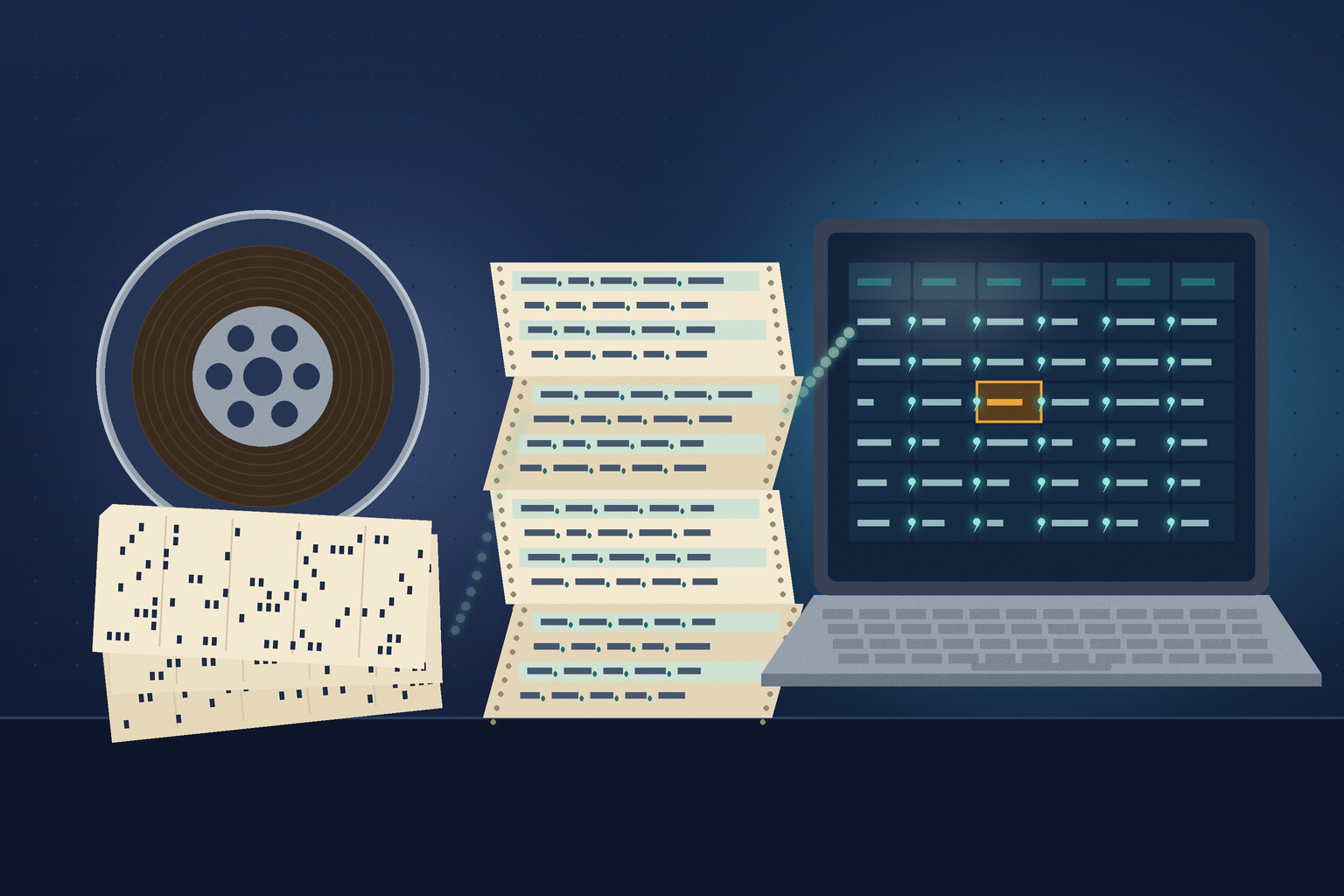
A .csv file is comma-separated values: a table written as plain text, one record per line, with commas between the fields and double quotes around any field that contains a comma, a quote, or a line break. The idea is older than the PC — IBM’s FORTRAN compilers read comma-separated input from terminals and punched cards in 1972 — and by 1983 spreadsheet software was saving files with a .CSV extension. Nobody wrote the rules down formally until RFC 4180 in October 2005, which also registered the MIME type text/csv. Because a CSV carries no column types, no formulas, and no encoding label, every program that opens one has to guess — and Excel’s guesses are why leading zeros vanish, gene names turn into dates, and the whole file sometimes lands in a single column.
What is a .csv file?
Open a CSV in Notepad and there is nothing hidden: rows of text, each line one record, each comma a column break. A field that needs a comma inside it is wrapped in double quotes, and a double quote inside such a field is written twice. That is the whole format. There is no header block, no list of column types, no formulas, and no formatting — only the values, exactly as some program wrote them out. That simplicity is why almost every database, spreadsheet, accounting package, bank, and programming language can read and write CSV, and why it is the format most data exports and imports still fall back on.
Why does Excel mess up my CSV?
Because a CSV cannot say what its values are, Excel decides for itself. Microsoft’s own documentation lists the default automatic conversions Excel applies when text is entered, pasted, or loaded: it removes leading zeros and converts the rest to a number (00123 becomes 123, which is how ZIP codes and employee IDs lose their first digit); it keeps only the first 15 digits of long numbers and may show them in scientific notation (a card or account number’s last digits become zeros); it treats digits around the letter E as an exponent (123E5 becomes 1.23E+07); and it converts date-like text such as JAN1 into a date. If you then save the sheet back as CSV, the converted values are what gets written.
The second surprise is the delimiter. When Excel saves or opens a CSV it uses the list separator from Windows’ regional settings. In much of continental Europe the comma is the decimal separator (3,14), so the list separator is a semicolon, and Microsoft’s instructions confirm the link: setting the decimal separator to a comma “forces Excel to use a semi-colon for the list separator.” A file saved in Berlin may therefore be full of semicolons, and a comma-separated file from a US system may open there with every row crammed into column A. Text encoding adds a third trap: Microsoft notes that a UTF-8 CSV opens normally only if it was saved with a byte order mark (BOM) — a few invisible bytes at the start that announce the encoding; without one, accented letters can turn into gibberish unless you import the file and pick UTF-8.
Open a CSV without the guessing
Instead of double-clicking, use Data > Get Data > From Text/CSV in Excel, check the delimiter and the file origin (encoding), and set columns such as ZIP codes, account numbers, or gene symbols to Text before loading. Current versions of Excel also let you switch off individual conversions under File > Options > Data > Automatic Data Conversion.
1972: commas instead of card columns
Before CSV had a name, it had a reason. Data for 1960s mainframe programs was typically typed into fixed columns on 80-column punched cards, and a FORTRAN program needed a FORMAT statement that said exactly which columns held which number; a value punched one column off was read wrong. IBM’s FORTRAN IV program products for the OS and VM/370 operating systems, described in a general-information manual dated July 1972, offered an alternative called list-directed input/output. The manual explains that “Input entries are separated by blanks or commas, with successive commas indicating values to be omitted,” and that the programmer’s concern “with data layout and specific card-column positions is eliminated.” IBM listed it among its extensions to the standard language at the time.
List-directed input became part of the standard language with FORTRAN 77, approved in 1978. It accepted commas or blanks as separators, so a text value without quotes could not contain either — the same problem CSV quoting would later have to solve. None of this was a file format yet. It was a way of letting people type numbers in a row, separated by commas, and have the computer sort out where each one began.
1983: a spreadsheet gives the files an extension
Microcomputer spreadsheets turned the habit into files. The 1983 reference guide for the Osborne Executive, a portable business computer that came bundled with Sorcim’s SuperCalc, describes a conversion utility that supplies “.CSV for Comma-Separated-Value files” and spells out the layout: rows of data, each ended by a carriage return and a line feed, values separated by commas, strings in double quotation marks — which may contain commas — and a Control-Z marking the end of the file. The guide adds that such data could also be generated on a mainframe and downloaded to the desk.
The same guide states the trade-off that still defines the format. Formulas are not sent to a CSV file; “Only the values that show on the screen at the time of the conversion are sent.” Convert a sheet to CSV and back, and the formulas are gone. CSV was never meant to replace a spreadsheet. It was the lowest common denominator that let a spreadsheet, a database, a BASIC program, and a mainframe agree on rows and columns.
How the bytes work
A CSV is just characters. Each record is one line, ended in the classic form by a carriage return and line feed (CRLF, the two control characters DOS and Windows use to end a line), although some programs write a bare line feed instead. Fields are separated by commas. A field may be wrapped in double quotes, and must be if it contains a comma, a double quote, or a line break; a quote inside a quoted field is doubled (""). The first line may be a header of column names, but nothing in the file says whether it is. And nothing says what the values mean: 00123, 1-2, and MARCH1 are just text until a program decides otherwise.
Nor does the file say which character encoding it uses — the mapping from bytes to letters. Older CSVs were often written in a single-byte Windows or DOS code page that matched the computer’s language; newer ones are usually UTF-8, the Unicode encoding the web runs on. A program reading the file has to guess, which is why the BOM matters to Excel and why names with accents, umlauts, or Asian scripts are the first things to break when a CSV moves between systems.
2005: RFC 4180 writes down the rules
By the early 2000s CSV was everywhere and specified nowhere. In October 2005 the IETF (Internet Engineering Task Force) published RFC 4180, “Common Format and MIME Type for Comma-Separated Values (CSV) Files,” written by Yakov Shafranovich. Its introduction is blunt: “Surprisingly, while this format is very common, it has never been formally documented.” The memo describes “the format that seems to be followed by most implementations” — CRLF line breaks, an optional header line, commas, double-quote rules — and registers text/csv with IANA, the body that keeps the list of media types, with optional charset and header parameters. It even notes that “some programs, such as Microsoft Excel, do not use double quotes at all.”
RFC 4180 is an Informational RFC; it says itself that it “does not specify an Internet standard of any kind.” Later work built around it rather than replacing it: in 2014 RFC 7111 defined ways to point a web address at particular rows, columns, or cells of a text/csv file, and a W3C working group called CSV on the Web, which closed in 2016, published recommendations for describing a CSV’s columns — including their types — in a separate metadata file. The CSV itself still carries none.
When guessing goes wrong: genes, dates, and lost rows
The best-documented casualty is biology. In 2004 Barry Zeeberg and colleagues reported in BMC Bioinformatics that Excel’s default conversions were changing gene names: the tumor suppressor DEC1 became “1-DEC,” and RIKEN clone identifiers such as 2310009E13 became the number 2.31E+13 — conversions they called irreversible. In 2016 Mark Ziemann, Yotam Eren, and Assam El-Osta scanned supplementary Excel files from 18 journals published from 2005 to 2015 and found gene name errors in files from 704 papers — 19.6% of the papers with Excel gene lists. In 2020 the HUGO Gene Nomenclature Committee (HGNC), which approves human gene symbols, published guidelines confirming that all symbols that auto-converted to dates had been changed, a process carried out during 2019: SEPT1 is now SEPTIN1, MARCH1 is now MARCHF1.
CSV also sat at the start of a public-health failure. Between 25 September and 2 October 2020, 15,841 positive COVID-19 cases in England were left out of the daily figures. Public Health England said some files had exceeded the maximum file size of the process that loaded results into central systems. The BBC reported that the testing companies had sent their results as CSV files without issue, and that PHE’s automated process pulled them into Excel templates in the old XLS format, which holds only about 65,000 rows; with several rows per test, each template topped out at about 1,400 cases, and the rest were left off.
Microsoft eventually changed the software rather than the defaults. In October 2023 the Excel team announced broadly available Automatic Data Conversion settings for Windows (version 2309 or later) and Mac (16.77 or later), with checkboxes for leading zeros, 15-digit truncation, the letter E, and “continuous letters and numbers” as dates, plus an optional warning when a .csv or .txt file is about to be converted. The conversions are still on unless you turn them off.
Keep the original CSV
Once Excel has converted a column and you save over the file, the changed values are what the CSV contains; the original text cannot be recovered from it. Work on a copy, and keep the untouched export beside anything you edit.
Why .csv files are still on disks in 2026
CSV outlived the systems that produced it because it was the exit door. Banks offer statement downloads as CSV, old accounting and membership programs export their records that way, laboratory instruments and data loggers write it, and decades of database migrations passed through it. Many of those files are now legacy files: exports from software that no longer runs, written in an old code page, with semicolons or commas depending on where the PC was set up, and full of ZIP codes, part numbers, and IDs that a modern spreadsheet will quietly reinterpret on the first double-click.
Legacy File Converter lists Comma-Separated Values (.csv) among the spreadsheets on its Supported File Types page and converts them on your own Windows PC to XLSX, PDF, Markdown, or HTML — nothing is uploaded, which matters when the export holds bank or member records. Afterwards, check columns like ZIP codes, long IDs, and dates against the original file. For other early ways spreadsheets exchanged data, see History Lesson: What Is a .dif File? and History Lesson: What Is a .slk File?; for the binary workbook in the COVID-19 story, see History Lesson: What Is a .xls File?.
Related reading
Ready to open your old files?
Start free, then unlock unlimited conversions with a one-time $79.95 Standard license. Download the Windows installer — full features for up to 10 files.
Free trial
Full app features · up to 10 files
Windows 10 or 11
Free trial — convert up to 10 files. Download the Windows installer and convert locally on your PC.
Direct Windows installer · offline MSI
Is this safe? — publisher, installer, and SmartScreen help
Requires Windows 10 or 11. No subscriptions.