WordStar and Windows Write (.wri) Files Today
The word processors that wrote a generation of novels and letters.
TL;DR
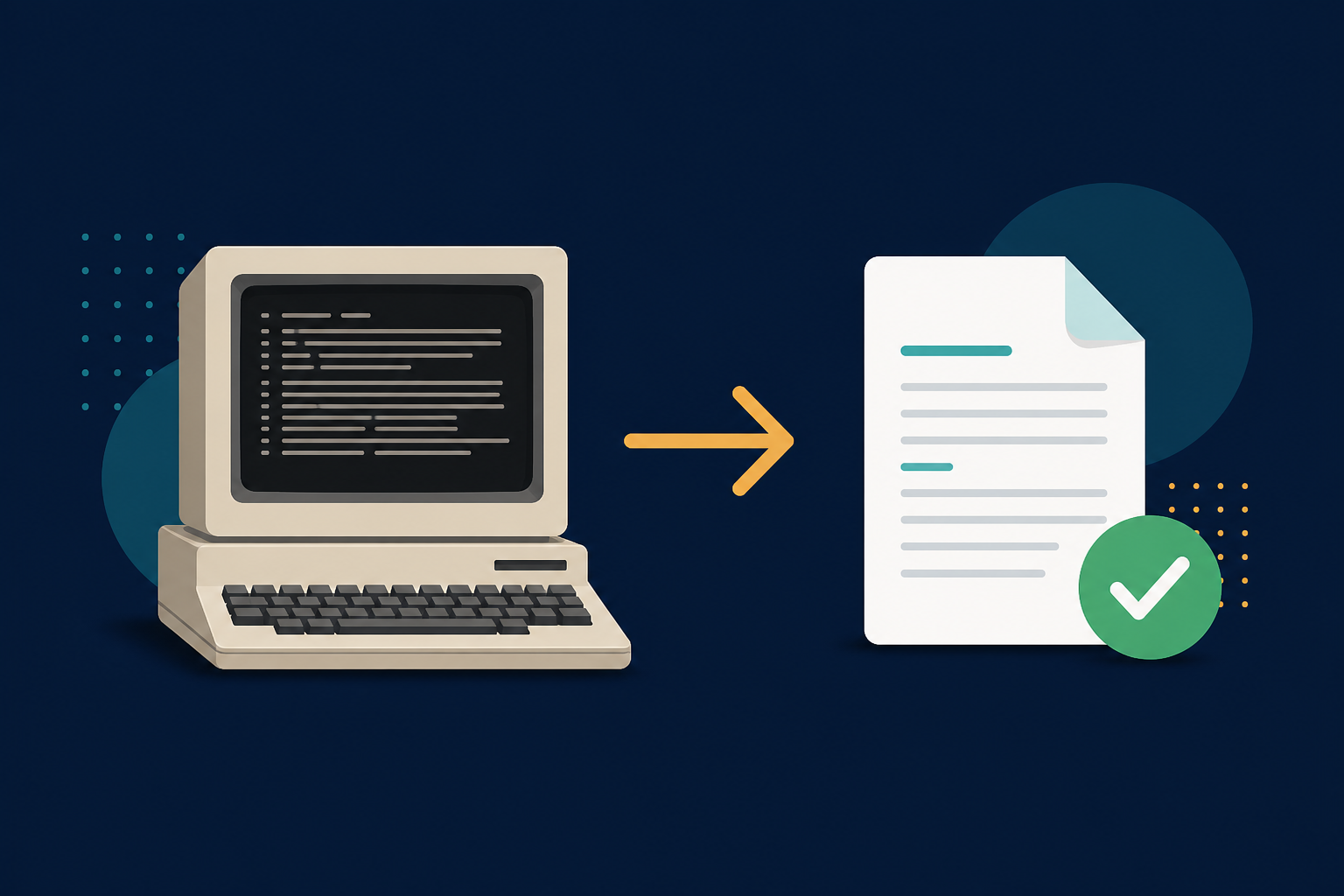
WordStar documents and Windows Write files (.wri) predate today’s formats and rarely open in modern apps. LegacyFileConverter converts them to DOCX, PDF, RTF, or TXT locally.
WordStar was the word processor of the early PC era — famously used by many novelists well into the 2000s. Windows Write (.wri) shipped with early versions of Windows. Both left behind documents that current software simply will not open.
Why these are tricky
- Modern Word dropped its Write (.wri) converter years ago.
- WordStar’s formatting is unlike anything in current apps.
- The original programs do not run on modern Windows.
Bring the words forward
Add the files
Drop in your WordStar or .wri documents.
Choose your format
DOCX to edit, PDF to preserve, or TXT to extract just the text.
Convert offline
Manuscripts and letters never leave your computer.
Summary
Decades-old manuscripts deserve to be readable. Convert WordStar and .wri files to DOCX or PDF and keep the words alive.
Related reading
Ready to open your old files?
Download the free trial and convert your first files today — fully offline, no original software required.
Free trial
Full app features · up to 25 files
Windows 10 or 11
Same free trial whether you use the Microsoft Store or the offline MSI — pick the option that fits your PC or IT policy.
| Microsoft Store InstallerRecommended | Local InstallerDirect download |
|---|---|
Download MSI Same trial as Store |